
 Join our Discord
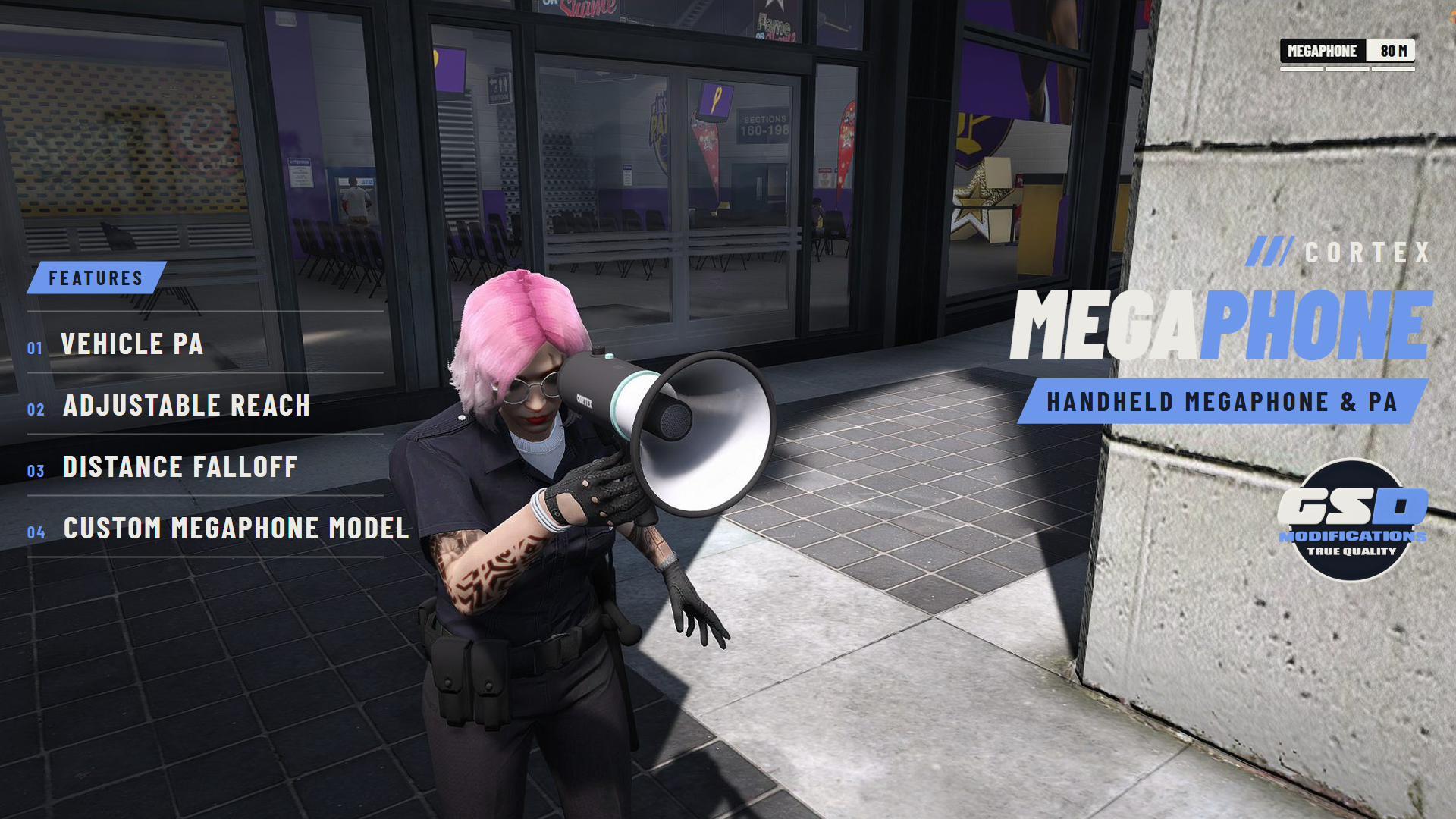
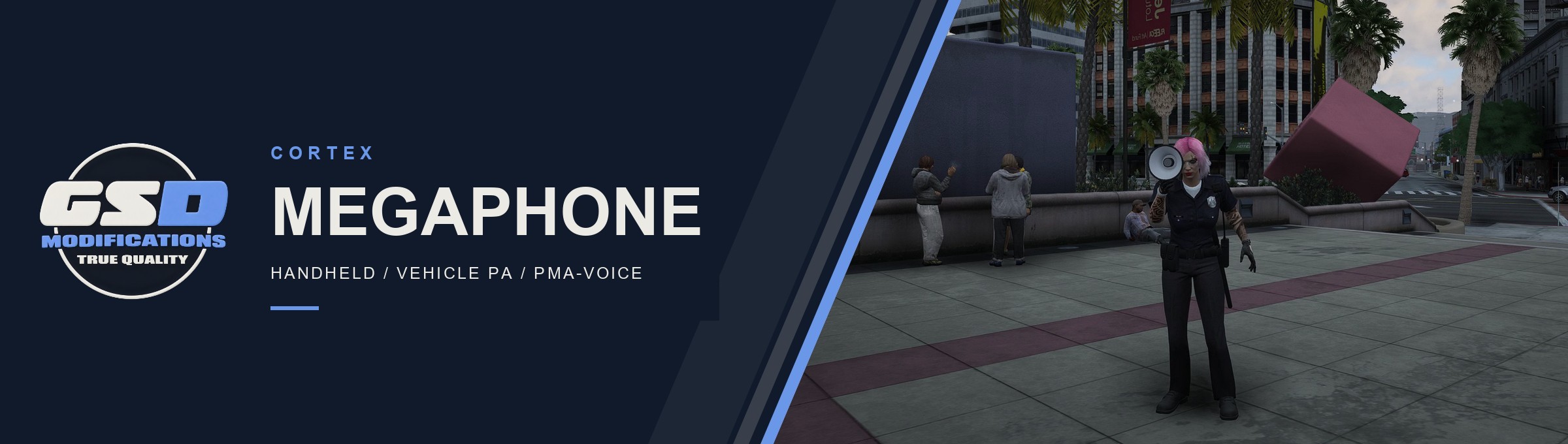
Take the megaphone out, or switch the PA on from the front seat, and your normal push to talk goes through it. No extra talk key. Listeners hear you through a band-pass filter, at full volume close in and fading out at the edge of your reach.
| 80 m HANDHELD | 160 m VEHICLE PA | 3 REACH STEPS | 9 LANGUAGES |
Banner: captured in game.
/// FEATURES
BUILT TO BE HEARD
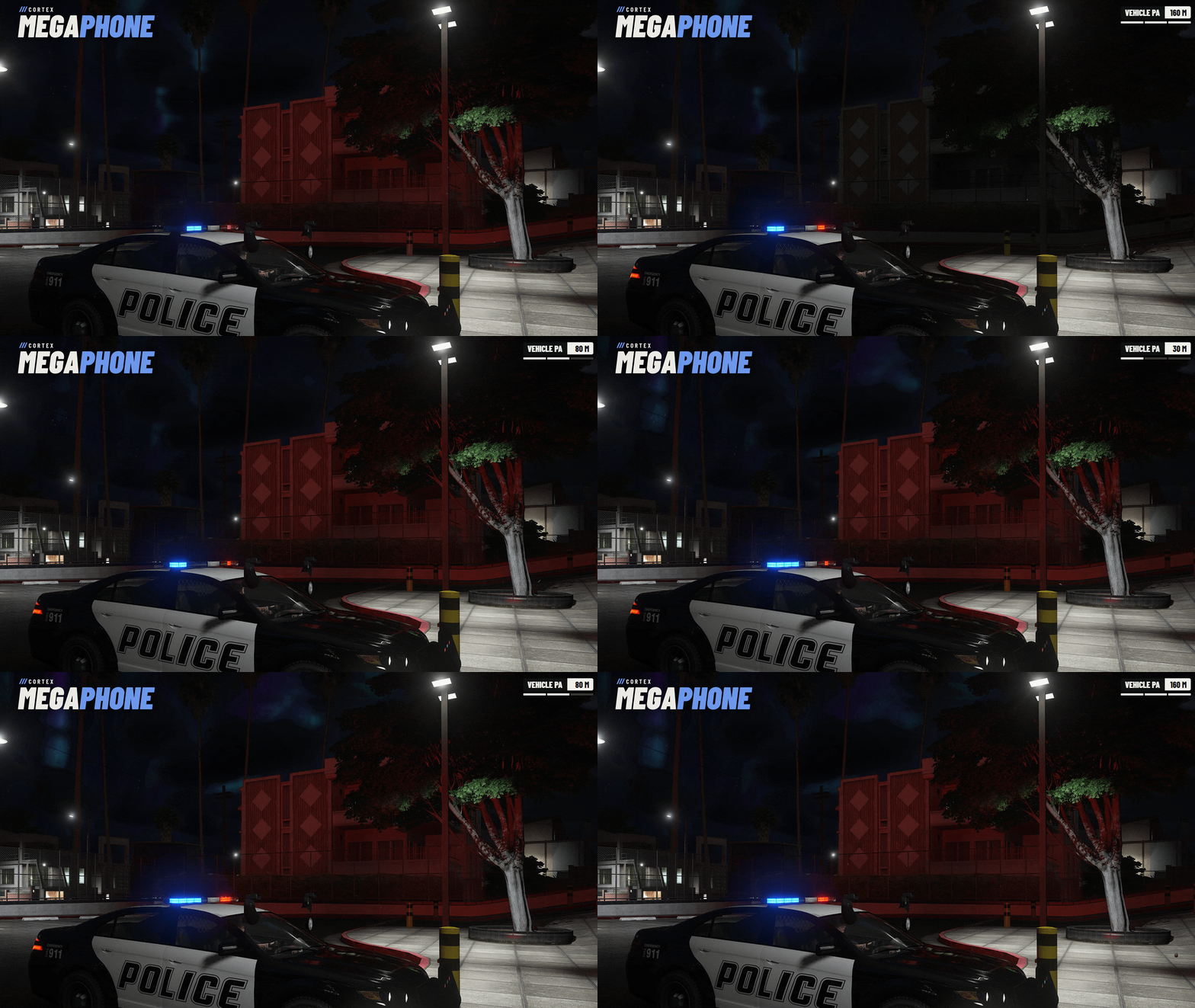
| No talk key While the megaphone is out or the PA is on, your own push to talk or voice activity goes through it. | Vehicle PA From the driver or front passenger seat. On Qbox or qb-core: any emergency vehicle, add-on cars included, for police, sheriff, EMS and fire on duty, or anyone you give the ACE. Standalone: the vehicle models listed in config.lua. The [ key switches it on and off, and it goes off when you leave the seat. | |
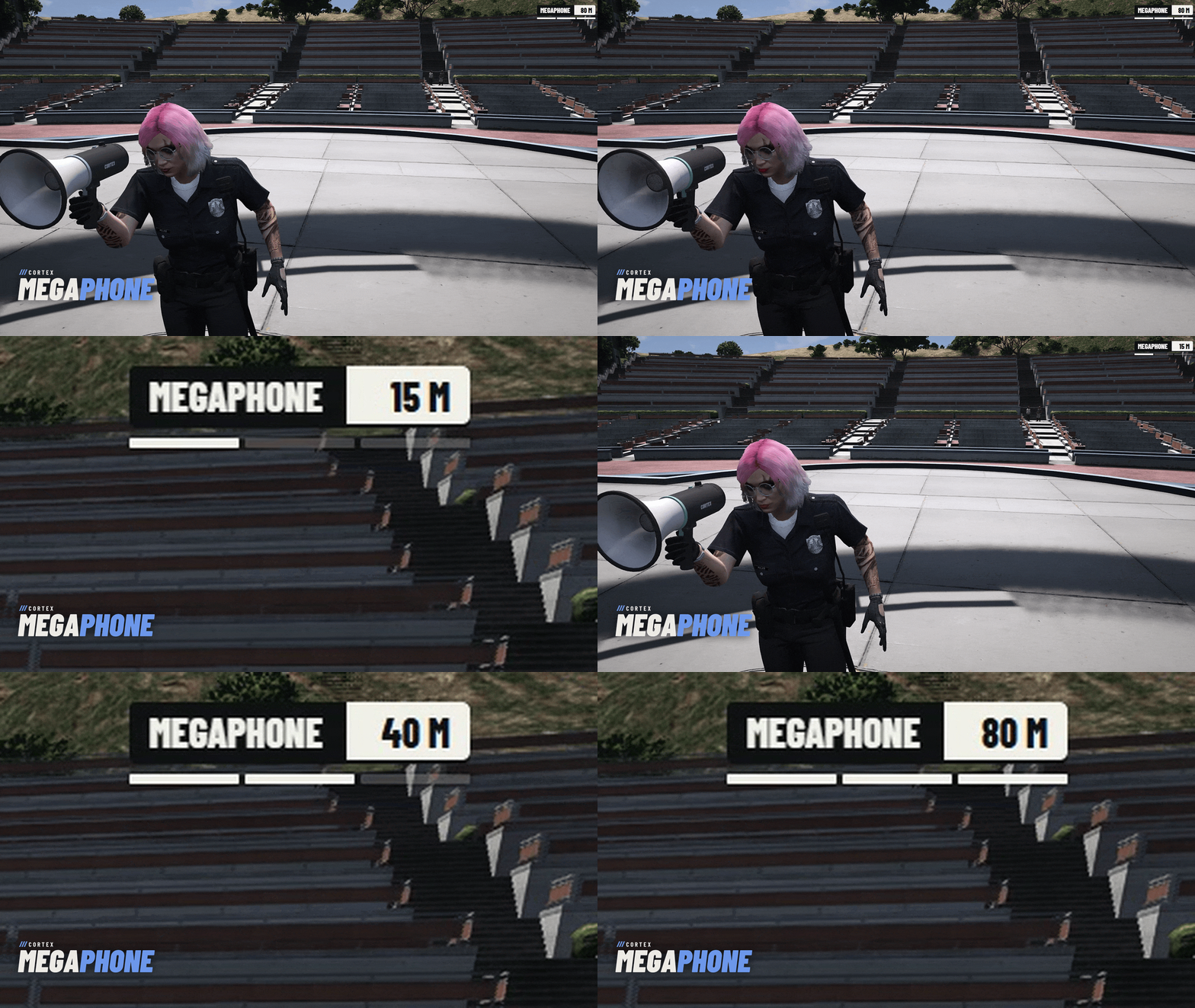
| Reach steps 15 / 40 / 80 m handheld and 30 / 80 / 160 m on the PA, on the mouse wheel or D-pad, remembered per player. Editable up to 200 m. | Sounds like a megaphone A band-pass filter on pma-voice native audio. Volume is set by distance: full through the inner half, fading to a quarter at the edge. | |
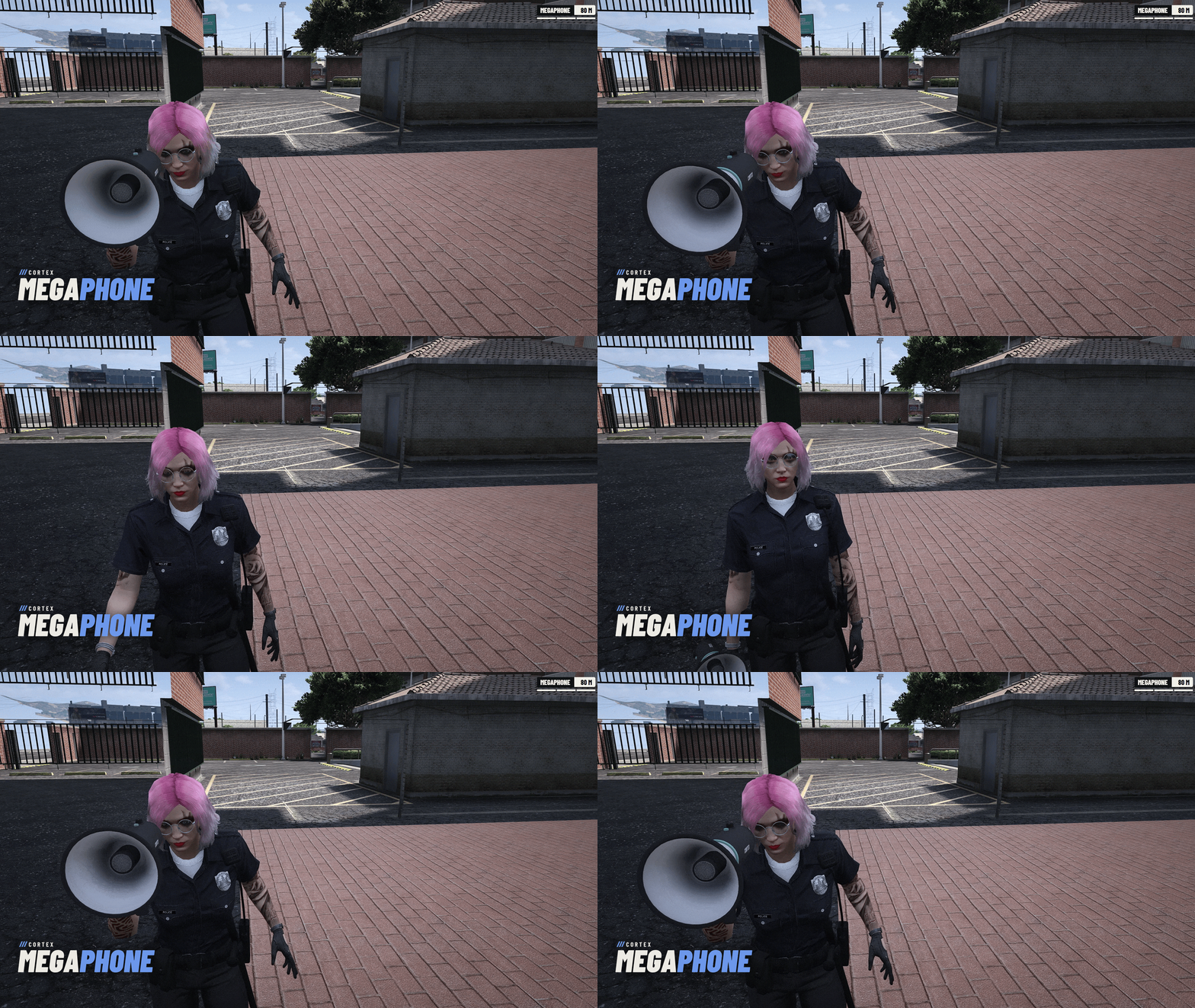
| Plays nicely with voice The radio, phone calls and recordings take over while they last, and the megaphone picks up again after. pma-voice mutes are left alone. | Its own model The Cortex megaphone in your hand and on other players', streamed with the resource, with the game's megaphone as a stand-in. | |
| Recordings Add your own licensed clips and play them to everyone in range with /megaphone announce. Late arrivals join partway through. None ship with the script. | Staff tools megaphone_list, megaphone_stop with an optional mute that survives reconnects, and megaphone_unmute. Audit log to the console and an optional Discord webhook. | |
/// SETUP / COMPATIBILITY
BEFORE YOU INSTALL
| REQUIRES | Cortex Library (free, tested on 3.6.0), OneSync and pma-voice (tested on 7.0.1). The filter needs setr voice_useNativeAudio true, voice_enableSubmix on (its default) and a pma-voice with registerCustomSubmix (upstream v7); without them the extra reach still works, unfiltered. |
| INSTALL | Add ensure cortex-megaphone after cortex-lib and pma-voice. The README has the ox_inventory item entry and icon. |
| FRAMEWORKS | Tested on Qbox. qb-core runs through the same bridge for jobs, duty and item use. Standalone: no item needed, and the PA works for anyone in the vehicle models listed in config.lua. To limit it, make its access rule ACE only ({ ace = '...' } with no jobs). |
| INVENTORY | ox_inventory or the qb-core inventory. The item check can be switched on or off. |
| CONTROLS | /megaphone or the item to take it out, the [ key for the PA, mouse wheel for reach, Backspace to put it away, with controller bindings for each. Every key is rebindable under Settings > Key Bindings > FiveM. |
| LANGUAGES | English, German, Spanish, French, Italian, Dutch, Polish, Brazilian Portuguese and Turkish. |
| CONFIGURATION | config.lua stays open: reach steps, PA vehicles, seats and access, loudness, filter, keys and recordings. A bad value is reported at start by name. |
| DEVELOPERS | Client exports toggle, putAway, isHolding and isTransmitting. Server export useItem for ox_inventory without a framework. |
/// WHAT'S INCLUDED
IN THE BOX
| ■ | The escrowed resource, free, delivered to your Cfx.re account (portal.cfx.re > Granted Assets). |
| ■ | An open config.lua and locale files. |
| ■ | The Cortex megaphone model and an item icon, with a ready-to-paste ox_inventory item entry. |
| ■ | A README with install steps, controls, configuration, staff commands and exports. |
| ■ | Updates through portal.cfx.re, announced on our Discord. |




Free. Licensed for use on servers you own or administer, under the license that ships with the resource. No resale or redistribution.