
 Join our Discord
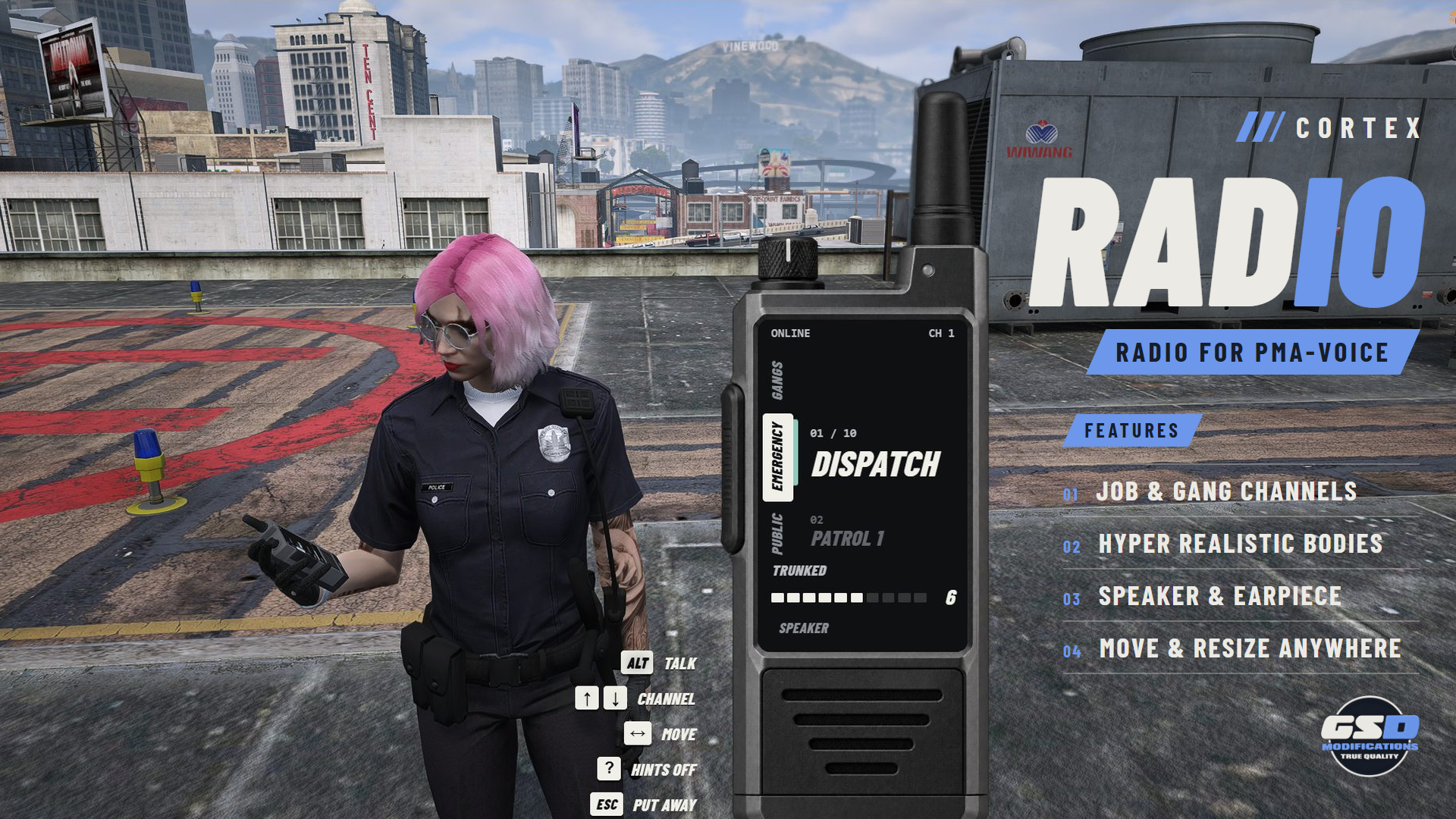
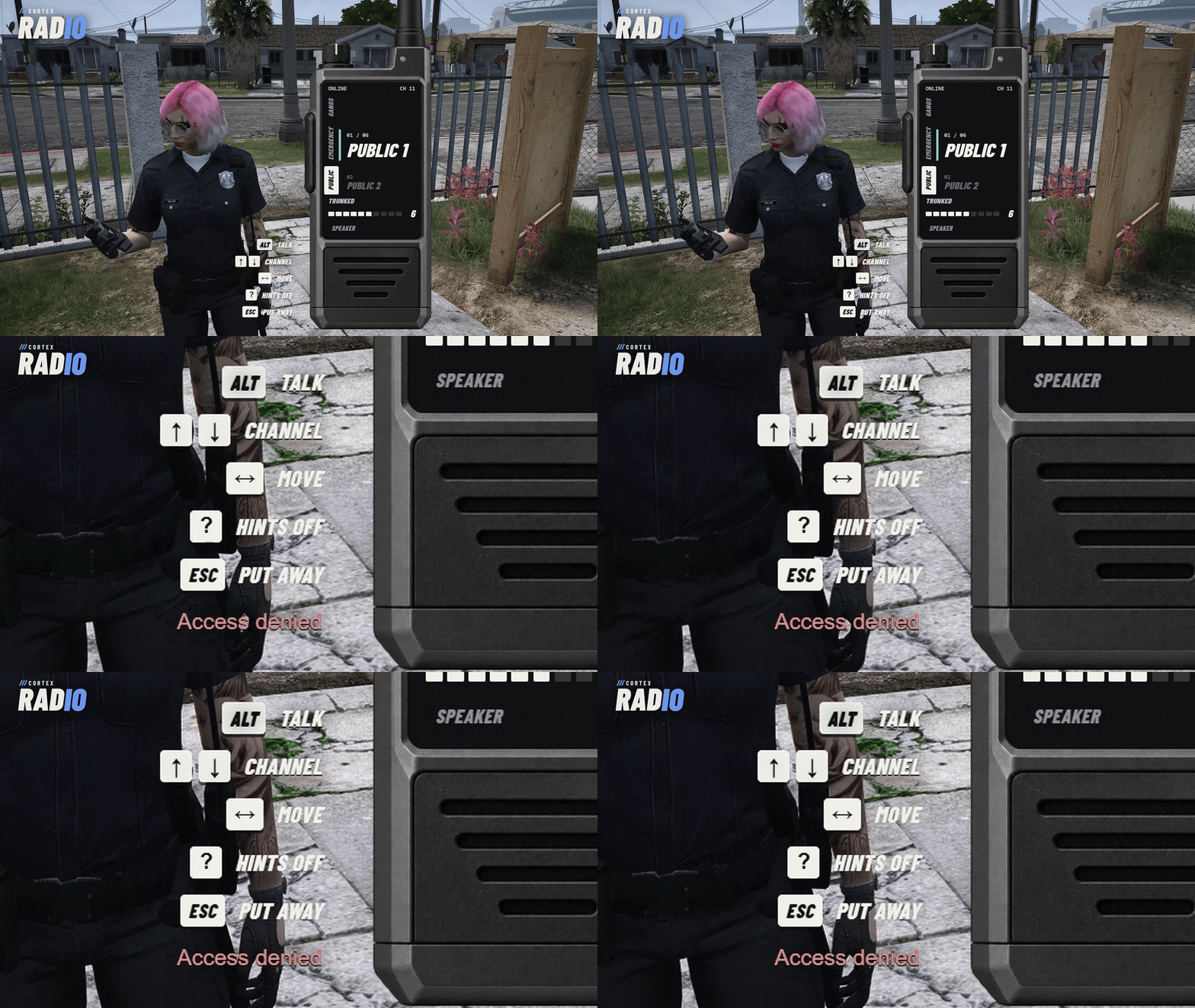
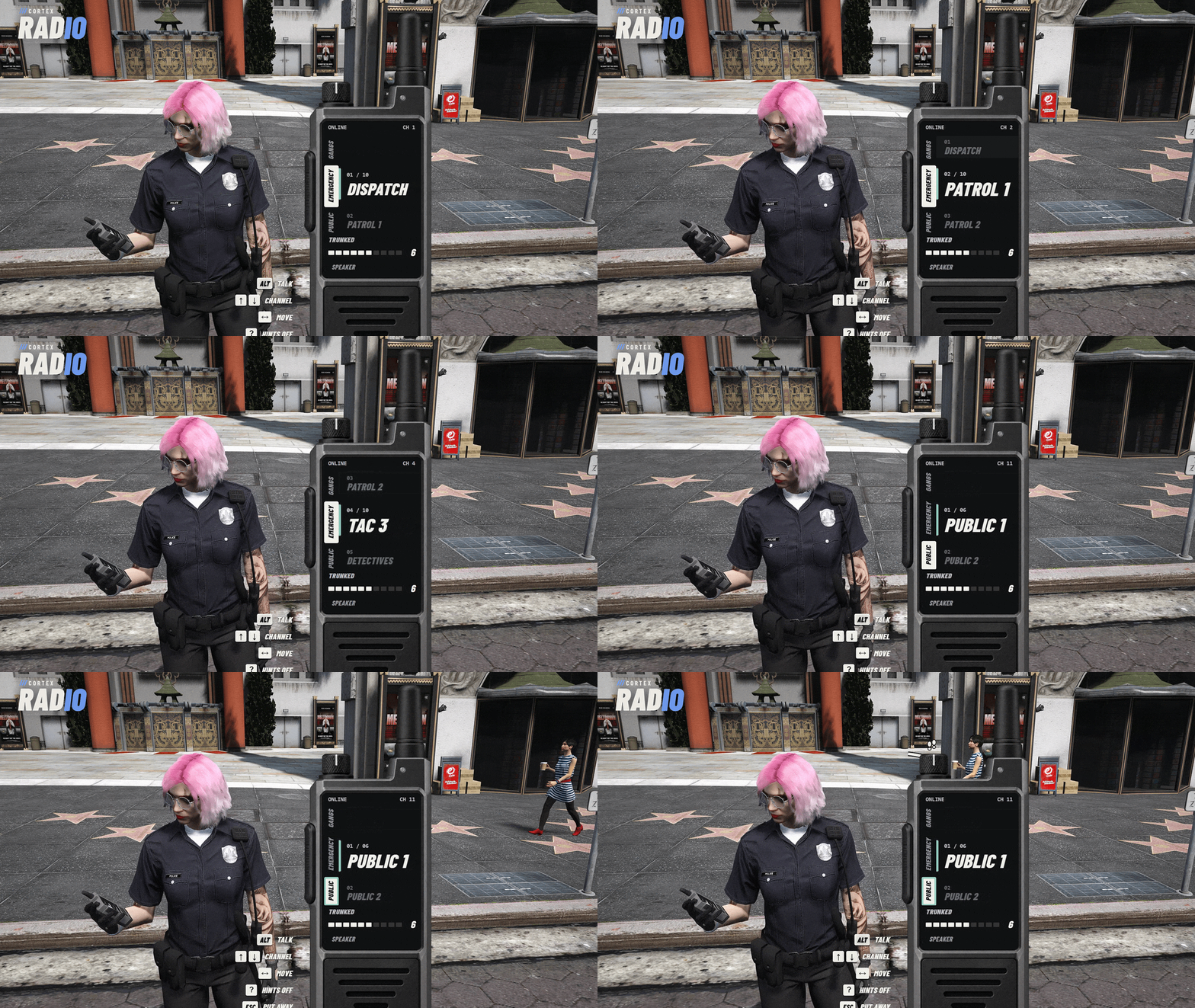
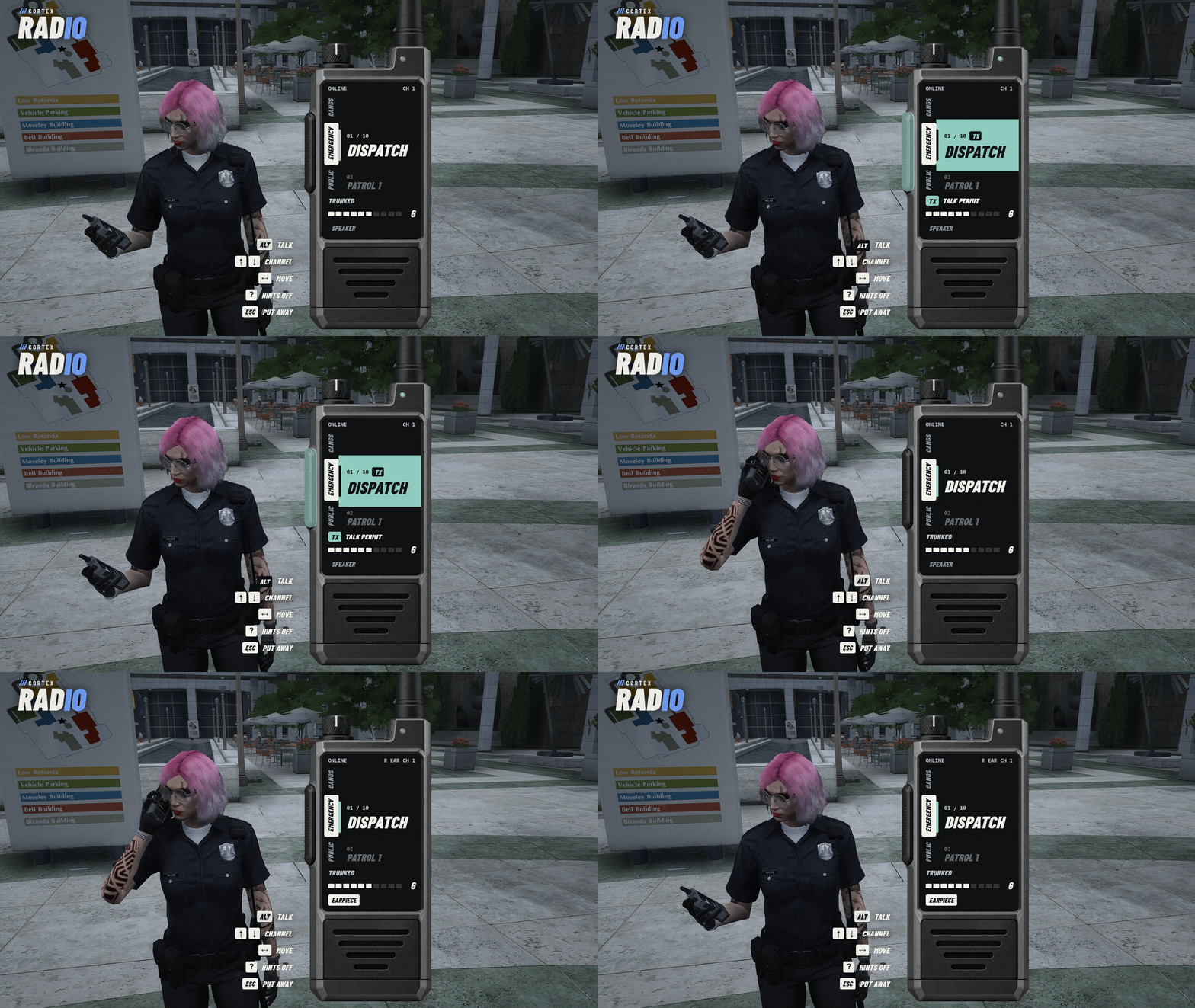
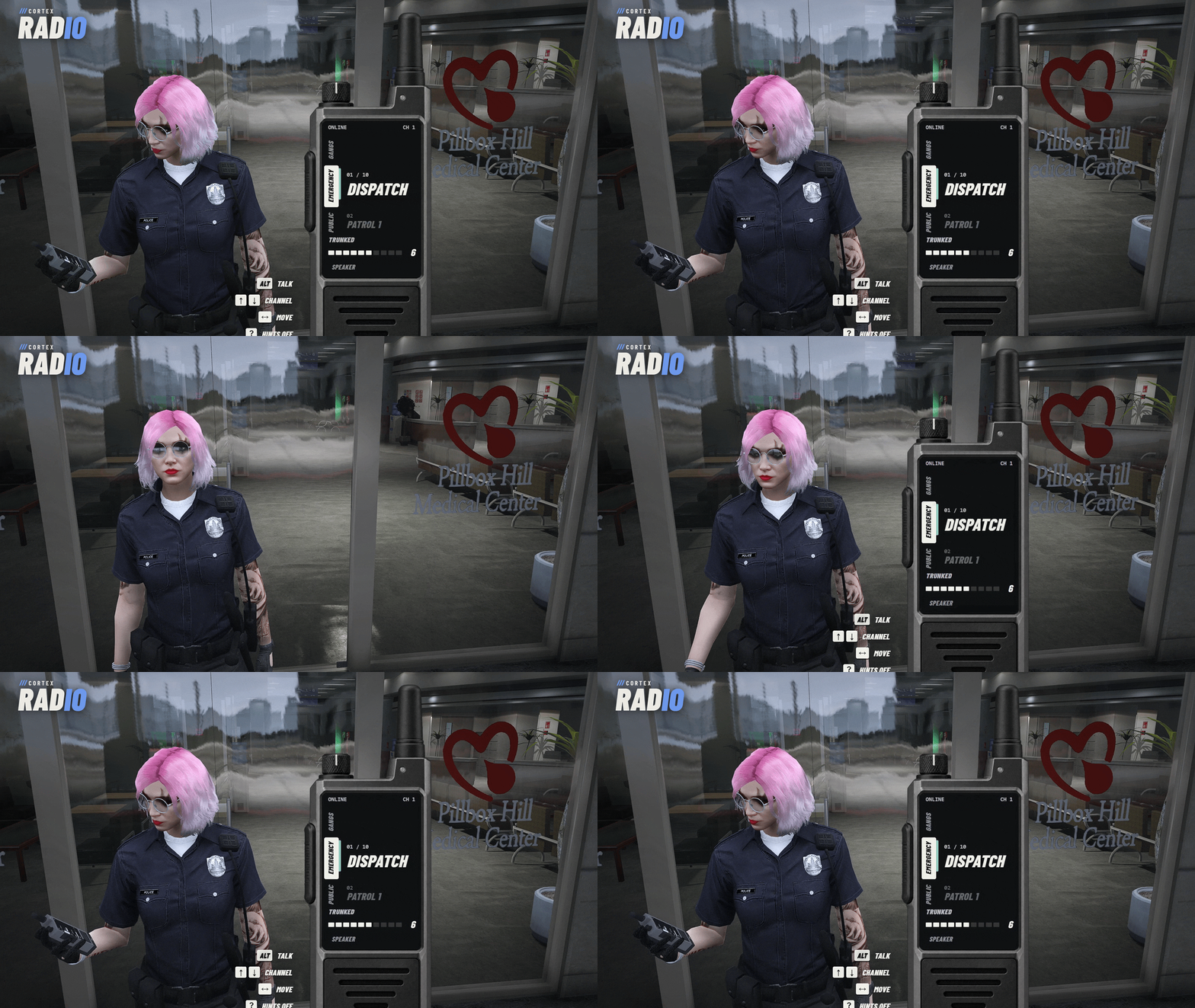
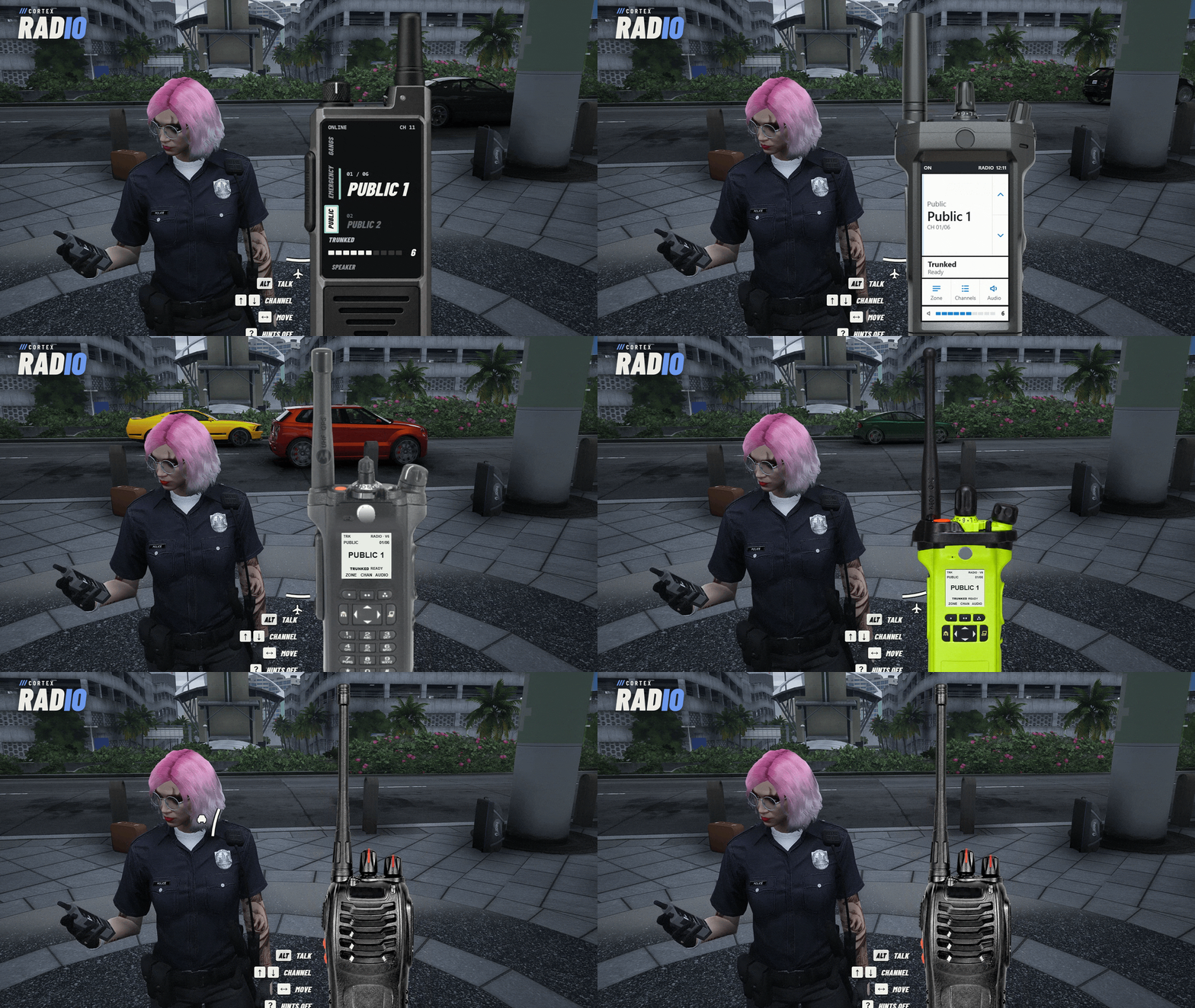
Take the radio out and it sits in your hand and on screen. Turn the knobs, pick a zone and channel, and talk with your normal pma-voice radio key. Without an earpiece the radio plays aloud to the players around you; put one in and only you hear it. The server checks every join, so nobody tunes into a channel they shouldn't.
| 4 m SPEAKER RANGE | 2 RADIO STYLES | 19 PRESET CHANNELS | 9 LANGUAGES |
Banner: captured in game.
/// FEATURES
THE SERVER HOLDS THE KEYS
| Server-authorized channels A join goes through pma-voice only after the item, the job or gang and the ACE check out, and every frequency carries a pma-voice channel check. | Job, gang and ACE channels Restrict any frequency to jobs or gangs, or hand it out by ACE. Losing the item, the job or the gang drops you from the channel within 2 seconds. | |
| Speaker or earpiece On speaker, players within 4 m hear the traffic, quieter with distance. Put in an earpiece, GTA's own ear props, and only you hear it. | Two looks The Cortex handheld, or Hyper Realistic with four bodies: touchscreen, keypad, fire radio and screenless. Each player picks their own. | |
| Real knobs Click and scroll the channel and volume knobs, or use the arrow keys. Turning the volume below 0 switches the radio off. | Radio voice GTA's radio effect on pma-voice native audio, with an editable band and ring modulation. | |
| In the hand The Cortex radio model in your hand, streamed with the resource, with a fitted grip. The game's radio stands in if it fails to load. | Zones and channels Public, Emergency and Gangs zones come set up. Add or change zones and channels in config.lua; a bad value stops the resource with one line naming it. | |
/// SETUP / COMPATIBILITY
BEFORE YOU BUY
| REQUIRES | Cortex Library (free, tested on 3.6.0), OneSync and pma-voice with radios on (tested on 7.0.1). The radio voice and the speaker need setr voice_useNativeAudio true and voice_enableSubmix on (its default). |
| INSTALL | Add ensure cortex-radio after cortex-lib, pma-voice and your framework and inventory. The README has the ox_inventory item entry. |
| FRAMEWORKS | Tested on Qbox. qb-core and es_extended run through the same bridge for jobs and item use; gang channels need Qbox or qb-core. Standalone: no item needed on a bare server (with ox_inventory installed, add the radio item), and restricted channels go by ACE. |
| INVENTORY | ox_inventory or the framework's own inventory for the radio item. |
| CONTROLS | Use the item or /radio. Talk on your pma-voice radio key or hold Alt while the radio is open. Arrow keys change channel, Escape puts it away, /earpiece swaps speaker and earpiece. /radio and /earpiece can be bound to keys under Settings > Key Bindings > FiveM. |
| LANGUAGES | English, German, Spanish, French, Italian, Dutch, Polish, Brazilian Portuguese and Turkish. |
| CONFIGURATION | config.lua stays open: zones, channels, restrictions, item, keys, voice effect, earpieces and speaker range. |
| DEVELOPERS | Client exports open, close, toggle and getState, with stable reason codes. Server export useItem for ox_inventory without a framework. |
/// WHAT'S INCLUDED
IN THE BOX
| ■ | The escrowed resource, delivered to your Cfx.re account (portal.cfx.re > Granted Assets). |
| ■ | An open config.lua and locale files. |
| ■ | The Cortex radio model with its grip. |
| ■ | A README with install steps, controls, configuration and exports. |
| ■ | Updates through portal.cfx.re, announced on our Discord. Included in Cortex All-Access and the Cortex LEO Kit. |




Licensed for use on servers you own or administer. No resale or redistribution. All sales are final.