
 Join our Discord
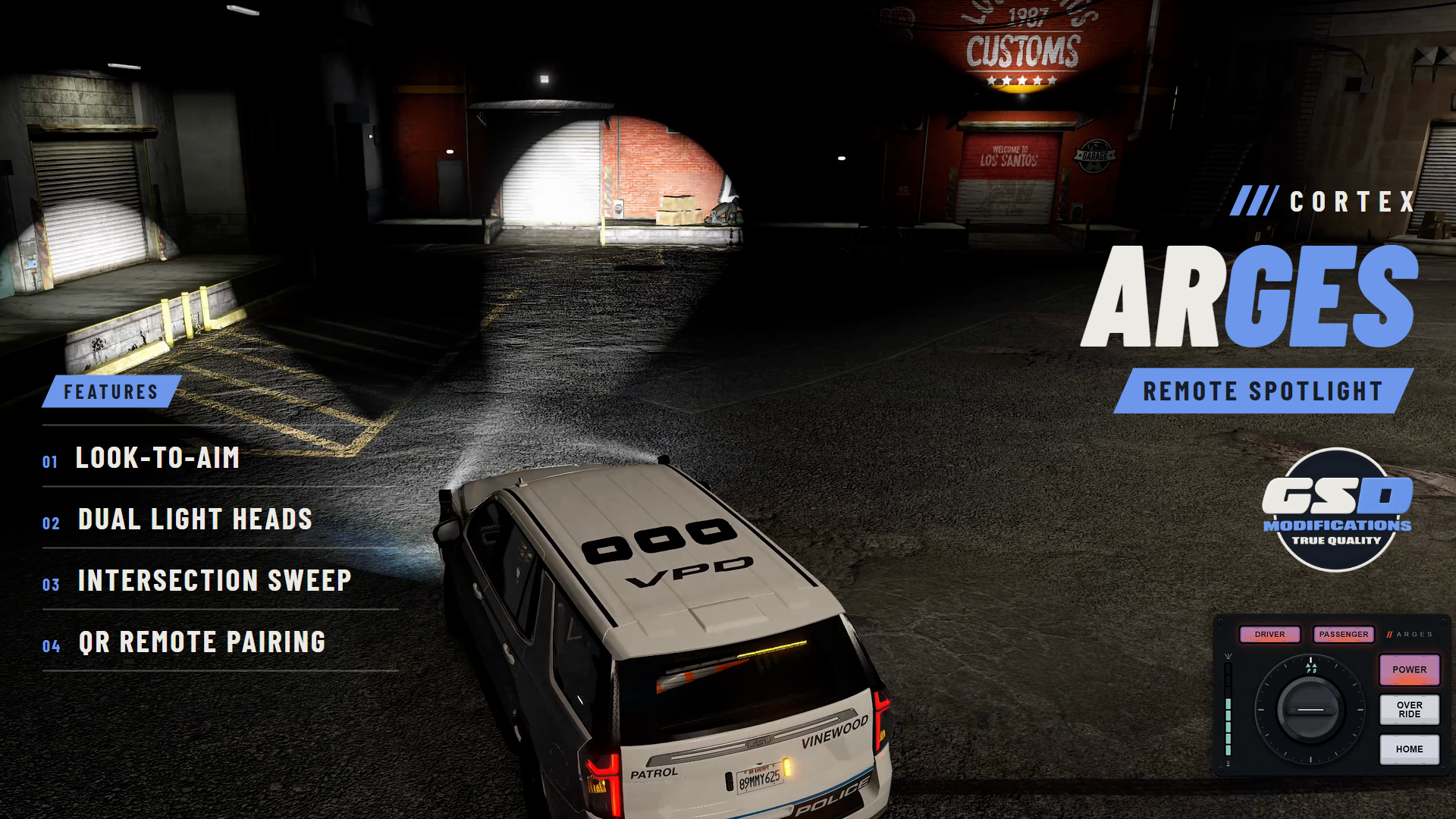
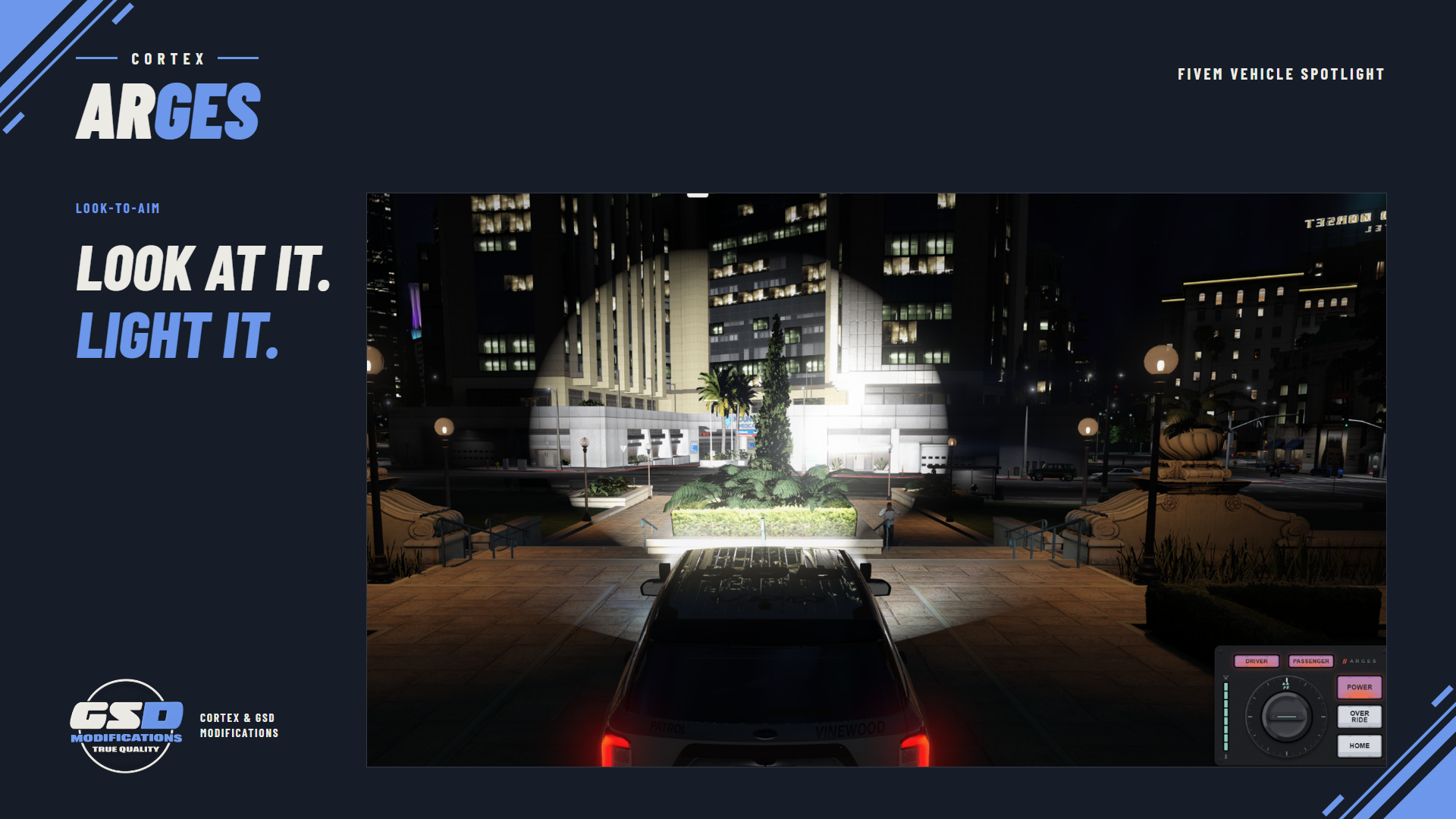
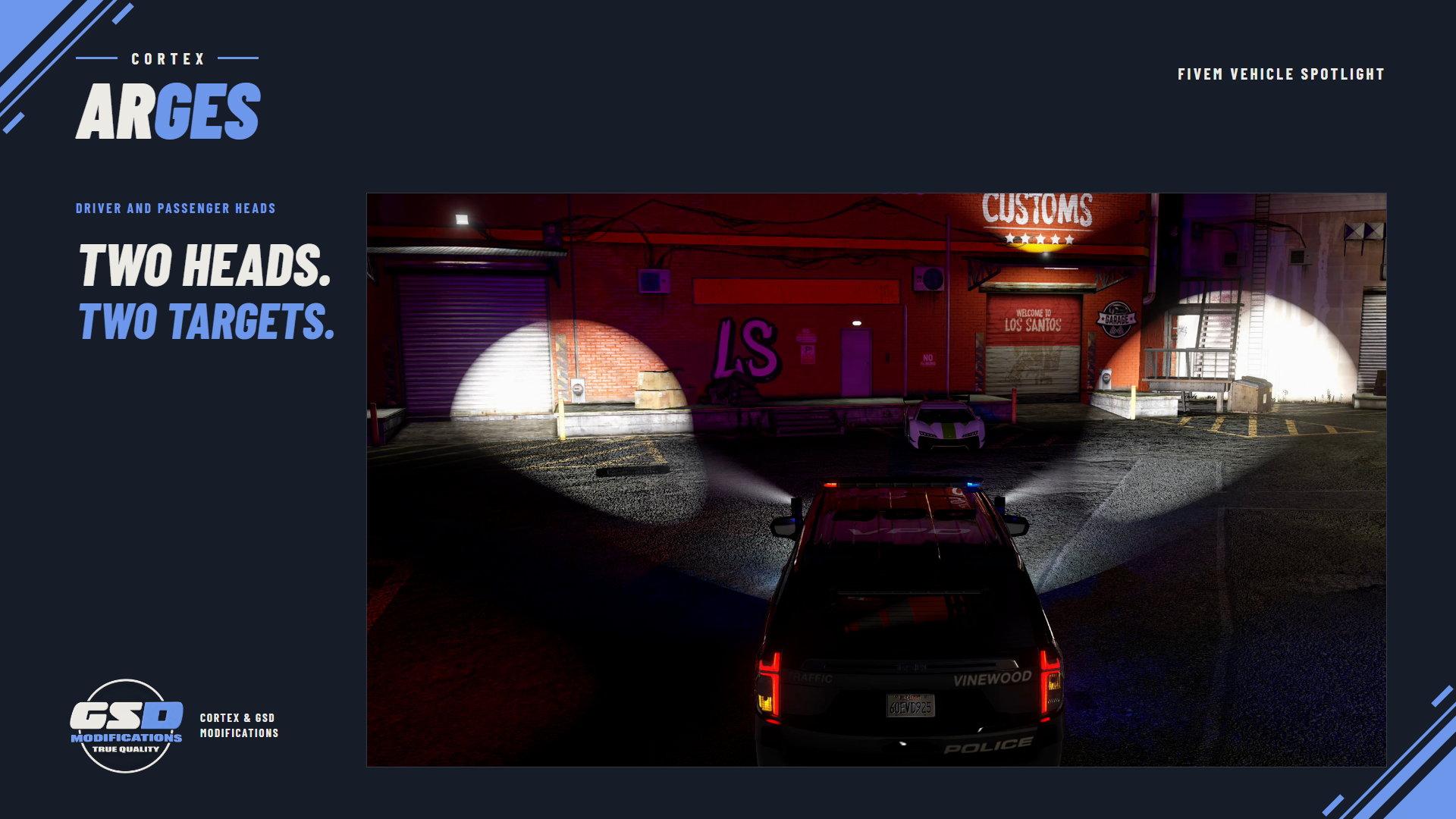
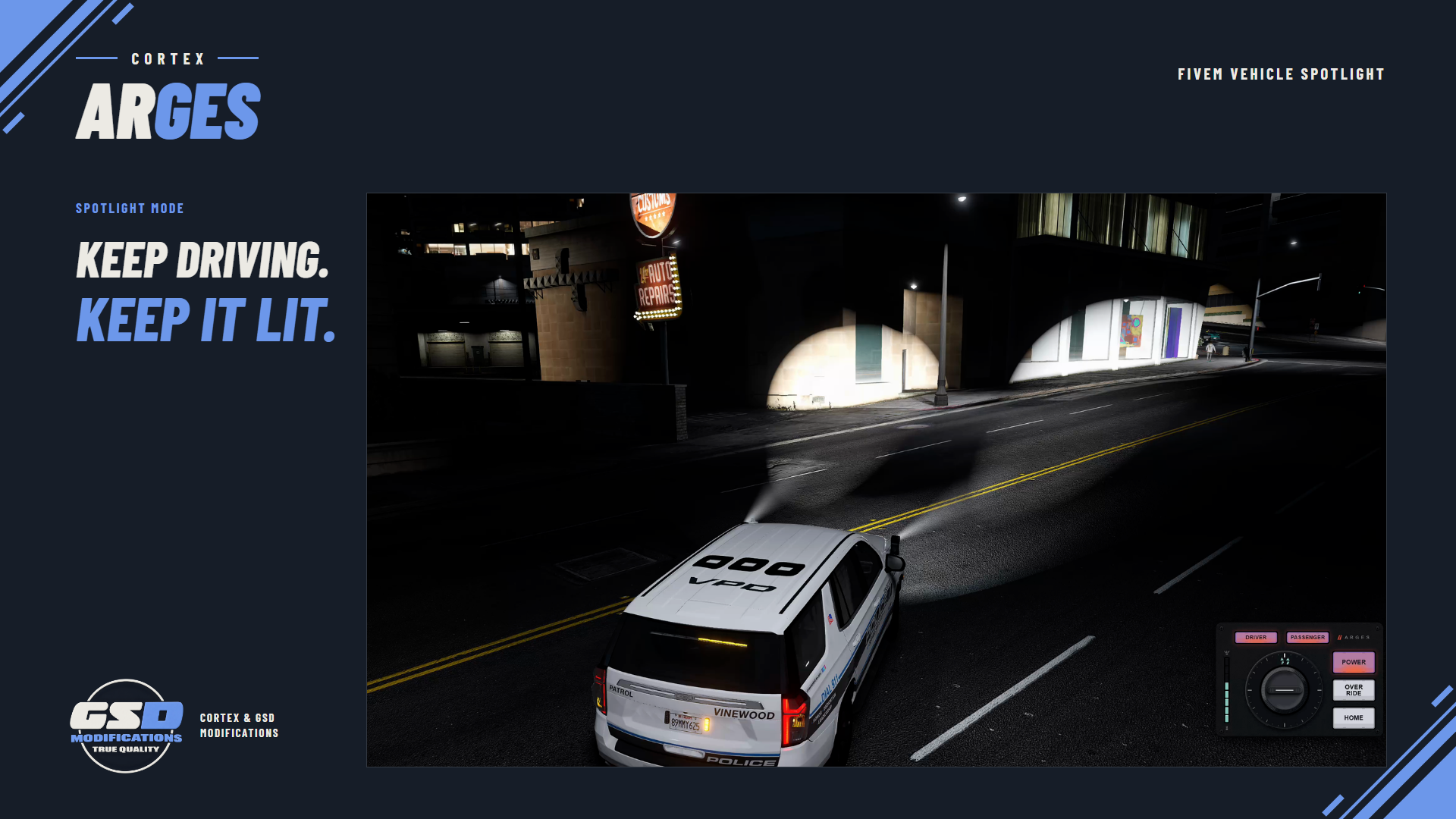
A real articulated spotlight on the roof of your patrol car. Cortex Arges mounts one or two remote spotlight heads on a police vehicle, aims them where the officer looks, tracks the car ahead, and sweeps on its own when the emergency lights come on.
| 2 LIGHT HEADS PER CAR | 25 POLICE VEHICLES READY | 3 AUTO PATTERNS | 8 BEAM WIDTHS |
/// FEATURES
A SPOTLIGHT YOU CAN WORK FROM THE SEAT
| Look to aim Press F6 for spotlight mode and steer the beam with the mouse while you keep driving. Hold X and drag on the world to put the light exactly where you want it. | Track a vehicle Right-click a car and the beam stays on it as both vehicles move. Right-click again, or on empty space, to let go. | |
| Dual light heads Driver and passenger heads work together or on their own. Pick driver, both or passenger on the panel and each one keeps its own power, aim and beam width. | Runs with the lights Turn on the emergency lights (Q, ULC or any script using native sirens) and idle heads start a wig-wag, response sweep or intersection sweep. Lights off, they go back to what they were doing. | |
| Beam width and presets Mouse wheel narrows or widens the beam in eight steps. Presets point the light forward, down either alley, low for a takedown or to the rear. | Steering-linked mode The beam turns into corners with the front wheels, like a cornering light. | |
| QR remote Optional: walk up to the head, hold X on the SCAN QR CODE prompt and run the light from the numpad on foot, up to 120 m from the car. Power, point here and beam size; nothing else. | Shoot from the window Draw a weapon in spotlight mode and the mouse goes back to the weapon. While you aim, a lit head follows the crosshair. Holster to take the light back. | |
| Movable controller panel A compact panel for power, side, beam level and modes. Drag and scale it with /argesuiedit, and the cortex-lib key guide shows the keys the game actually has bound. | Synced for everyone Other players see the head turn and the beam move, interpolated between updates. The server checks seat, distance, routing bucket and rate on every action. | |
/// SETUP / COMPATIBILITY
BEFORE YOU START
| REQUIRES | FiveM with OneSync and Cortex Library (free). Start cortex-lib before cortex-arges. No framework, SQL or inventory dependency. |
| INSTALL | Extract the cortex-arges folder and keep its name. Add ensure cortex-lib, then ensure cortex-arges, to server.cfg. No frontend build. |
| VEHICLES | Comes set up for 25 base-game police, sheriff, FIB, park ranger and riot vehicles. Add your own cars in shared/config.lua and fit the heads in game with the built-in calibration, which writes the exact config for you. |
| CONTROLS | F6 spotlight mode, hold X for the panel cursor, right mouse to track, wheel for beam width, middle mouse to home. Remote: Numpad 5 power, Numpad Enter point, Numpad 7/9 beam, Delete to exit. All rebindable. |
| CONFIGURATION | shared/config.lua stays open: vehicles, seats, controls, motion speed, beam, light colour and range, sweep and wig-wag patterns, the response hook and remote access. |
| OTHER LIGHTING SCRIPTS | Spotlight mode lives on the mouse, so siren, ULC, indicator and key scripts on the numpad and arrows keep working. Replace Config.IsResponseActive to read ELS-style controllers that do not use native sirens. |
| DEVELOPERS | Server exports to power, aim, home, preset and set the mode of a vehicle's heads, plus SetResponseState. Client exports to override the response state. |
/// WHAT'S INCLUDED
IN THE BOX
| ■ | The resource, delivered through your linked Cfx.re account (portal.cfx.re > Granted Assets). |
| ■ | The Arges spotlight models: mount, mirrored mount, yaw base and lit and unlit heads. |
| ■ | Editable shared/config.lua and fxmanifest.lua. |
| ■ | Install, controls, calibration and export documentation. |




Licensed for use on servers you own or administer. No resale or redistribution. All sales are final.