
 Join our Discord
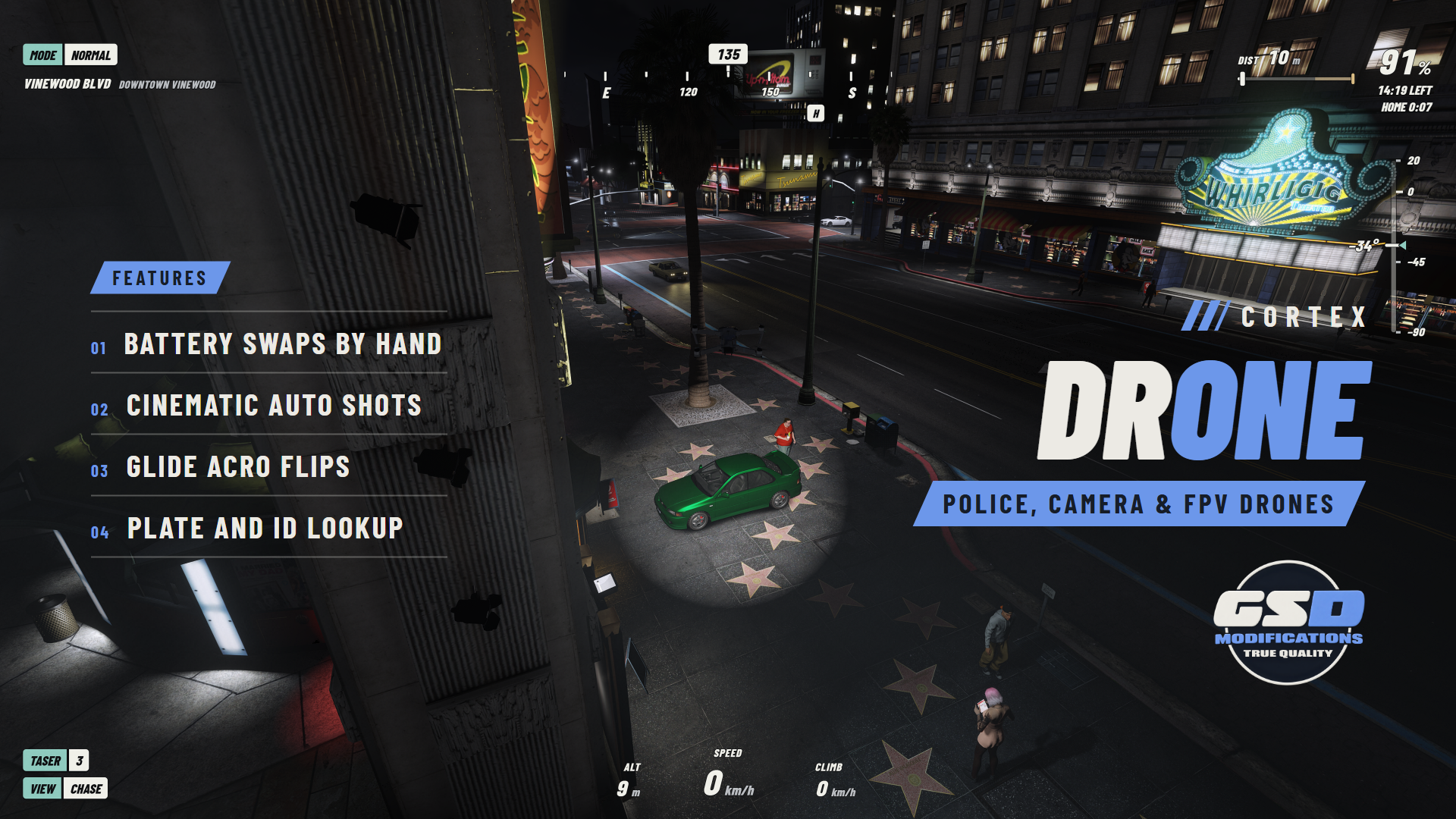
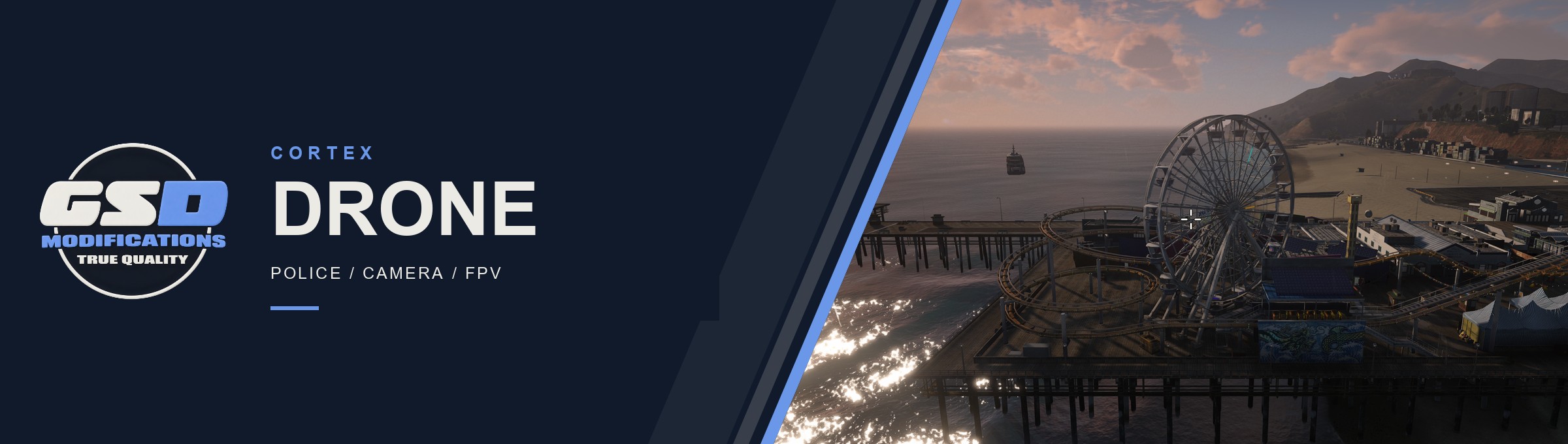
Toss a drone up from your inventory and fly it through a gimbal camera while your character stands in the world with the controller. Cortex Drone ships three drone types, a cinematic mode for filming, police tools, and batteries you change by hand.
| 3 DRONE TYPES | 6 CINEMATIC SHOTS | 16x POLICE ZOOM | FREE COMMERCIAL USE |
/// FEATURES
A DRONE FOR EVERY JOB
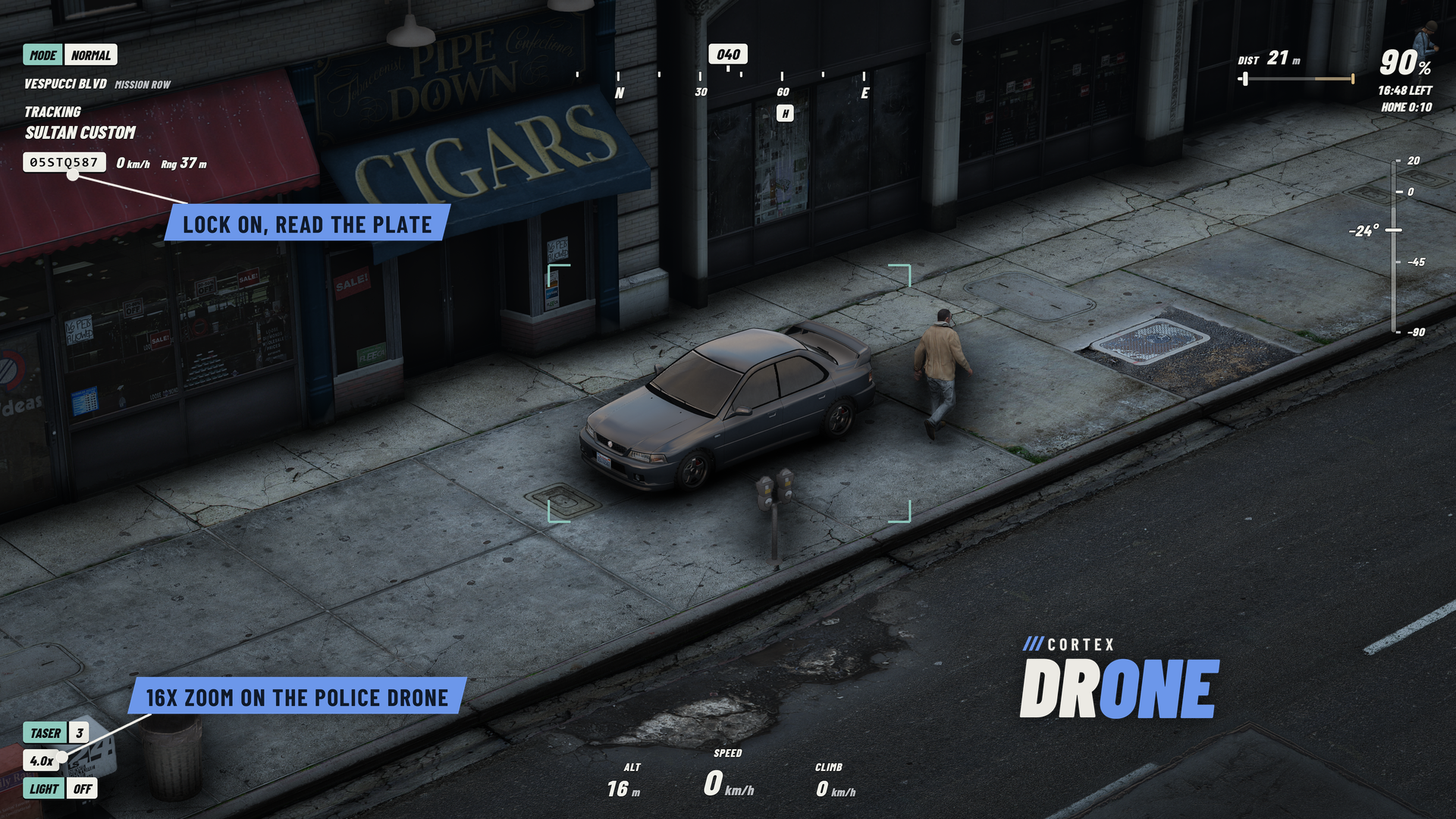
| Camera, Police and FPV The Camera drone films, the Police drone adds night and thermal vision, 16x zoom, target lock and follow, plate and ID lookup and a three-shot taser, and the FPV drone is fast and agile with no obstacle sensing, built for Acro. Every type is set up in the config. | A gimbal that stays level The camera holds the horizon while the airframe tilts, with a chase view on V. Cine, Normal and Sport flight modes plus hold-to-boost, and obstacle sensing that brakes before walls and ceilings. | |
| Acro, two ways Glide keeps the drone level, leans to speed up, banks into turns and lets you flip, roll, dive and loop by looking where you want to go. Manual turns stabilisation off: real thrust and gravity, the camera fixed to the airframe. Each player picks in Cortex settings. | Cinematic mode Press H for a clean feed. Lock a person, vehicle or spot and step through Track, Follow, Orbit, Dronie, Rocket and Helix shots. Film me hands your character back so the drone films you walking or driving, with an optional 9:16 or 2.39:1 frame guide. | |
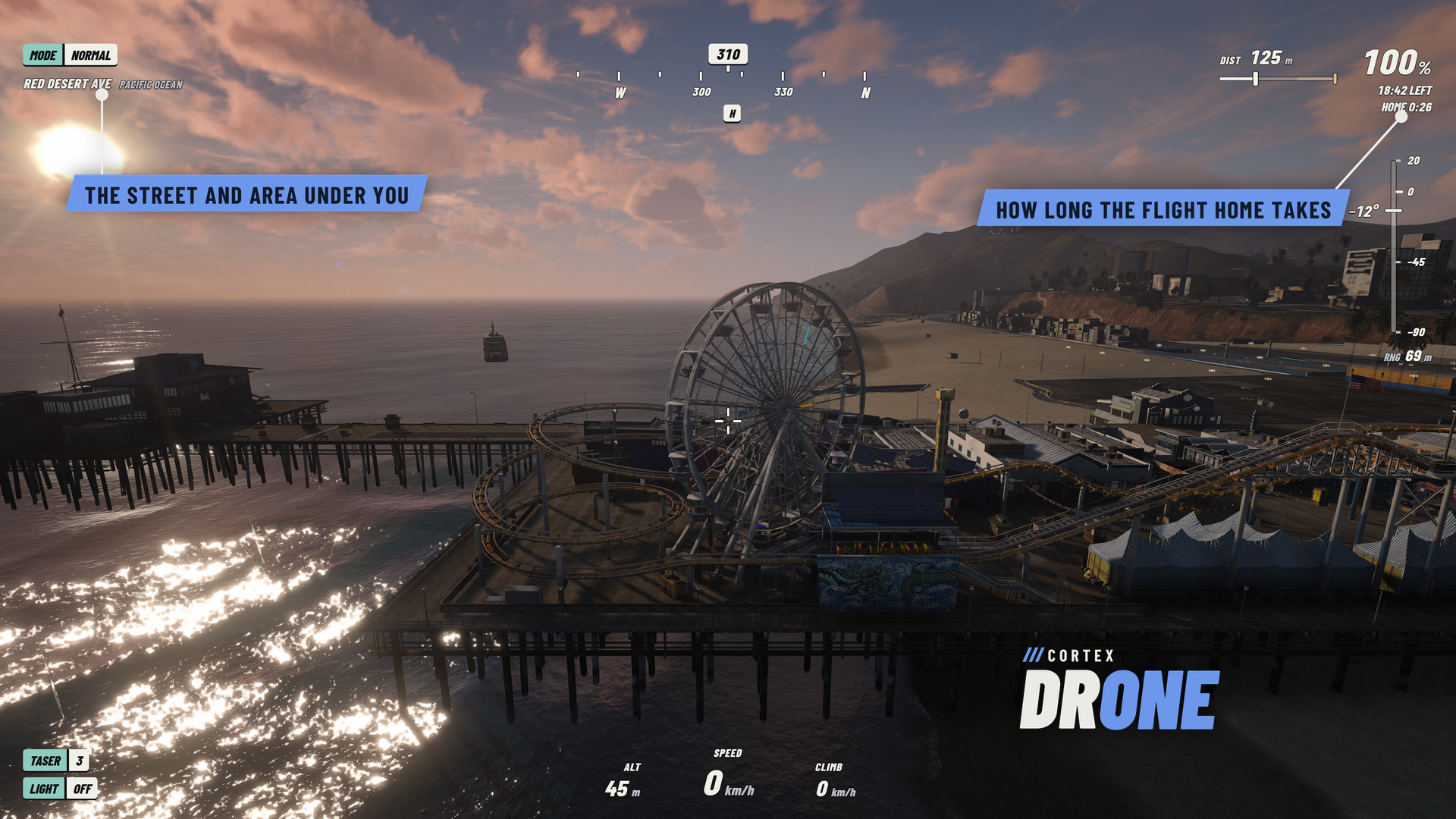
| Battery swaps by hand Set the drone down, read the old pack's LEDs, release the clamp and drag it out, then click the new one in and watch it charge up. Each drone keeps its own charge, also when traded or seized, and spare packs recharge in your bag. | Signal, range and return home The link fades with distance and behind buildings. When it drops, or the battery runs low, the drone flies back and lands at your feet. The HUD shows how long the trip home takes and turns sand, then red, when the battery would run short. | |
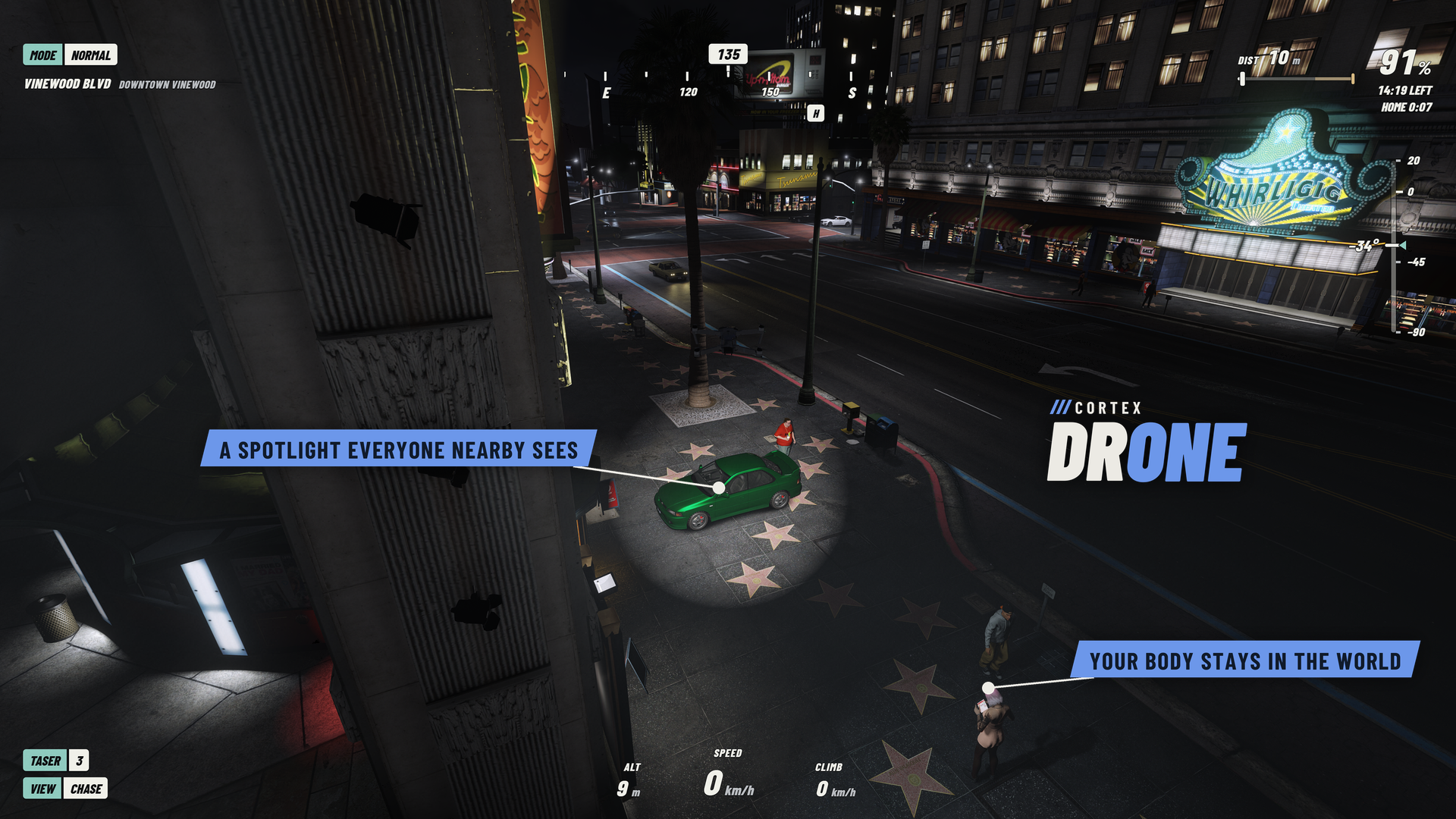
| No-fly zones Fort Zancudo, Bolingbroke, LSIA and Humane Labs push drones back by default. Add your own zones in the config; the Police drone ignores them. | Part of the world Everyone nearby sees the drone, its spotlight, the pilot's tablet and battery swaps. Drones can be shot down or crashed, picked up when they land, and seized by police. | |
/// SETUP / COMPATIBILITY
BEFORE YOU START
| REQUIRES | FiveM with OneSync and Cortex Library (free). Start cortex-lib before cortex-drone. No SQL to run. |
| FRAMEWORKS | Runs standalone, on Qbox or on qb-core, with ox_inventory support. Plate owner lookup on Qbox uses oxmysql. Job rules for the Police drone (police and sheriff on duty by default) need Qbox or qb-core. |
| INSTALL | Add ensure cortex-drone after cortex-lib, your framework and inventory. Paste the five items from the README into your inventory and copy the three icons from images/. Without an inventory, players use /drone, /drone police and /drone fpv. |
| CONTROLS | W A S D, mouse, Space and Ctrl to fly, C flight mode, X Acro, H cinematic, V chase view, Z return home, Backspace leave. Full controller support. Pick up and connect keys are rebindable in FiveM's key settings. |
| CONFIGURATION | config.lua, the locale files and server/bridge.lua stay readable: drone types, speeds, range, batteries, no-fly zones, job access, controls and audit logging. |
| LANGUAGES | English, German, Spanish, French, Italian, Dutch, Polish, Brazilian Portuguese and Turkish. |
| DEVELOPERS | Server exports GetDrone and RecallDrone, client exports IsPiloting, GetDrone, Deploy and Disconnect, and state bags for every drone and pilot. Cortex Drone Races uses its race hooks. |
/// WHAT'S INCLUDED
IN THE BOX
| ■ | The escrowed resource, delivered free to your linked Cfx.re account (portal.cfx.re > Granted Assets). |
| ■ | The streamed drone model with the Cortex livery, a removable battery and inventory icons for the drone and both batteries. |
| ■ | Editable config, locales and server bridge. |
| ■ | Install, items, controls, settings and configuration documentation. |
| ■ | Updates through portal.cfx.re, announced on our Discord. |




Free to use on servers you own or administer, including commercial servers. One license per Cfx.re account. No resale or redistribution.