
 Join our Discord
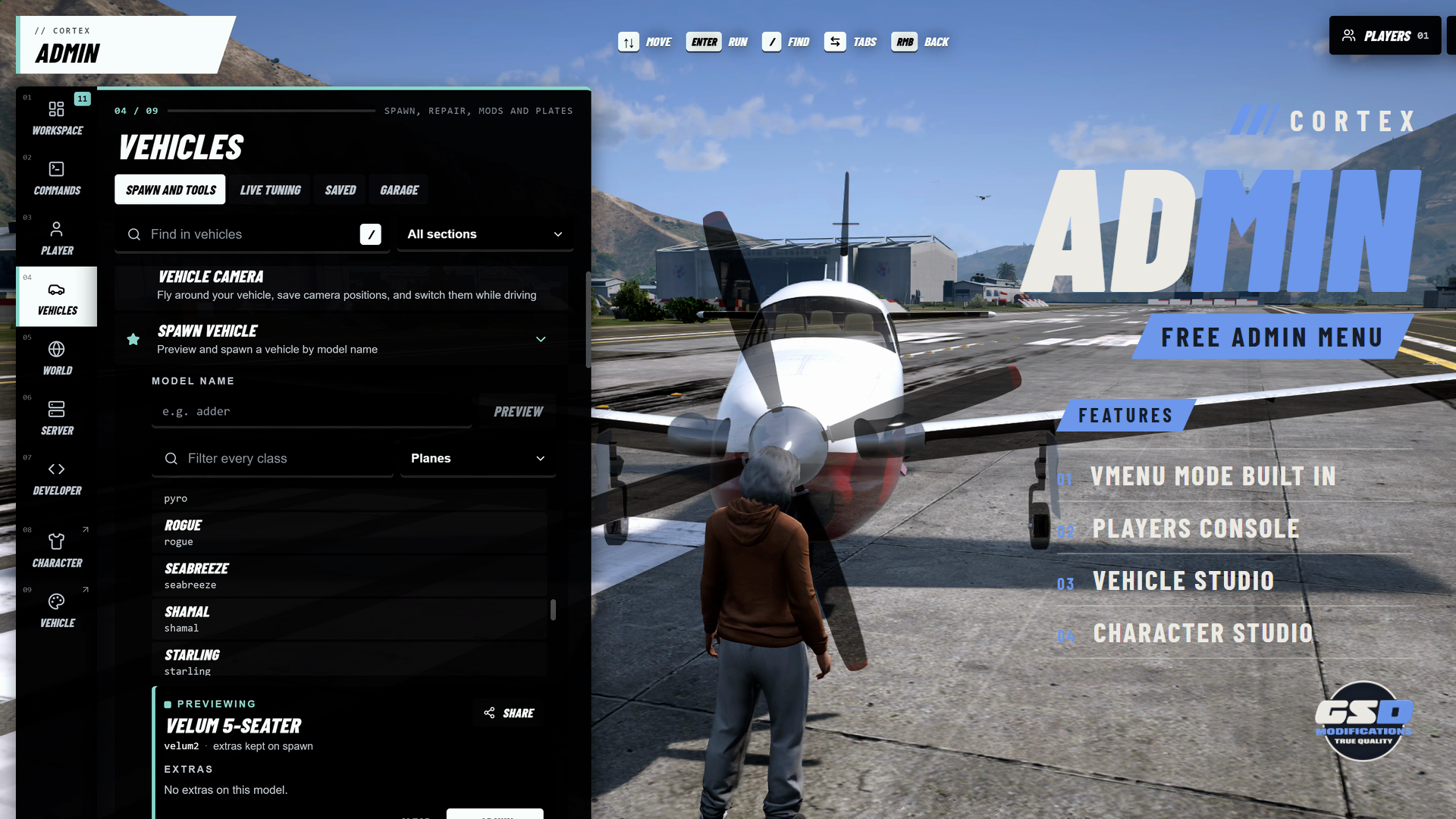
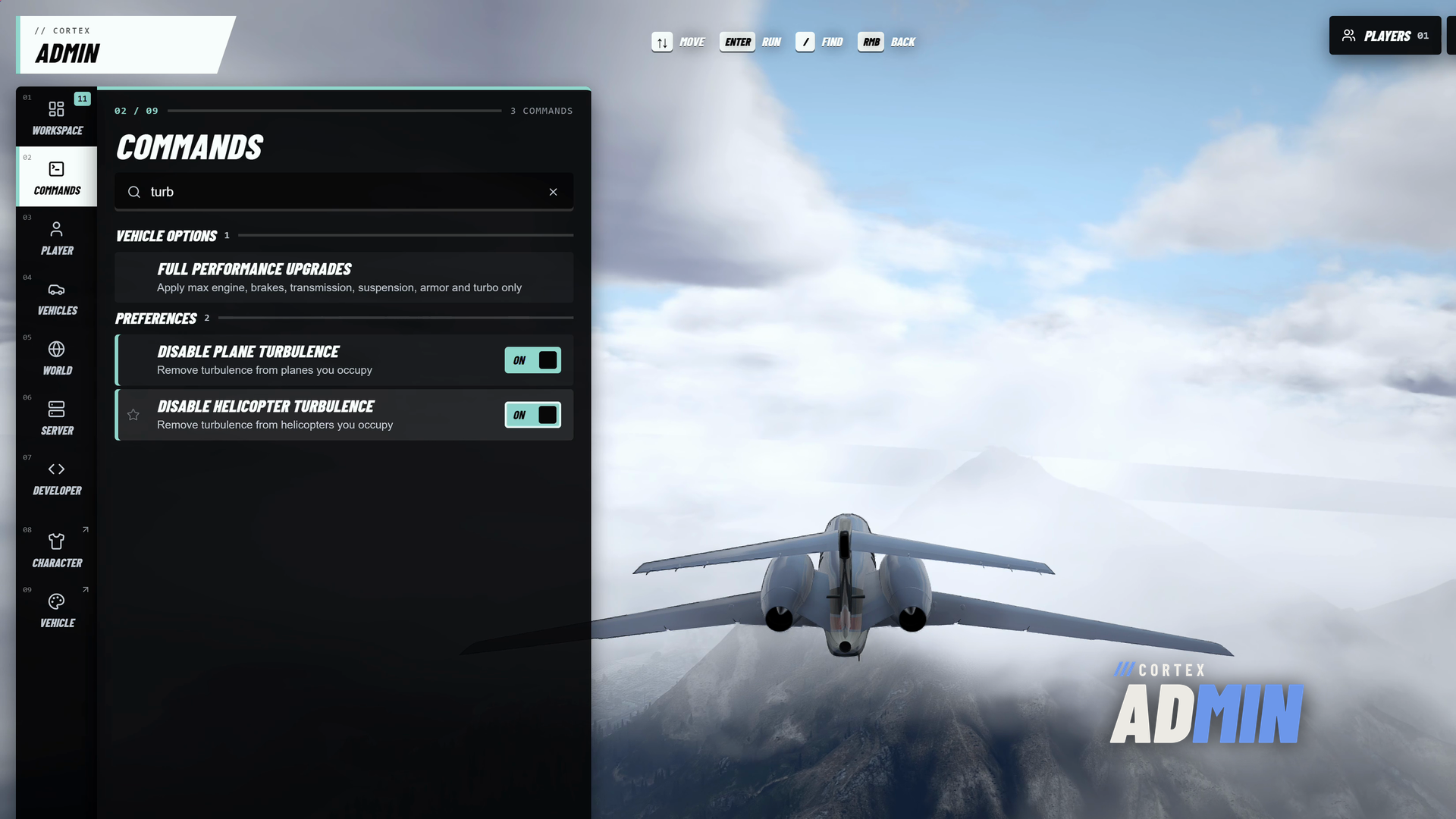
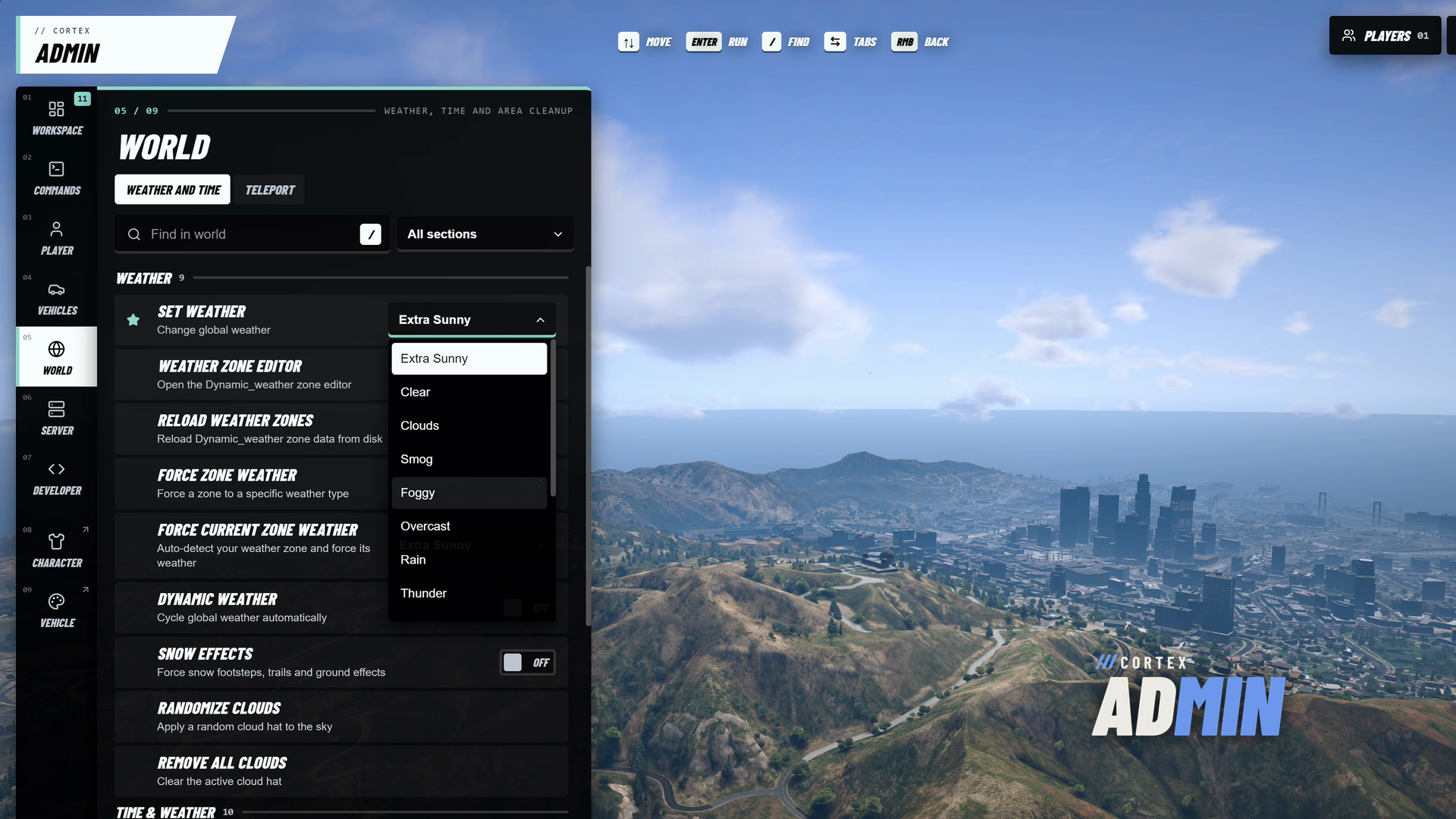
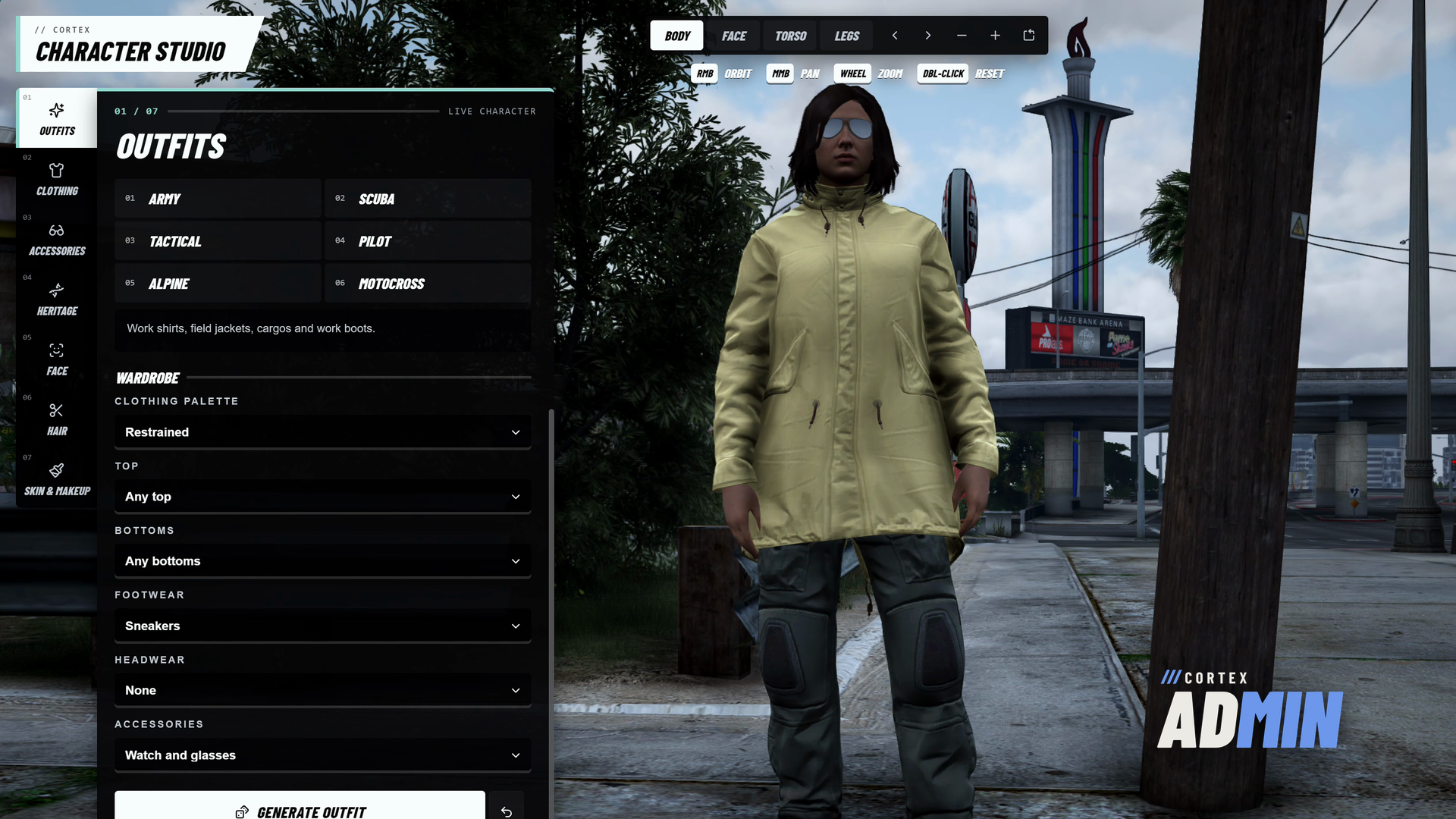

Run your server from one free menu. Cortex Admin puts player, vehicle, world, weapon, appearance and server tools behind FiveM ACE permissions, adds Qbox character tools when qbx_core is running, and can take over from vMenu without your players relearning anything.
| 294 MENU ACTIONS | 31 QBOX ACTIONS | 3 INTERFACE STYLES | FREE COMMERCIAL USE |
/// FEATURES
EVERYTHING STAFF NEED, IN ONE MENU
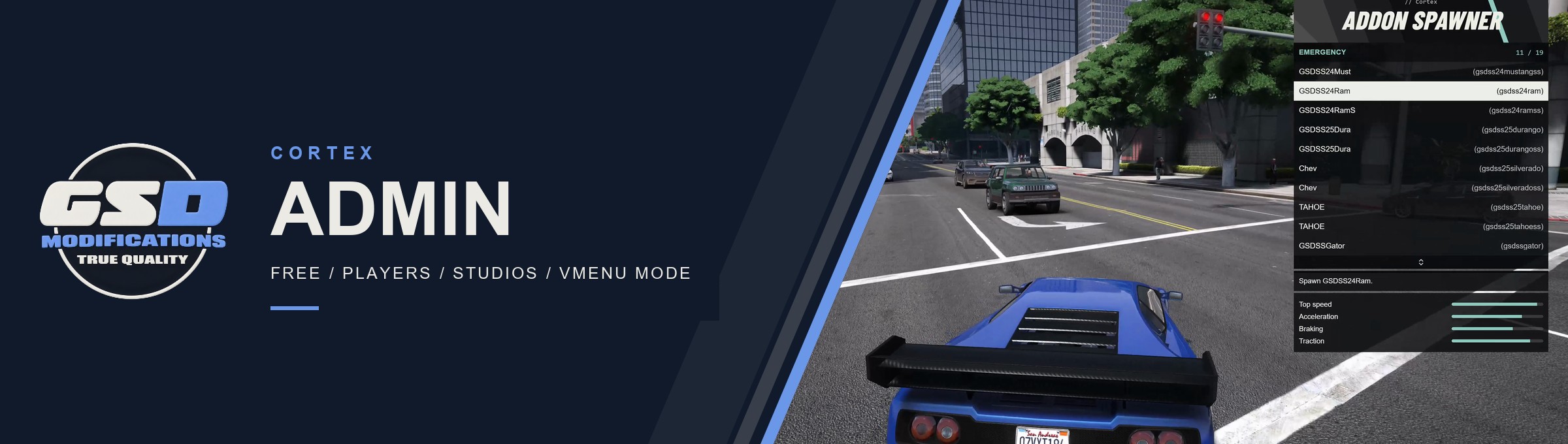
| Three ways to use it A full-screen Panel, a compact Classic list, or vMenu mode. Each admin picks a style in Cortex settings, and you set the server default in the config. | Takes over from vMenu vMenu mode keeps vMenu's menu layout and controls in the Cortex style. The included vMenu stand-in keeps players' key bindings, moves bans and config files across, and imports each player's saved peds, vehicles, loadouts and settings on their first join. | |
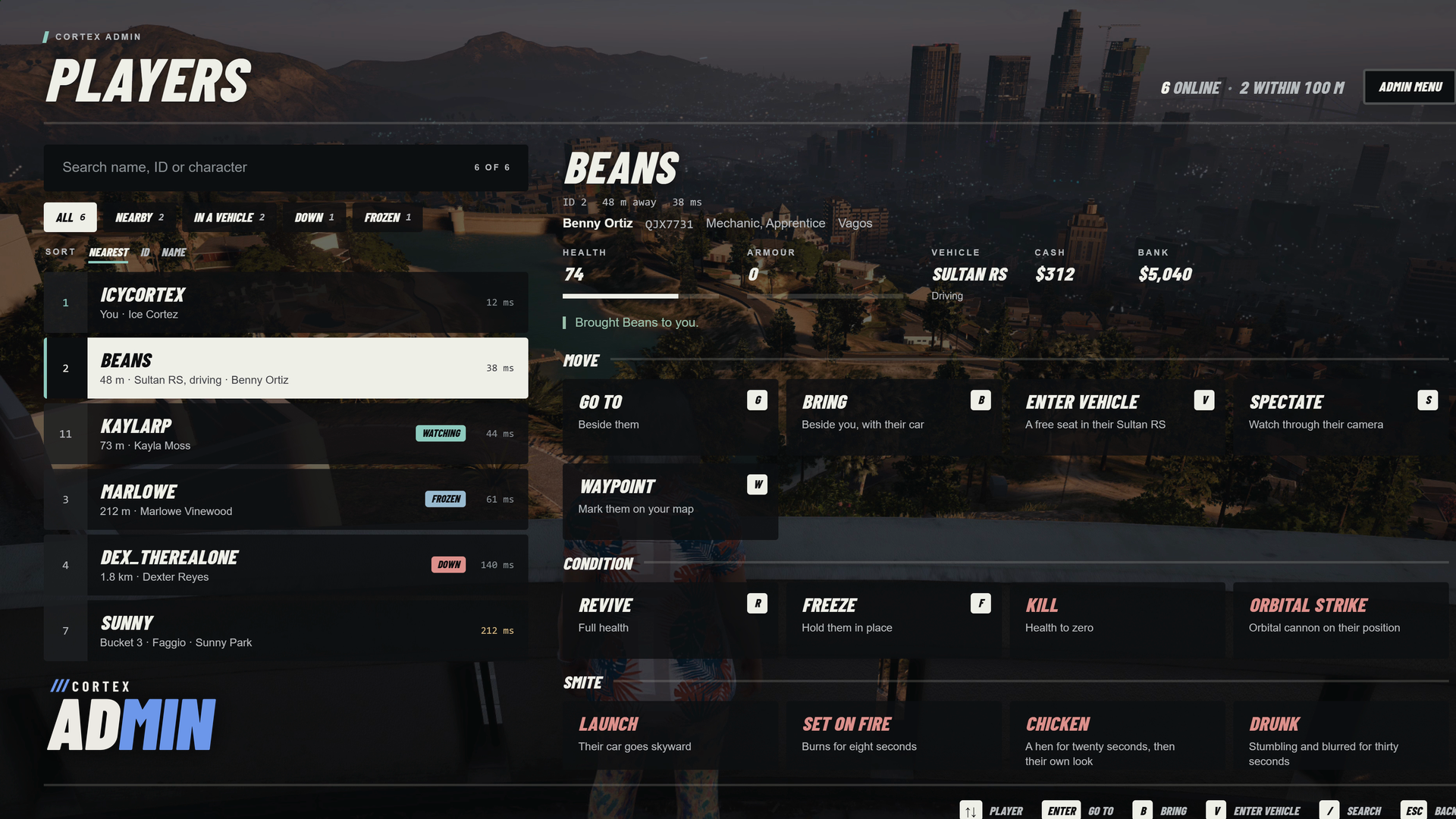
| Players console Search, filter and sort everyone online, then go to, bring, spectate, freeze, revive, message, kick or ban. Each action shows the server's answer in place. | Qbox character tools Give and remove items, set money, jobs, gangs, needs and licenses, give owned vehicles to a garage, and save a look as the character's appearance. They appear only when qbx_core is running. | |
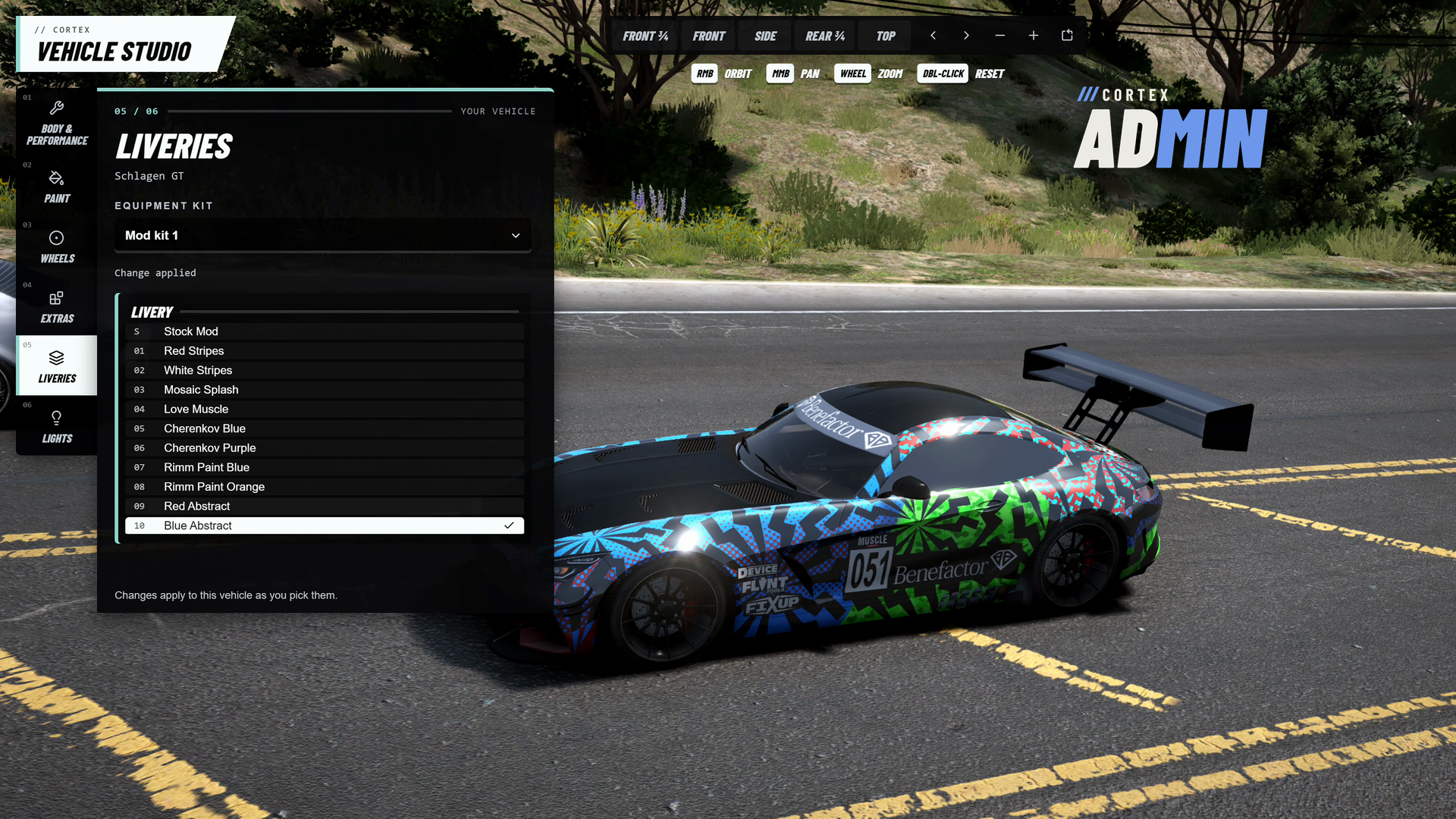
| Character Studio Generate an outfit or a complete freemode character, then edit face, hair, overlays, clothing and tattoos. Save looks to a library and share an outfit with players standing nearby. | Vehicle Studio and live tuning Spawn stock or addon vehicles, customise paint, wheels and parts, and edit powertrain, braking, grip and suspension on the car you are driving. The original handling can be restored at any time. | |
| Permissions the server checks Grant a whole tab or a single action with ACE, or map Qbox's god, admin and mod groups. Every request is checked again on the server, and revoked access closes the menu and stops active effects within 30 seconds. | One clock for everyone Time and weather are owned by the server and sent to every player, including late joiners. In automatic mode Cortex steps aside while a listed weather resource is running. | |
| Developer tools Noclip, freecam, photo mode, coordinate and speed readouts, copy coordinates and heading, and a resource manager that refuses to stop core resources. | Vehicle deletion for everyone /dv deletes your vehicle or an empty one nearby after the server checks range, routing bucket and occupants. Public by default, or limited to staff with one config value. | |
/// SETUP / COMPATIBILITY
BEFORE YOU START
| REQUIRES | FiveM with OneSync and Cortex Library 3.3.1 or newer (free). Start cortex-lib before cortex-admin. No SQL to run. |
| FRAMEWORKS | Runs standalone. The Qbox tools appear when qbx_core is running; inventory and owned-vehicle tools also use ox_inventory, qbx_vehicles, qbx_garages and oxmysql. Built against qbx_core 1.24.0, ox_inventory 2.47.9, qbx_vehicles 1.4.2 and qbx_garages 1.1.4. |
| INSTALL | Keep the cortex-admin folder name. Add ensure cortex-lib, then ensure cortex-admin, to server.cfg. Admins who already have command allow get full access; otherwise exec the included permissions.cfg. |
| ACCESS | FiveM ACE: cortex-admin.all, one per tab, or one per action. Set Config.AllowCommandAdmin to false to stop the broad command ACE from counting as full access. |
| CONFIGURATION | shared/config.lua, the three bridge files and permissions.cfg stay readable, for keys, commands, permissions, world sync, vMenu settings and framework integration. |
| CONTROLS | F10 or /cortexadmin opens the menu, F4 switches between the menu and the game, F2 noclip, U photo mode, M in vMenu mode. All are rebindable in FiveM's key settings. |
| OPTIONAL | screenshot-basic for Take Photo. illenium-appearance for saving a look as the Qbox character appearance. |
| DEVELOPERS | Client export teleportToCoords. Server exports CanOpenMenu, CanDeleteVehicle, GetBanRecords and RemoveBanRecord. Use the cortex-admin resource name. |
/// WHAT'S INCLUDED
IN THE BOX
| ■ | The escrowed resource, delivered free to your linked Cfx.re account (portal.cfx.re > Granted Assets). |
| ■ | The vMenu stand-in resource for taking over an existing vMenu server. |
| ■ | Editable config, bridge files and permissions.cfg for the documented escrow configuration. |
| ■ | Installation, permissions, Qbox, vMenu and photo mode documentation. |
| ■ | Updates through portal.cfx.re, announced on our Discord. |




Free to use on servers you own or administer, including commercial servers. One license per Cfx.re account. No resale or redistribution.