
 Join our Discord
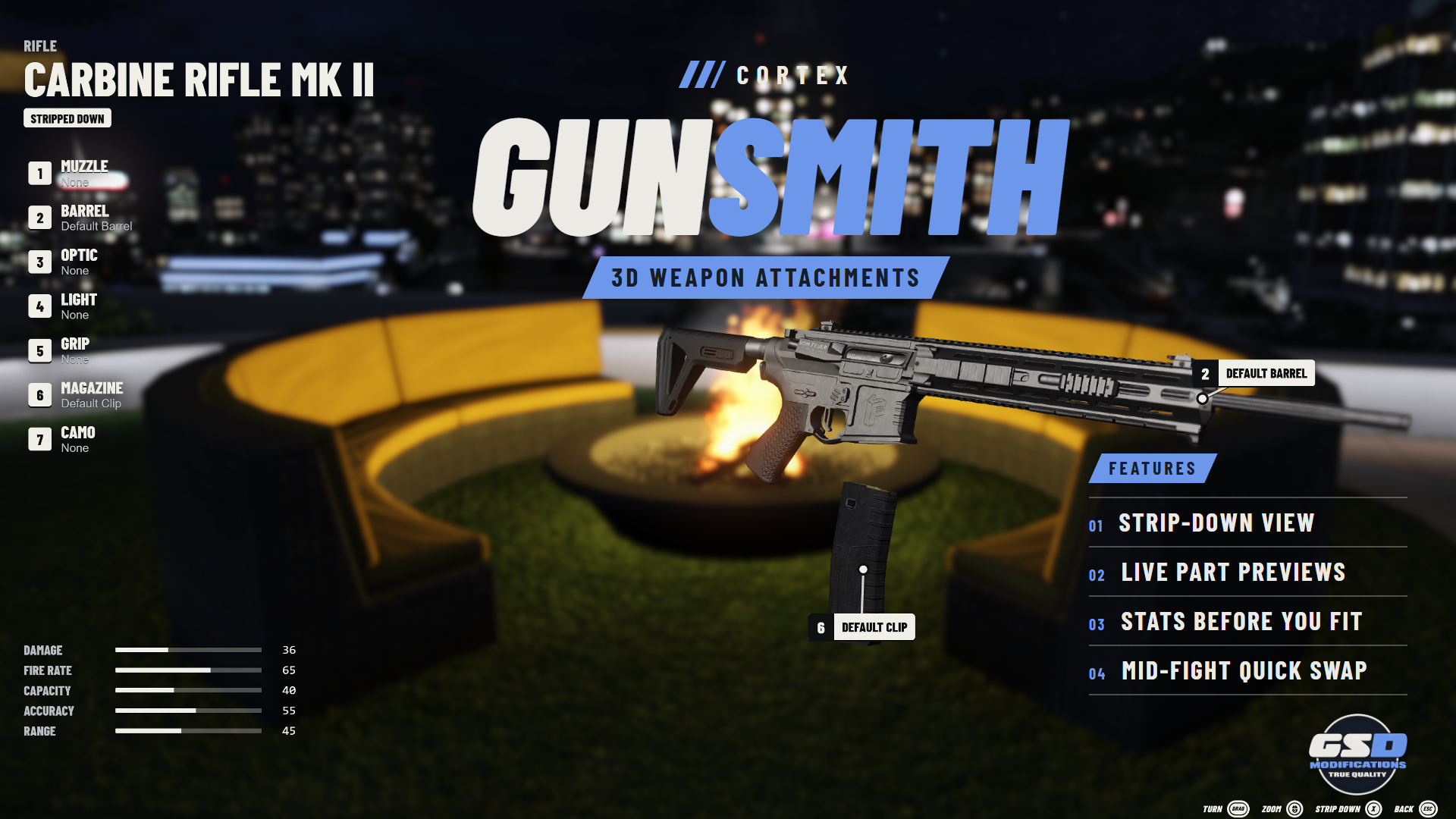
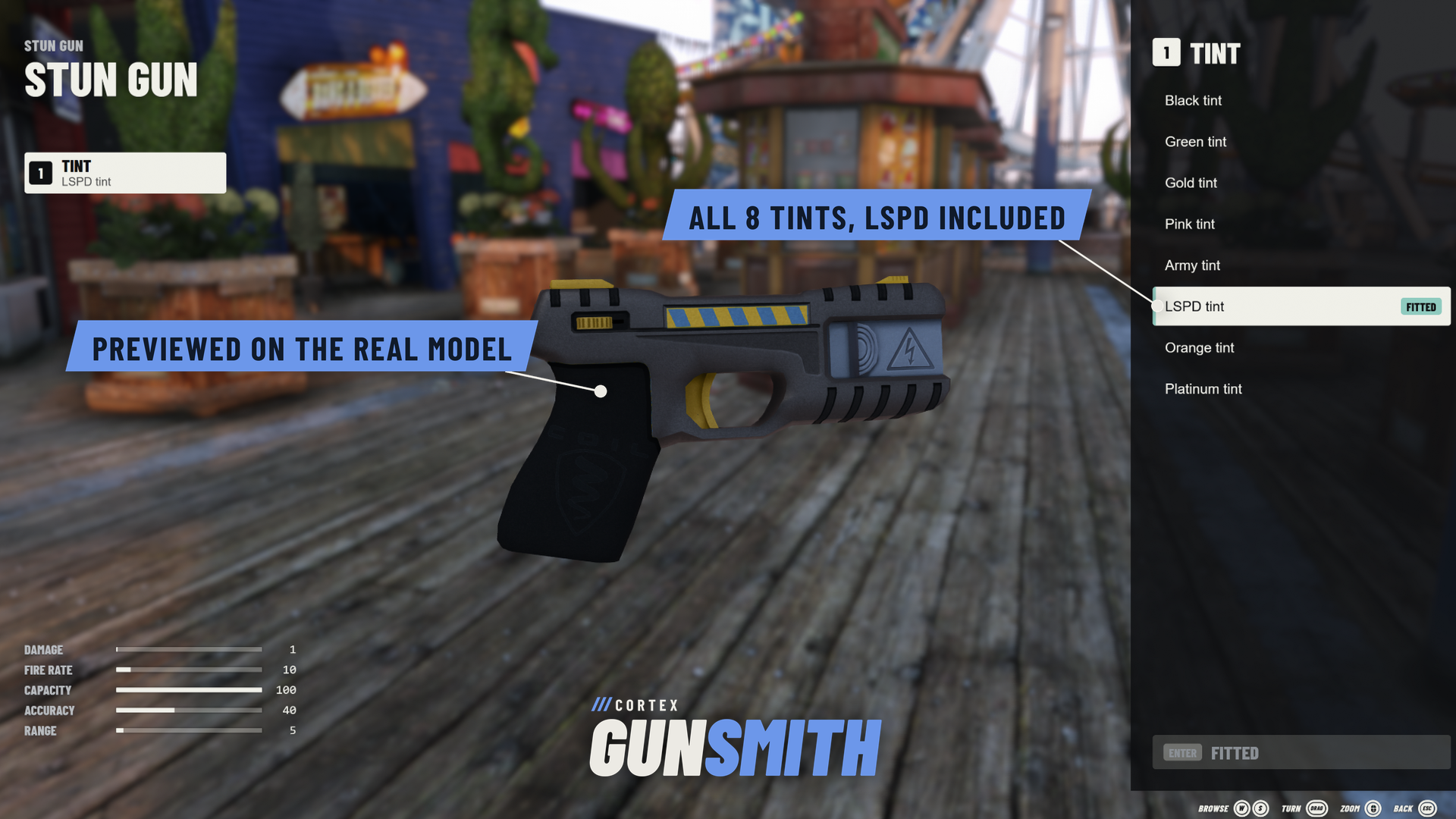
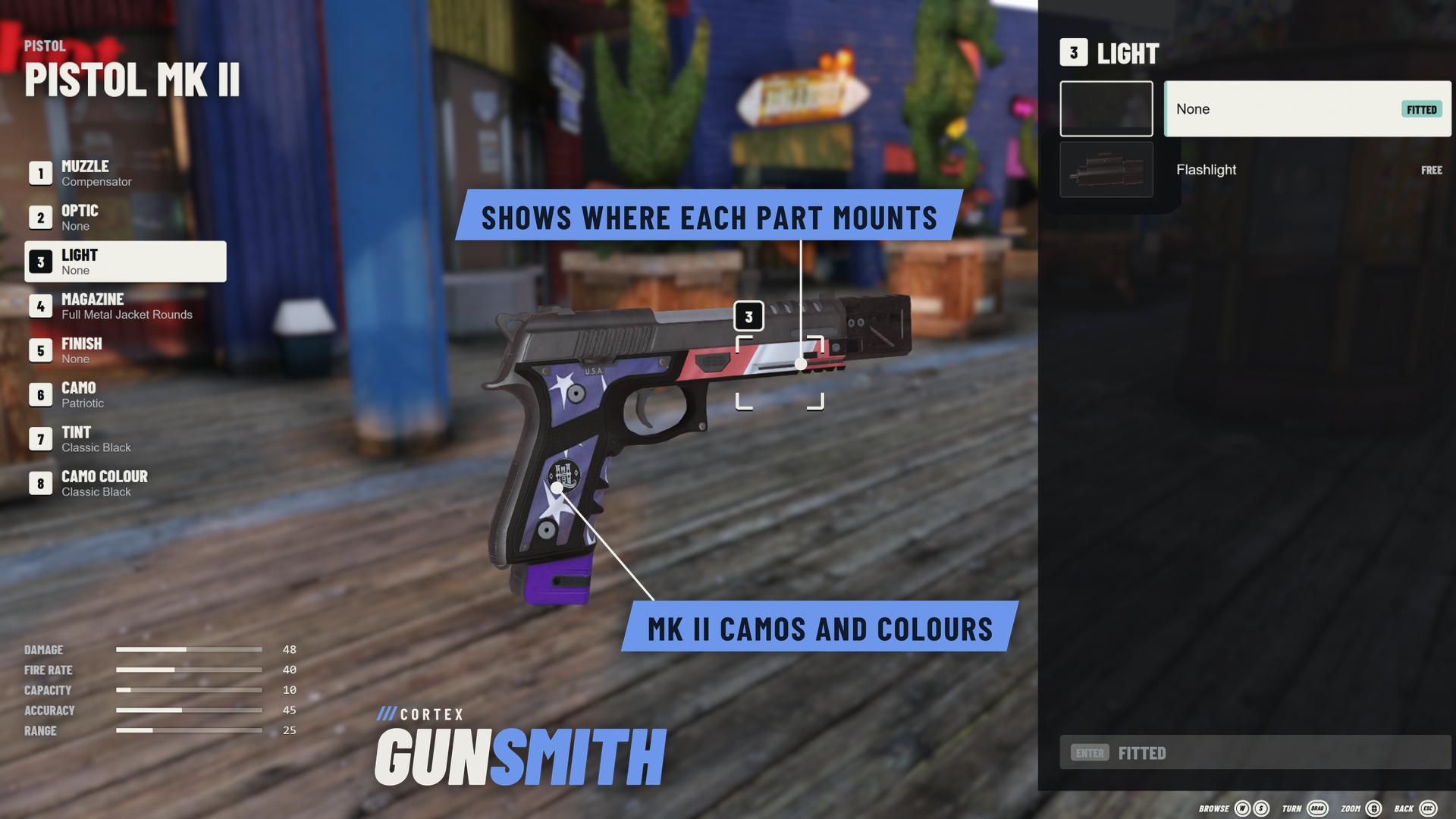
Hold a weapon and press F9. The view drops into first person and the weapon floats in front of you on the game's own model, where you fit attachments, tints and finishes one part at a time. Free for your server, with the source on GitHub.
| 84 WEAPONS | 76 PART ITEMS | 8 PART SLOTS | FREE READABLE LUA |
/// FEATURES
A BENCH IN YOUR HANDS
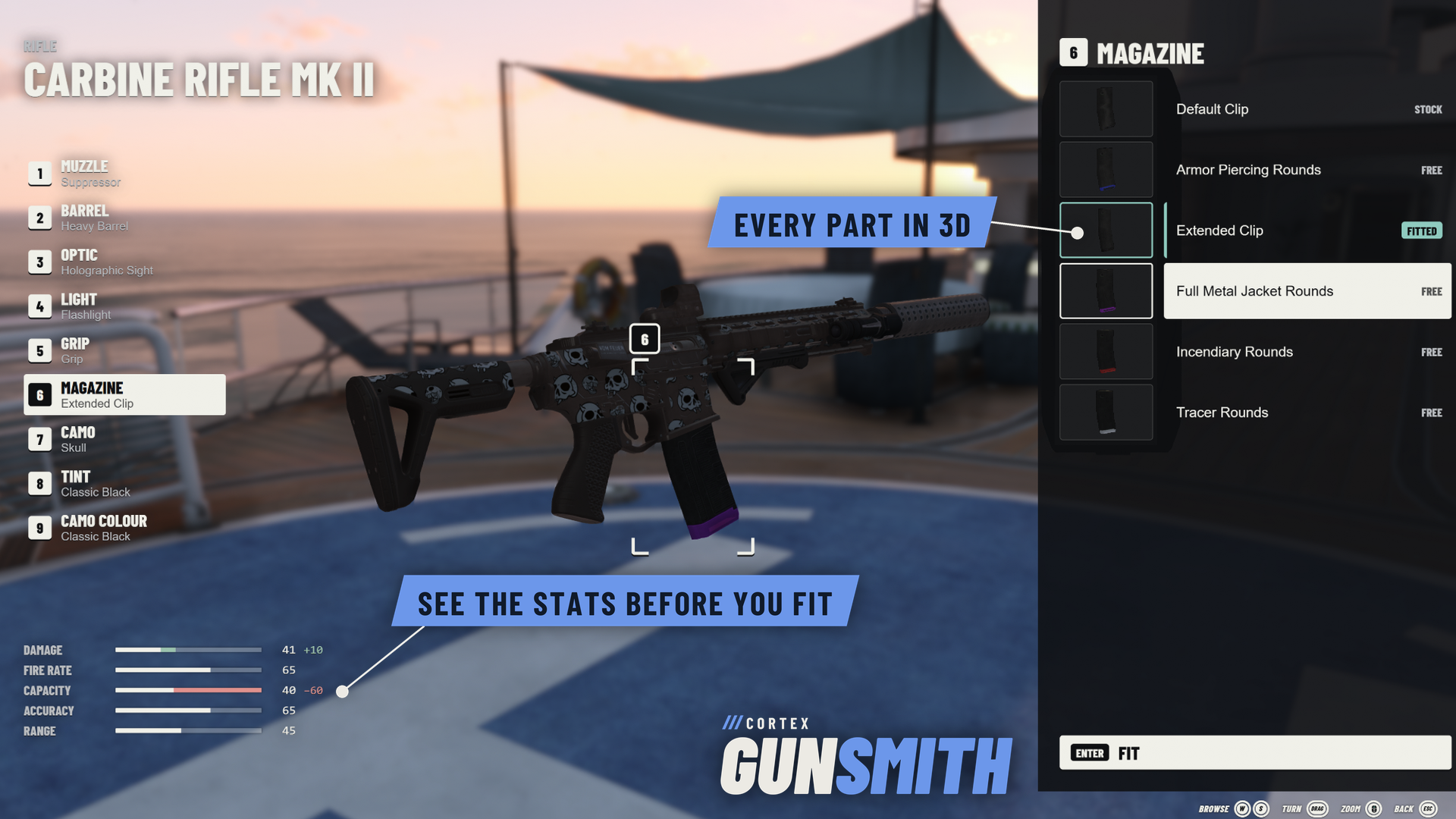
| The real model The weapon leaves your hands and floats in front of your eyes, lit, with depth of field behind it. Drag to turn it, let go mid-drag to fling it, and scroll to zoom in on the part you are changing. | Live part previews Every part that fits a slot is listed beside its own 3D model. The old part slides off along its rail and the new one clicks into place. | |
| Stats before you fit Stat bars show what a part changes before you fit it, so players can compare brakes, scopes and magazines without trial and error. | Strip down Press X and every part spreads out along its axis with its name on a tag. | |
| Tints, camos and finishes Tints, Mk II camo colours and finishes such as the gold Yusuf Amir Luxury Finish change the real weapon in front of you. | A working flashlight Fit a flashlight and it switches on and lights the street around you. | |
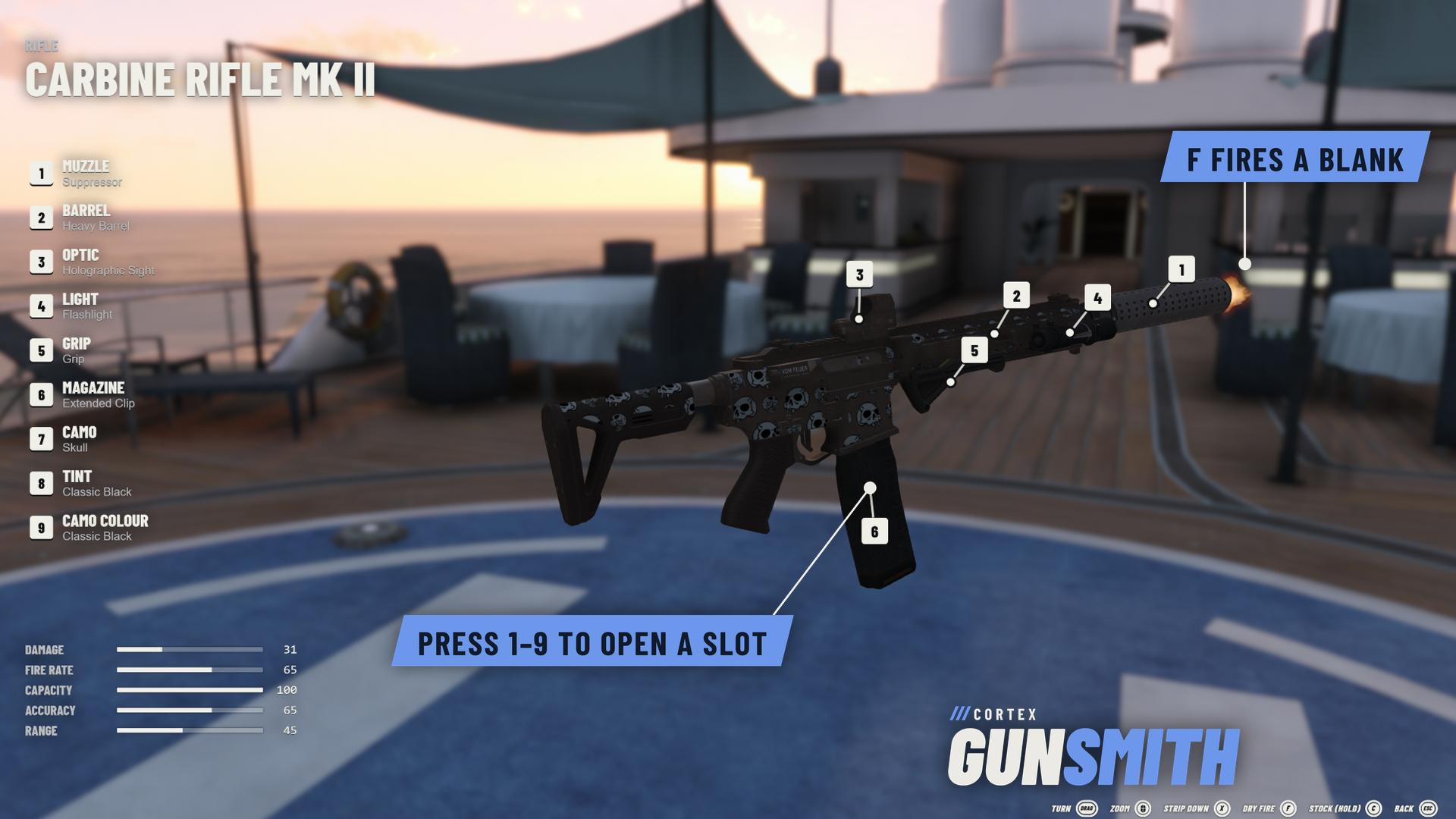
| Fire a blank Press F for the muzzle flash, the smoke and the case flying out. A suppressor all but hides the flash. Nothing leaves the barrel, and only you see and hear it. | See it stock Hold C to see the weapon as it came from the factory, and let go to get your build back. | |
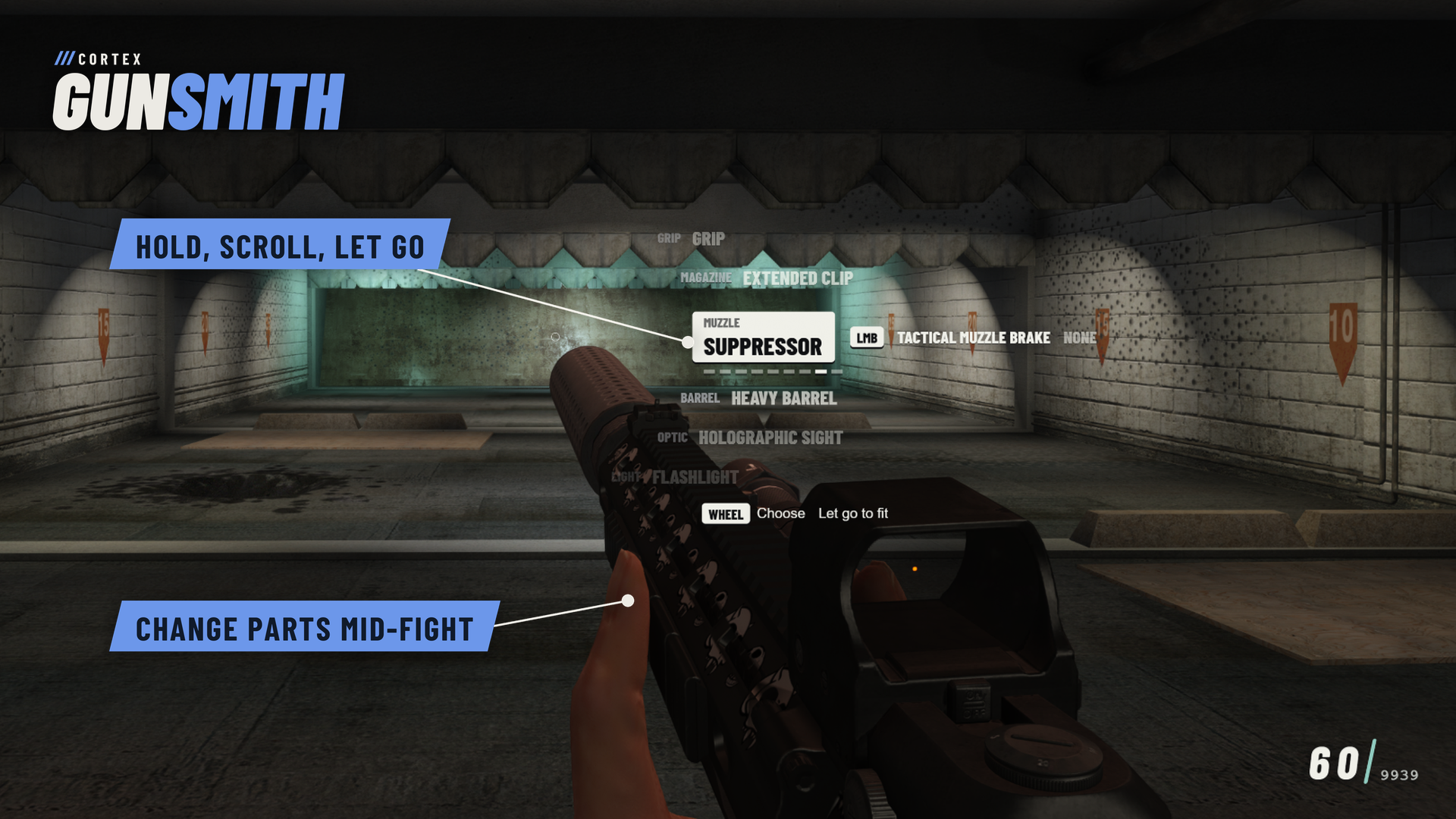
| Quick swap Hold the quick swap key mid-fight and the weapon's parts show beside your crosshair. Step a part, let go, and everything is fitted while you keep moving and aiming. | Checked by the server Each change is tied to the player's weapon item. The server checks they still hold it, that the part fits and that they carry it, then applies one change at a time. If a write fails, the part goes back. | |
/// SETUP / COMPATIBILITY
BEFORE YOU START
| REQUIRES | Cortex Lib 3.4.0 or newer (free) and OneSync. |
| INVENTORY | Qbox with ox_inventory. Fitted parts are stored on the weapon, so ox_inventory puts them on whenever it is drawn. Without an inventory the bench runs standalone: every part is free and each player's setup can be remembered per weapon. |
| ITEMS | Parts are ox_inventory's attachment items. ox_inventory ships 61 of the 76; paste the included snippet into weapons.lua for the Mk II rounds and weapon kits. Config.items maps other item names. |
| INSTALL | Put cortex-gunsmith in your resources and start it after cortex-lib and ox_inventory. No SQL and no frontend build. |
| CONTROLS | F9 or /gunsmith opens the bench. Quick swap has no default key; players bind it under Settings > Key Bindings > FiveM. Keyboard, mouse and controller, with rumble as each part goes on. |
| DEVELOPERS | Client exports open, close and isOpen; server exports isOpen and an ox_inventory useItem callback that opens the bench on a part's slot. |
/// WHAT'S INCLUDED
READY FOR YOUR SERVER
| ■ | Readable Lua, the compiled bench UI and its Svelte source, config.lua and the English locale file. |
| ■ | The ox_inventory snippet for the 15 part items it does not ship. |
| ■ | The README: install, items, controls, configuration and exports. |
| ■ | Releases and changelog on GitHub. Free to use on servers you own or administer, including commercial servers. |



Free to use on servers you own or administer. No resale or redistribution.