
 Join our Discord
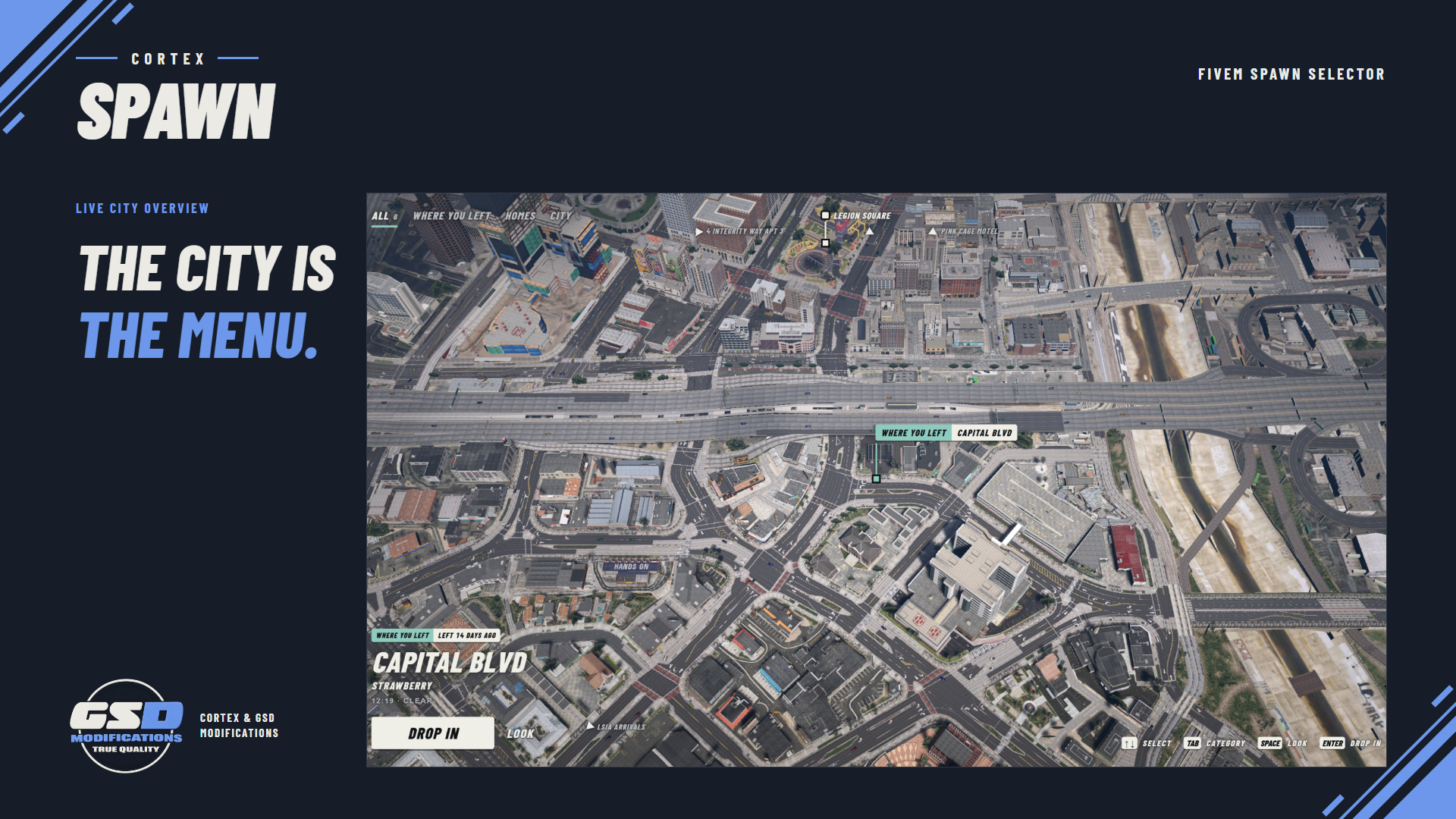
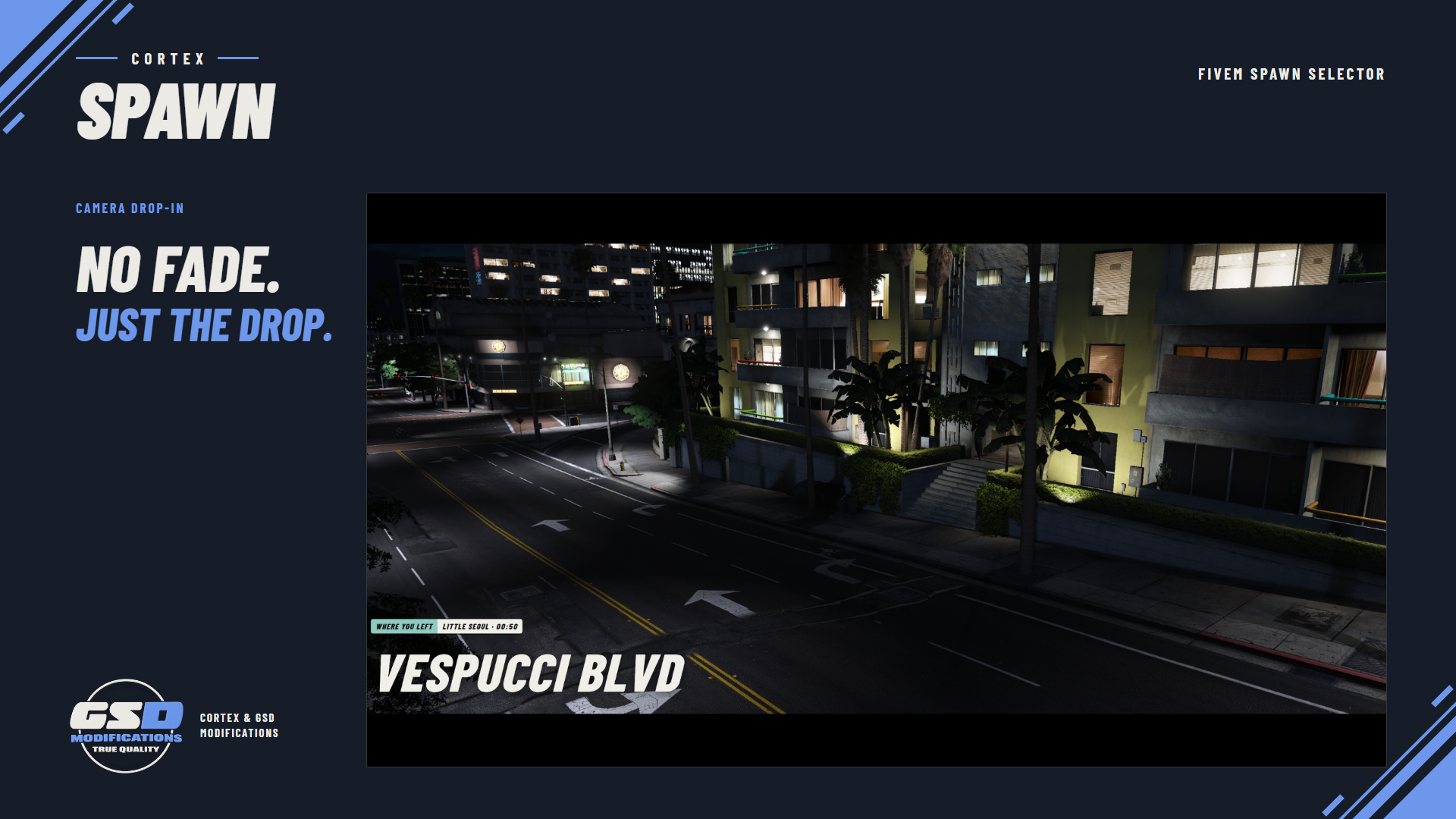
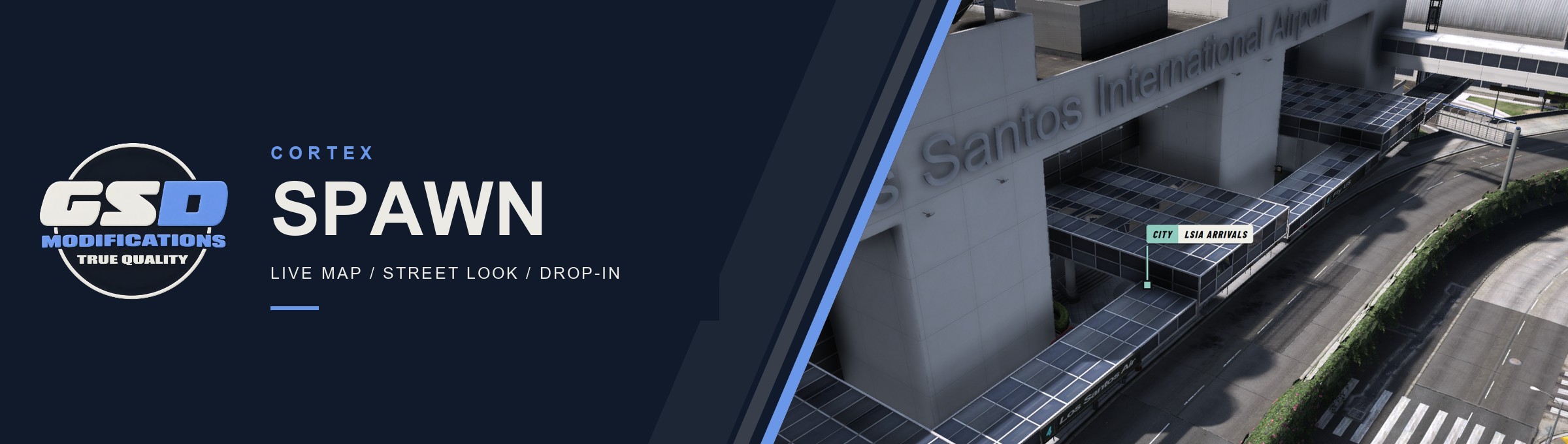
Let players choose where to enter the city from the city itself. Cortex Spawn pins your spots on a live satellite view, shows each one from the street and drops the character in with one continuous camera move into gameplay.
| QBOX FRAMEWORK | 6 STARTER SPOTS | 4 FORCED-RETURN RULES | EN LOCALE, ADD YOUR OWN |
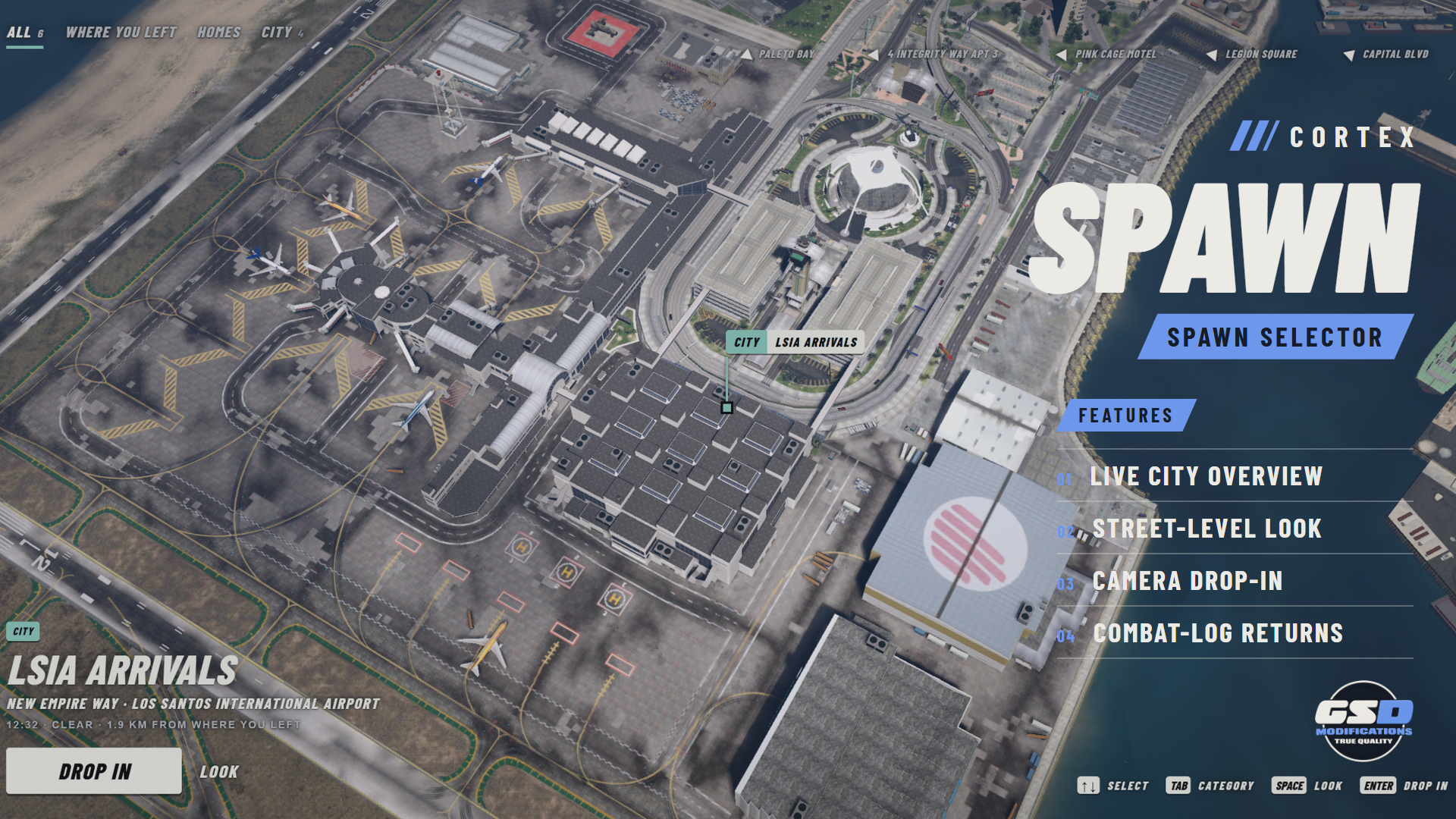
Banner: the street-level look at LSIA Arrivals, captured in game.
/// FEATURES
PICK A PLACE, THEN DROP IN
| The live city as the map Spots are pinned where they are on a satellite view of the live city, with bearings at the screen edge for the ones out of frame. Browse by category with keyboard, mouse or wheel. | Street-level look Press Space to see a spot from the street, from a vantage you author or one picked automatically along a clear line of sight. | |
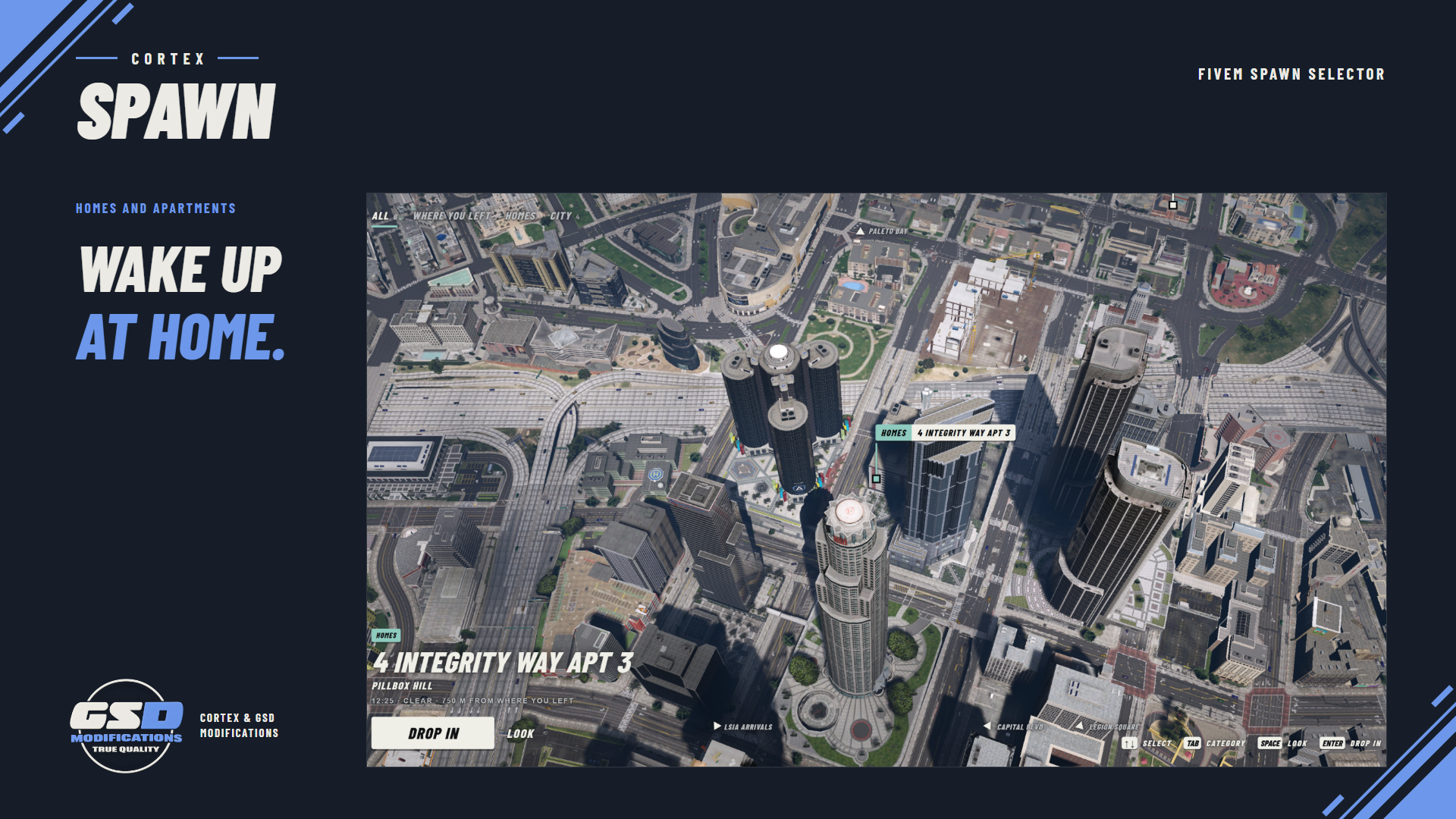
| One move into the game Enter drops the character: the camera descends to the landing and hands over to gameplay, and the character walks onto the spot or plays a scenario. Drop.Style = 'fade' gives lighter hardware a classic fade. | Homes and first apartments Owned homes and keyed properties from qbx_properties, and the starting apartment choice for new characters. | |
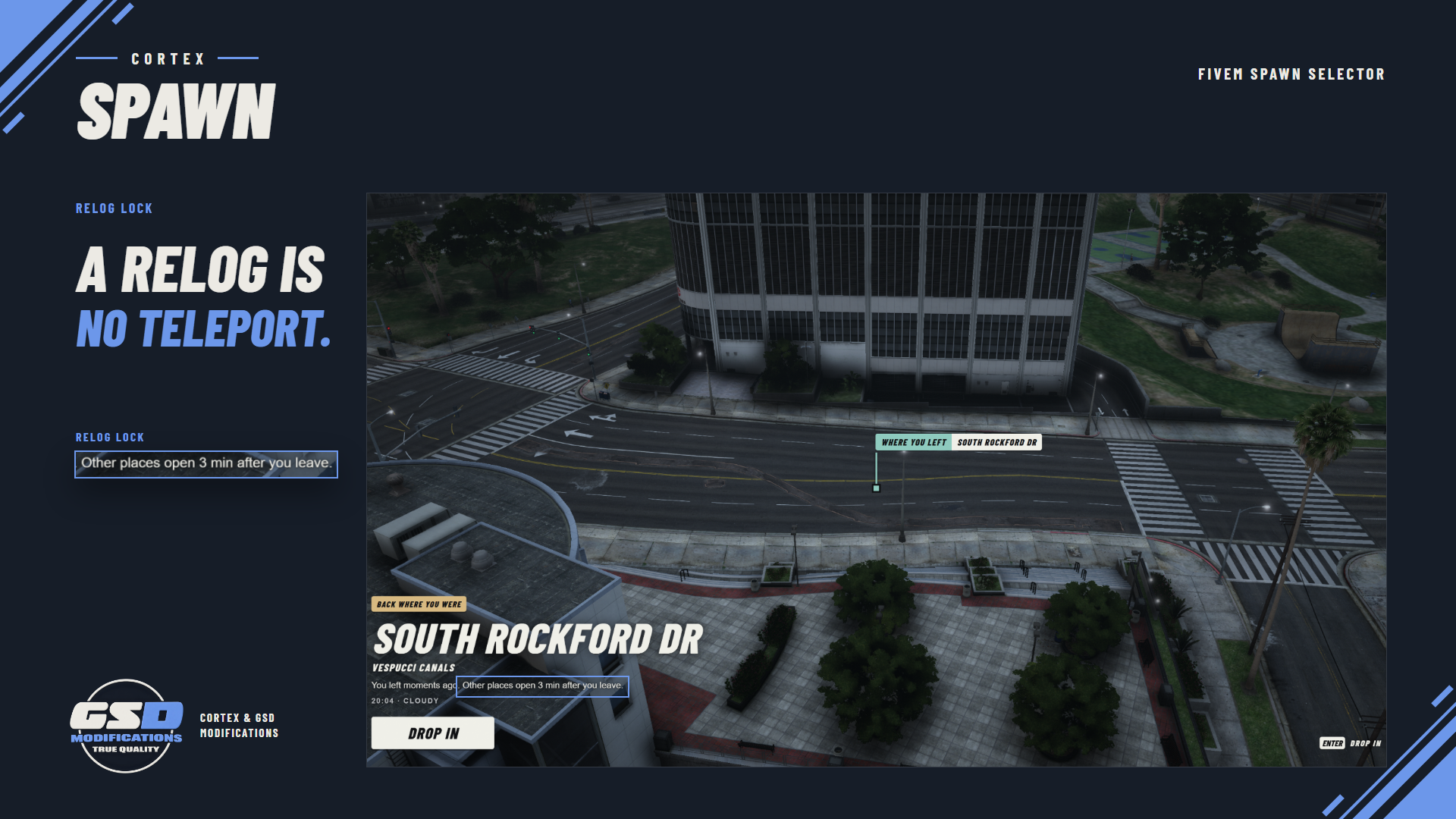
| Job and gang spots Spots gated by job and grade, gang and grade, duty or an ACE. Each feature can be switched off in config.lua. | Fair returns Characters who left downed, cuffed, jailed or in recent player combat go back to where they were, and a relog lock stops relogging as a free teleport. The player always sees why. | |
| Private while choosing Other players and the vehicles they drive are hidden while someone chooses, so the selector is never a way to scout who is standing where. | Dressed on landing With Illenium Appearance the character wears their saved look before the landing, so GTA's default model never shows. | |
| Recovers on its own A failed spawn shows an error slip with retry and falls back to the saved position after three failures. A restart mid-selection reopens it for characters still waiting. | Hand-off from Multicharacter With Cortex Multicharacter the camera climbs into the clouds after the welcome title and Cortex Spawn comes down out of the same frame. Other selectors open it through an export. | |
| Staff tools /spawnpreview opens the selector without touching your character, and /spawnspot prints a paste-ready spot with the current camera as its vantage. | Fits the Cortex set With Cortex Library the selector takes the player's accent and reduced-motion setting, and Cortex HUD hides while they choose. | |
/// SETUP / COMPATIBILITY
BEFORE YOU START
| REQUIRES | Qbox (qbx_core), ox_lib, oxmysql and OneSync. |
| OPTIONAL | qbx_properties for homes, keys and starting apartments, Illenium Appearance to dress the character before landing, Cortex Multicharacter for the cloud hand-off and Cortex Library for the shared accent and reduced motion. Cortex HUD hides while choosing. |
| INSTALL | Keep the folder named cortex-spawn and ensure it after qbx_core and qbx_properties. With Cortex Multicharacter it is used in place of qbx_spawn. Its table is created on first start, so there is no SQL to import. |
| PERMISSIONS | add_ace group.admin cortex.spawn.admin allow gives staff /spawnpreview and /spawnspot. |
| CONFIGURE | Spots, features, forced-return rules, camera and drop timing live in config.lua with a comment on each key. A bad value prints one line naming the key and is skipped. |
| OTHER SELECTORS | A selector that fires qb-spawn:client:setupSpawns reaches it when neither qbx_spawn nor qb-spawn runs. Any other can call exports['cortex-spawn']:open(). |
/// WHAT'S INCLUDED
IN THE BOX
| ■ | The resource, delivered through your linked Cfx.re account (portal.cfx.re > Granted Assets). |
| ■ | Client and server Lua and the compiled spawn selector interface. |
| ■ | Editable config.lua, fxmanifest.lua and locale files. |
| ■ | The README with install, configuration, commands and exports, the changelog and third-party notices. |



Licensed for use on servers you own or administer. No resale or redistribution. All sales are final.