
 Join our Discord
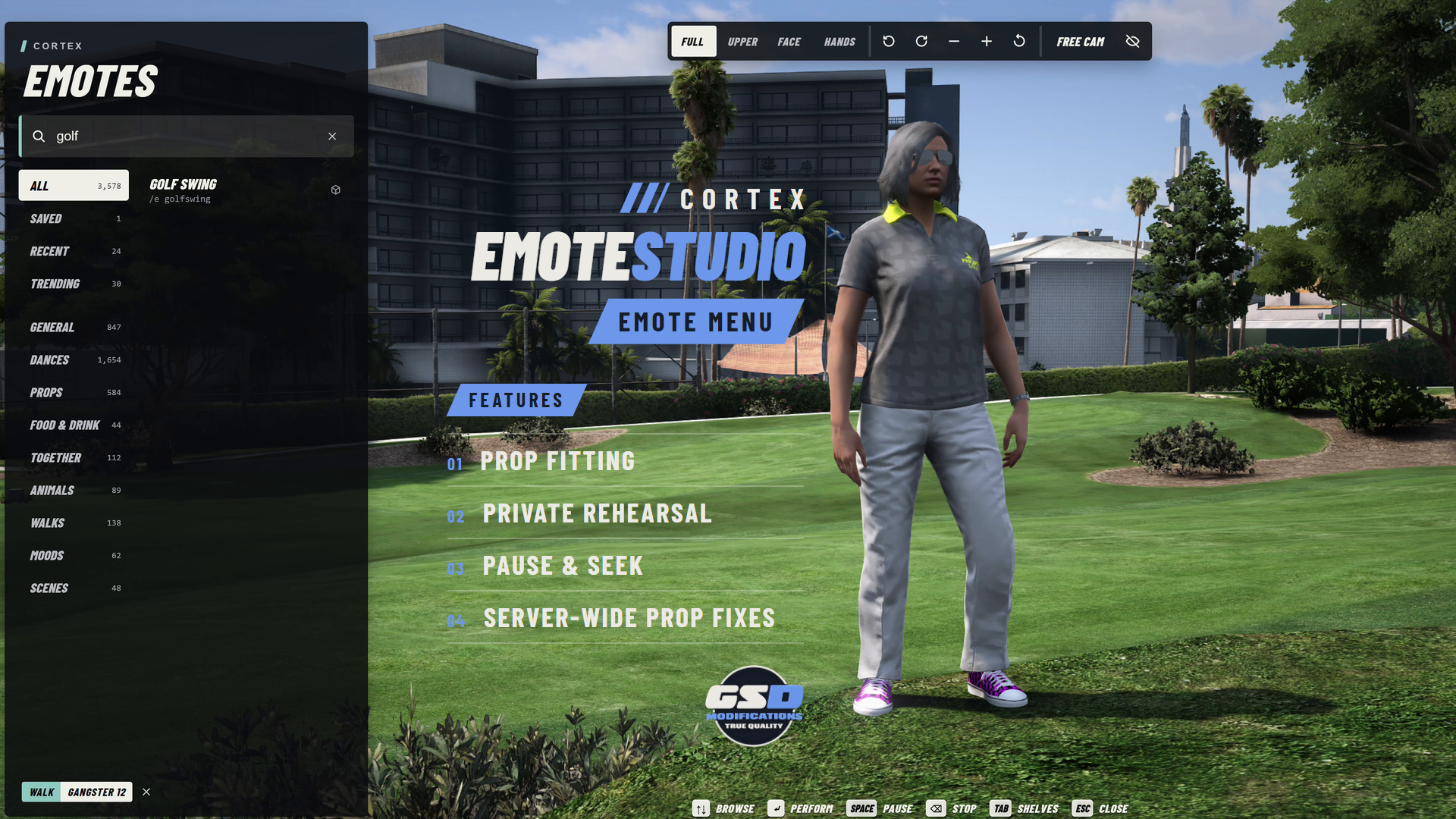
Cortex Emote Studio gives players a place to rehearse an emote, adjust its props, and perform it when they are ready. Preview on a private stand-in while your real character stays as it was for everyone else.
| 4 CAMERA VIEWS | 8 QUICK SLOTS | 12 INVITES PER GROUP | 9 UI LANGUAGES |
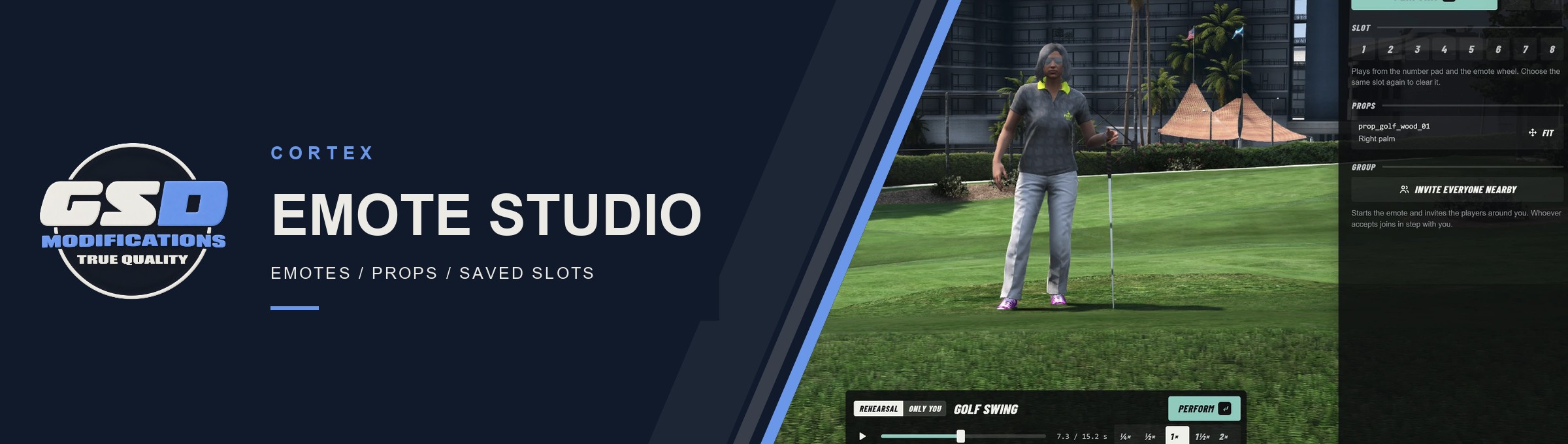
Banner: rehearsing Golf Swing in the studio, captured in game.
/// FEATURES
REHEARSE, FIT, PERFORM
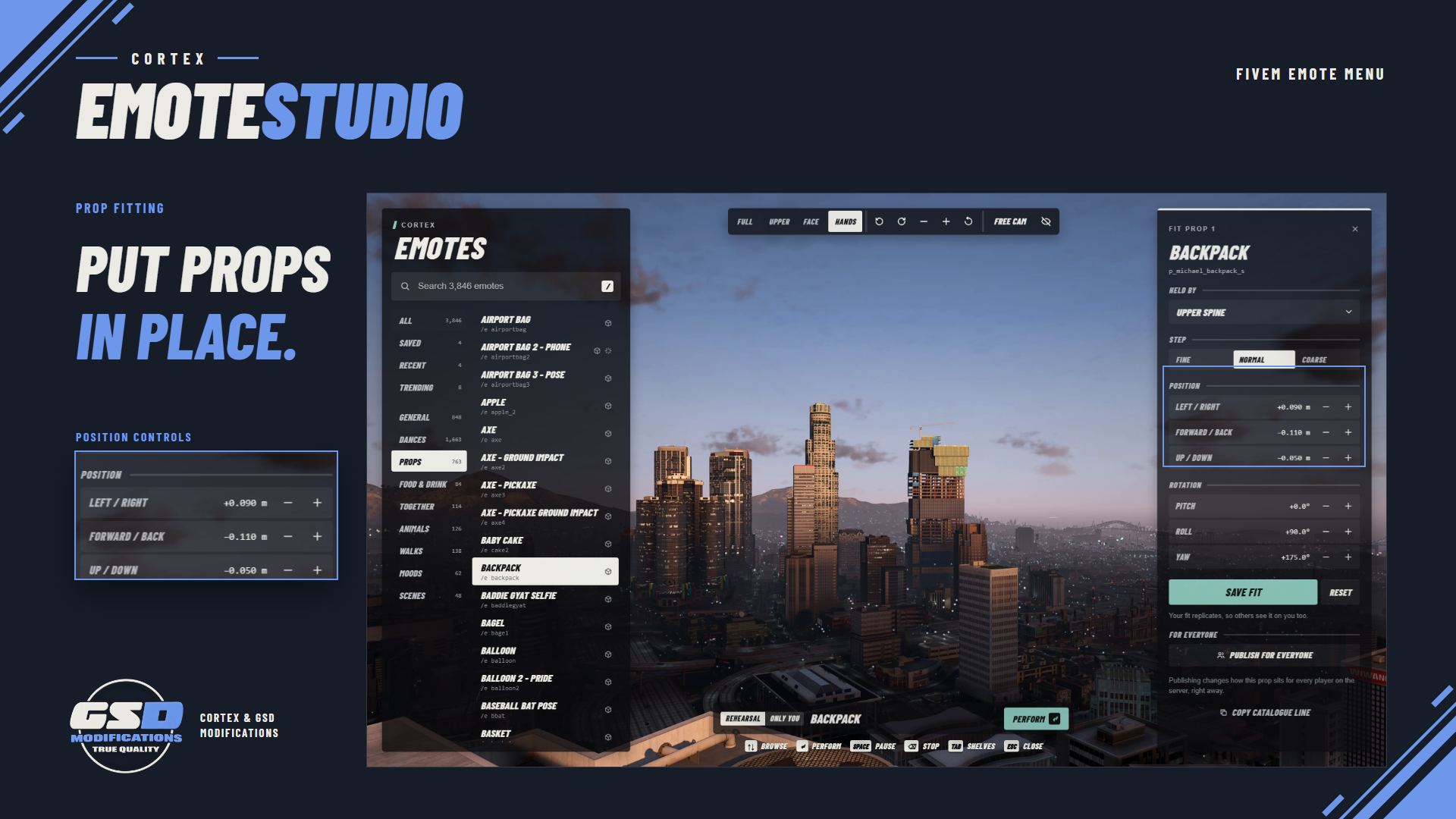
| Private rehearsal A local stand-in performs your selection first. Pause, scrub the timeline and pick from quarter to double speed before you perform. | Prop fitting Change the attachment bone, position and rotation, then save your own fit. Admins can publish a fix for every player on the server. | |
| Shared emotes Offer a paired pose or dance to a nearby player through Cortex Lib. They accept or decline on a named prompt, and both clients load the clip and props first. | Group invitations Start an emote and invite nearby players to join on your frame and speed. Each player chooses whether to join. | |
| Studio camera Full, Upper, Face and Hands views with orbit, pan and zoom, plus a free camera players can open by default. | Emotes in vehicles Animation clips play while seated using upper-body tasks. Walks, scenarios and physical gadgets stay on foot. Owners can turn it off. | |
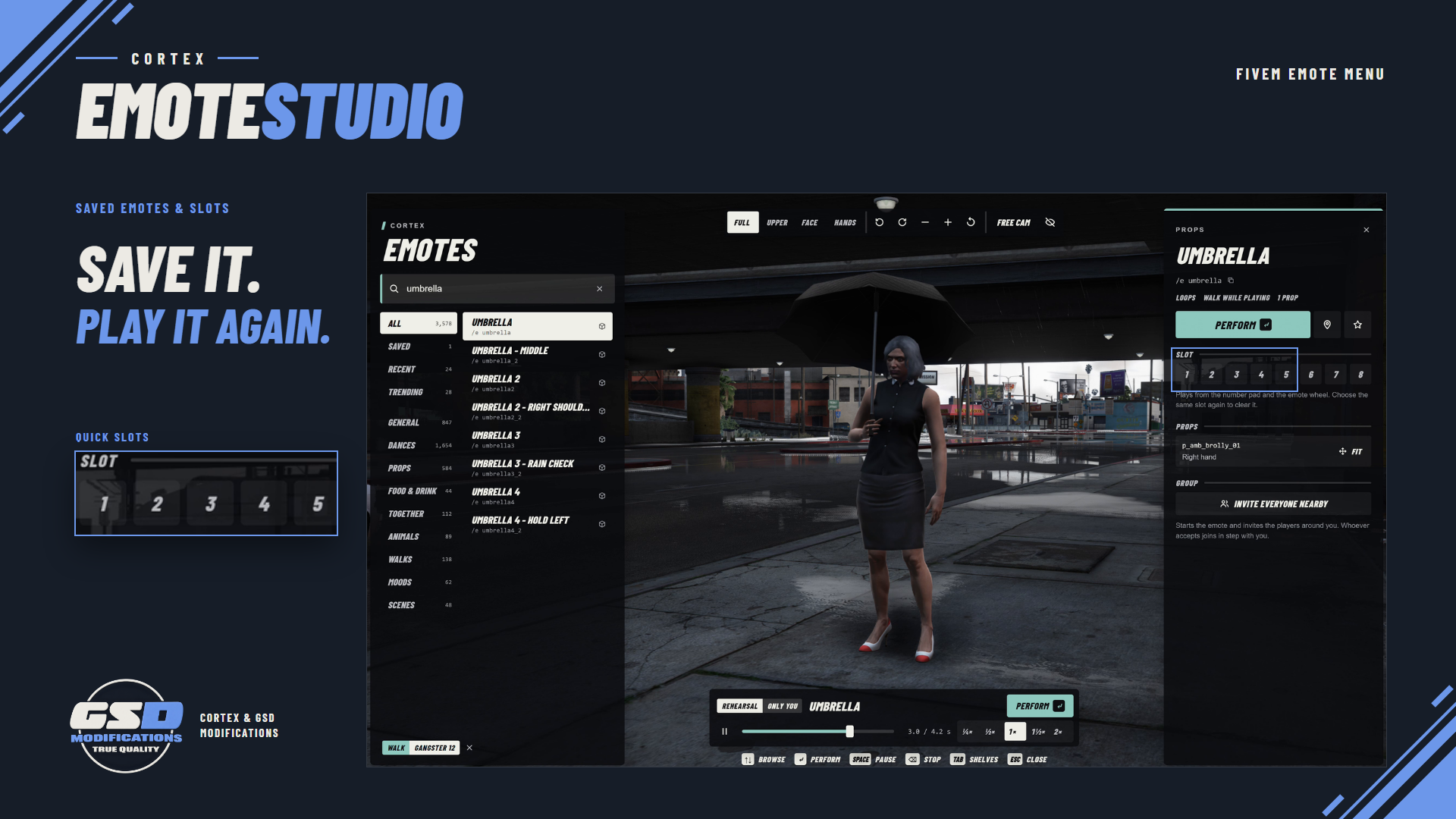
| Personal library Search, Saved, Recent and Trending, eight quick slots on the number pad and an emote wheel. Share and import saved lists as a code. | Placement and sitting Choose a spot for a pose and walk there to perform it, or sit on supported chairs, benches and the ground. | |
| Bring your own packs Add catalogue entries or convert Scully, RPEmotes and dpemotes lists. Emotes with missing assets are hidden from the menu. | Owner controls Keybinds, category toggles, optional ACE locks, hands-up and pointing ownership, and nine interface languages. | |
/// SETUP / COMPATIBILITY
BEFORE YOU START
| REQUIRES | A FiveM server with OneSync and Cortex Lib. Use the Cortex Lib 3.2.1-emote.1 companion supplied with this release and start it first. |
| OPTIONAL | No framework, inventory, target resource or SQL database is required. Community animation and prop packs are free downloads from their creators, installed in their own resource. |
| INSTALL | Extract cortex-lib and cortex-emotemenu, stop other emote menus, then ensure cortex-lib, your packs and cortex-emotemenu in that order. Press F2 and run /emotedoctor. |
| CONTROLS | F2 or /emotemenu opens the studio and F3 the wheel. /e <emote> plays, /e c cancels and /eshare offers a shared emote. Rebind under Settings > Key Bindings > FiveM. |
| EMOTE COUNT | Playable emotes depend on the packs you install, permissions, categories and ped type. Adult and animal categories are off until you enable them. |
| LANGUAGES | English, German, Spanish, French, Italian, Dutch, Polish, Brazilian Portuguese and Turkish. Catalogue names stay in English. |
| DEVELOPERS | Client exports include playEmote, cancelEmote, isInEmote, openMenu and offerSharedEmote. /emotecontrols shows which resource owns each input. |
/// WHAT'S INCLUDED
READY FOR YOUR SERVER
| ■ | Cortex Emote Studio delivered to your Cfx.re account through Asset Escrow. Config, locales, catalogue data, converted lists and movement gadgets stay readable. |
| ■ | The compiled menu as readable HTML, CSS and JavaScript. No frontend build is needed; the Svelte development project is not included. |
| ■ | The matching Cortex Lib companion build as a separate download. |
| ■ | README, install guide, changelog, licence and third-party notices. |
| ■ | Support through the GSD Mods Discord. Updates download through your Cfx.re account; server files do not update automatically. |




The purchase covers Cortex-owned components under the included license. No resale or redistribution of those components. Third-party components retain their own licences and rights.