
 Join our Discord
Tune a vehicle from the driver's seat, drive the changes, and compare the results. Cortex Handling puts handling values, test runs, shared profiles and handling.meta files in one large Cortex tablet.
| 50 HANDLING FIELDS | 3 APPLY SCOPES | 4 RUNS COMPARED | 5 UI LANGUAGES |
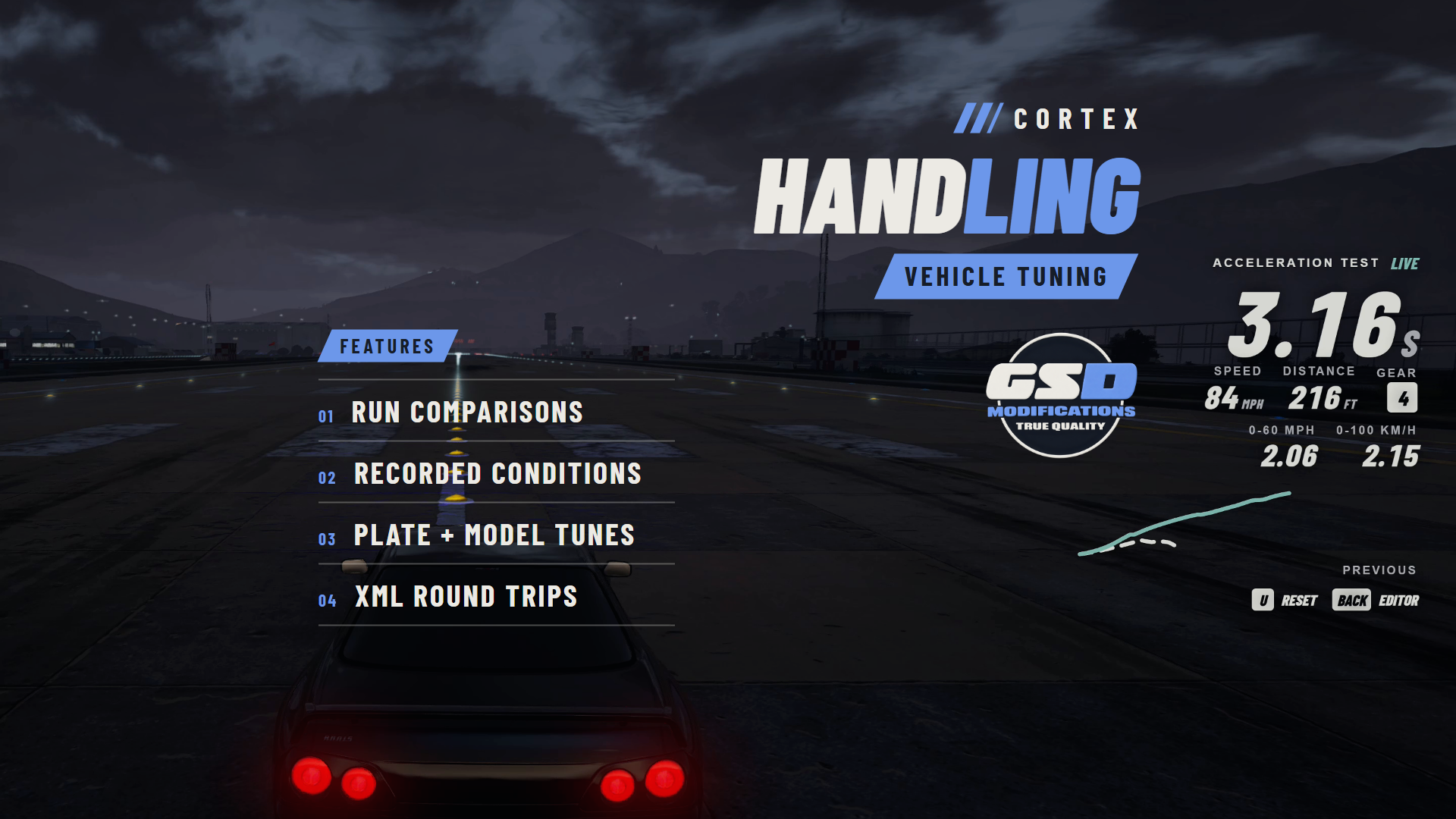
Banner: a live acceleration test on the airport runway, captured in game.
/// FEATURES
TUNE, DRIVE, COMPARE
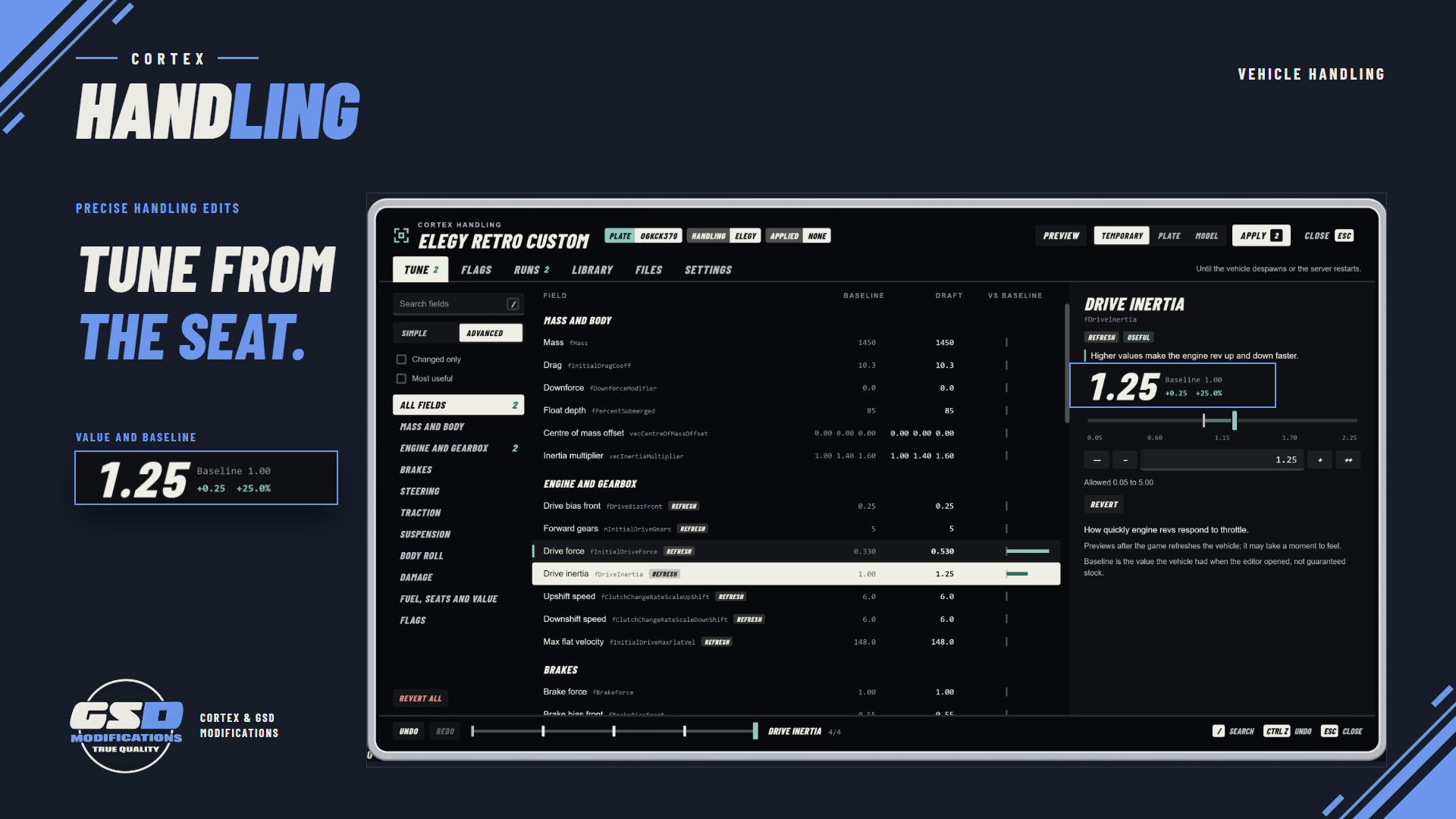
| Tune from the seat Edit 50 main CHandlingData fields with numeric and vector entry, search, field guides, Simple presets and a most-useful filter. | Baseline beside draft See the captured and draft values side by side, show changed fields only, and undo, redo or revert one field or all of them. | |
| Drive the draft Preview hides the tablet and returns driving controls. Backspace or F11 brings back the same session. Closing restores an unapplied preview. | Three apply scopes Keep a tune on this vehicle only, on a plate or on a model, each with its own server permission. Removing one falls back to the next. | |
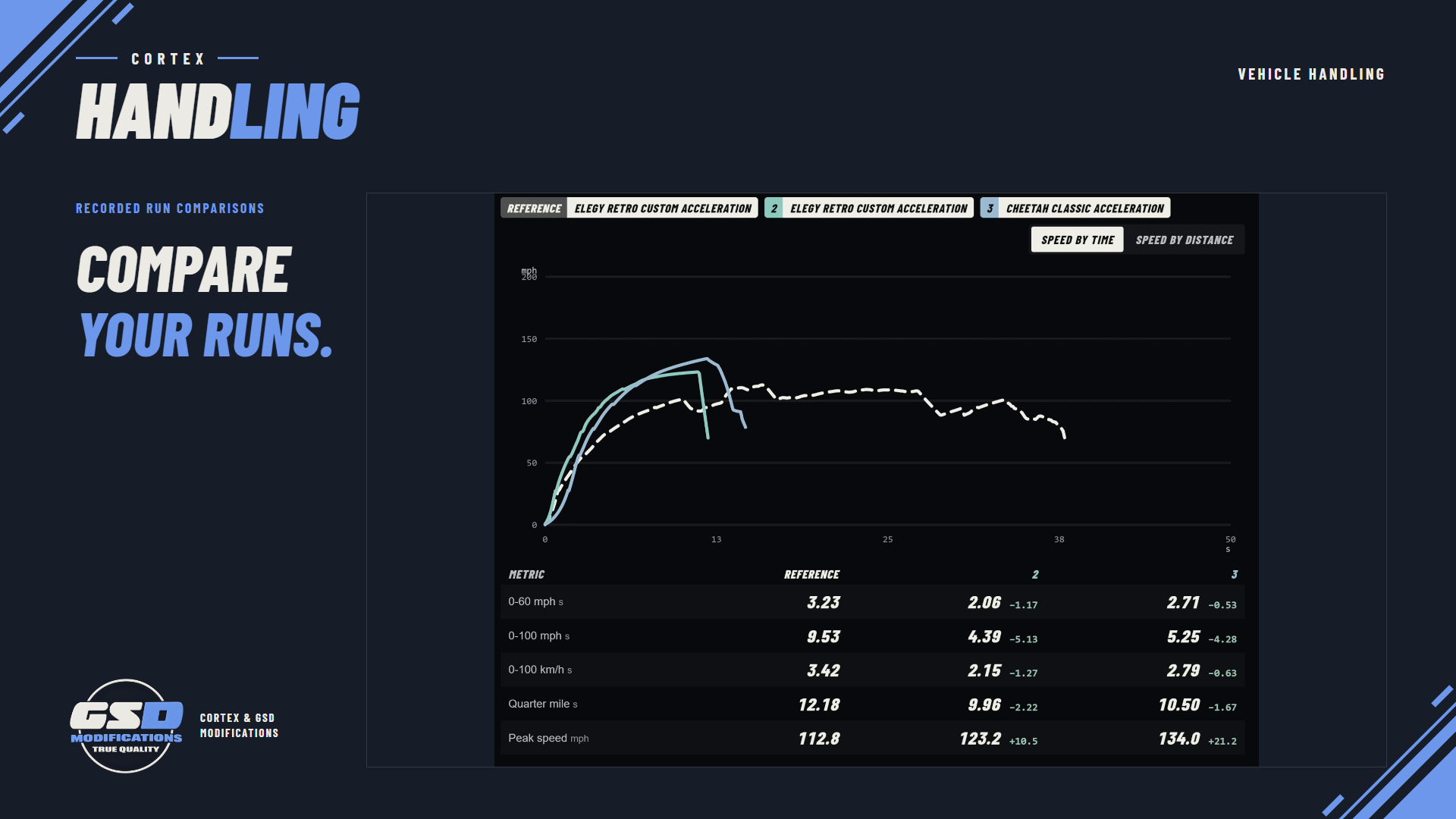
| Acceleration and braking runs Record 0-60 mph, 0-100 mph, 0-100 km/h, quarter mile and peak speed, or the braking start speed and stopping distance. | Compare up to four runs Speed-by-time or speed-by-distance curves, metric differences and the recorded conditions. Fleet view puts different vehicles side by side. | |
| Shared profile library Save named handling profiles, search the library, compare a profile with the draft and load it when you choose. | handling.meta in and out Paste or pick a file, choose its entry and export your edits. Other entries, comments and unsupported content stay as they were. | |
| Handling names found for you The vehicle's native handling hash is matched against started resources' metadata and model names. Config.HandlingNames covers what it cannot read. | Flags with descriptions Model, handling and damage flags with bit descriptions, integer and hex masks, and live or export-only labels. | |
/// SETUP / COMPATIBILITY
BEFORE YOU START
| REQUIRES | FiveM with OneSync and Cortex Library, the free shared Cortex resource. Start cortex-lib before cortex-handling. |
| OPTIONAL | oxmysql is the default storage. For no database, set Config.Storage.backend to 'kvp'. Job and gang access adapters are included for Qbox, QBCore and ESX. |
| INSTALL | Copy the cortex-handling folder into your resources and ensure it after cortex-lib and oxmysql. Tables are created on start; sql/install.sql has the same schema. |
| FRAMEWORKS | The core needs no framework. Set Config.Framework to 'none' for standalone. Qbox was used in development; check QBCore and ESX access on your own server. |
| ACCESS | Per-action ACEs for editing, profiles, plate and model applies and managing other users' records. Timing is open to everyone by default. |
| CONTROLS | F11 or /handling opens the editor, Backspace returns from Preview, U resets timing, and /handlingtiming [braking] starts a run. Stock pma-voice also uses F11, so rebind one. |
| VEHICLES | Cars, bikes, quadbikes and amphibious road vehicles. Aircraft, boats, trains, sub-handling classes and AIHandling are outside the catalogue. |
| LANGUAGES | Tablet controls in English, Spanish, German, French and Portuguese, in mph or km/h. Field guides, preset notes and errors are in English. |
/// WHAT'S INCLUDED
READY FOR YOUR SERVER
| ■ | Readable Lua runtime files, an editable config.lua and the compiled tablet interface. No frontend build is needed. |
| ■ | An optional sql/install.sql for manual database setup. |
| ■ | The README with install and standalone setup, API, QA and runtime docs, and the changelog. |
| ■ | Client and server exports, including RegisterBaselineAdapter for your own baseline source, plus /handling_diag and cortexhandling_status diagnostics. |
| ■ | Cortex Library is a separate, free required resource. |




Use on servers you own or administer. No resale or redistribution.