
 Join our Discord
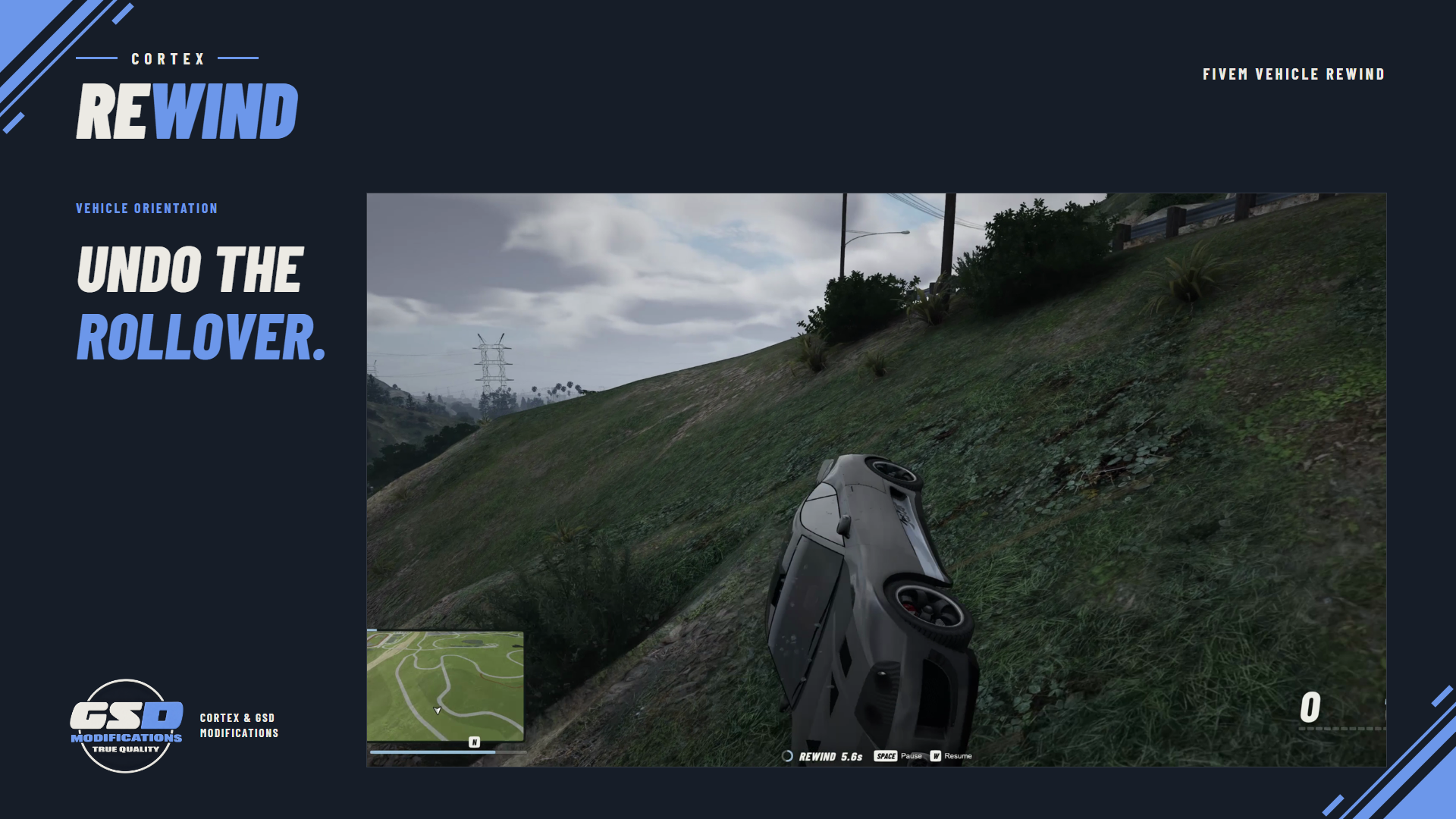
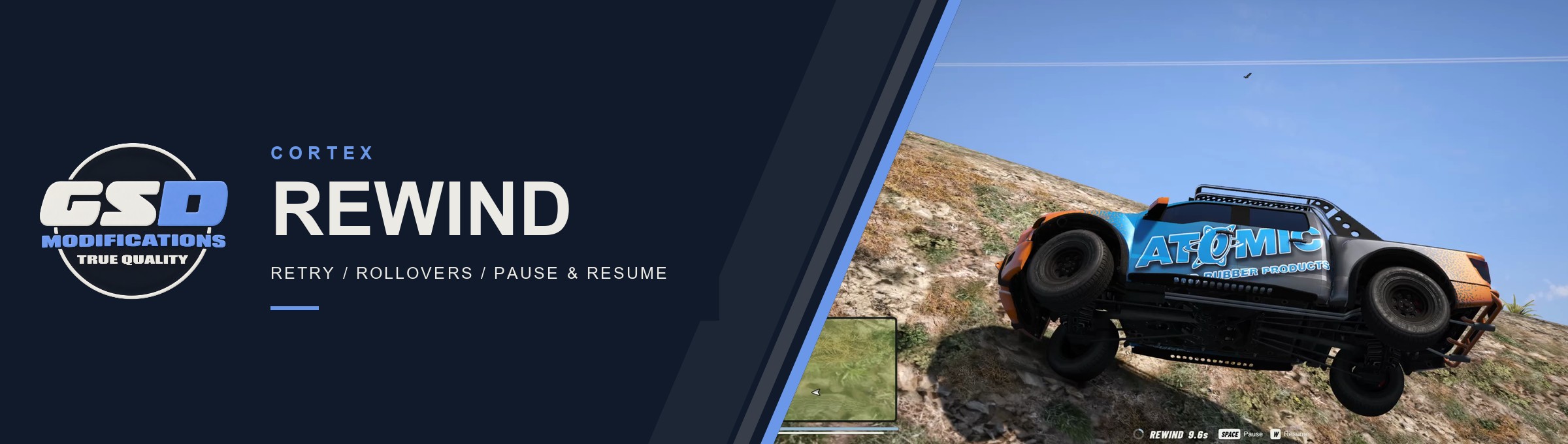
Missed a corner or landed a stunt badly? Press F5 to rewind your recent driving, then press W to carry on from an earlier point with the recorded momentum. Built for freeroam servers and stunt practice.
| 12 S DEFAULT HISTORY | 4 PLAYBACK SPEEDS | 30 DENT POINTS | F5 TO REWIND |
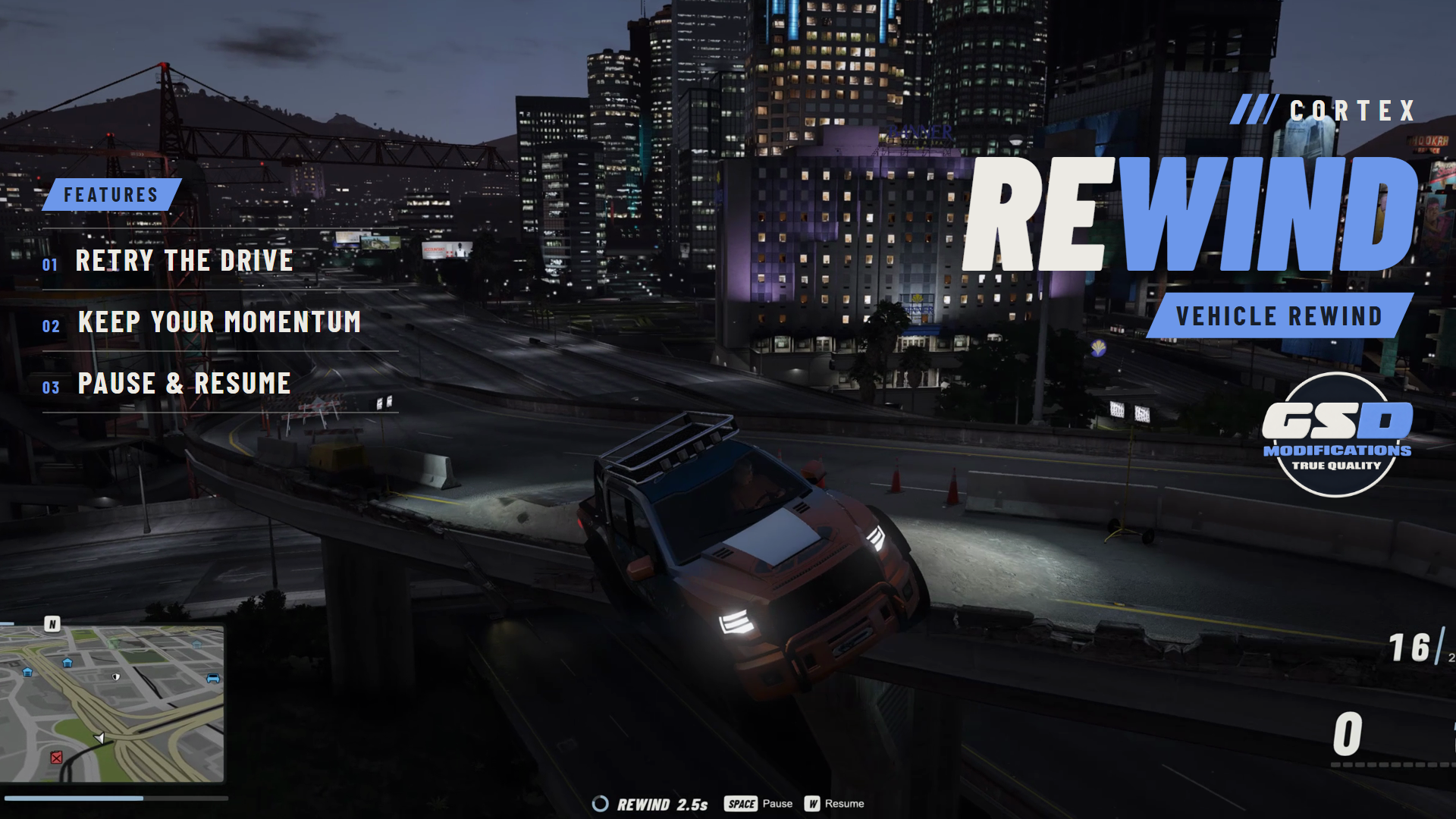
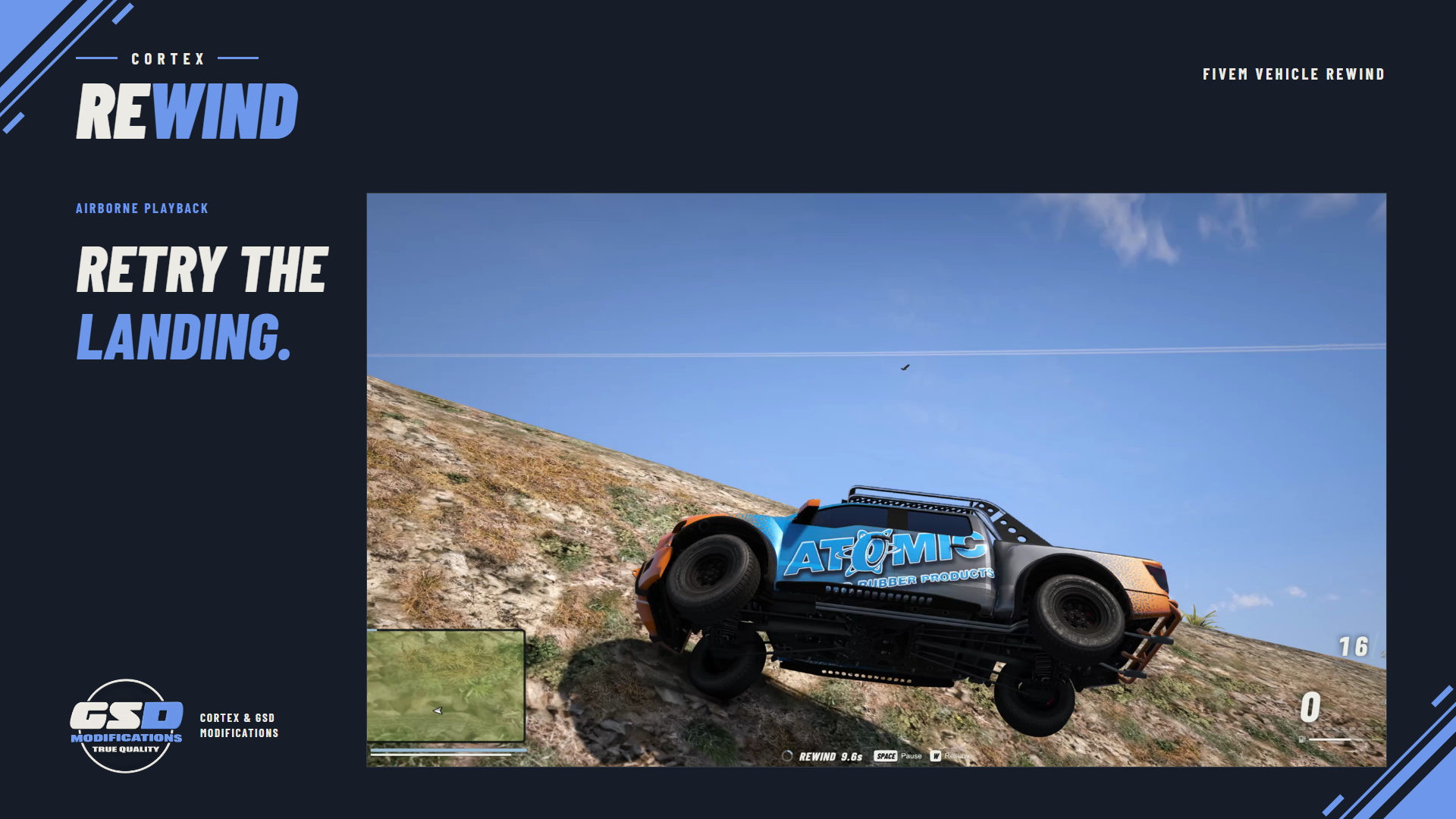
Banner: a rewind mid-jump at 9.6 seconds, captured in game.
/// FEATURES
RETRY THE DRIVE
| Recent driving history Press F5 while driving and the vehicle plays back the last 12 seconds by default. Set the history length in config.lua, up to 120 seconds. | Resume with momentum Press W to drive on from any point in the rewind. The vehicle gets back the velocity it had at that moment. | |
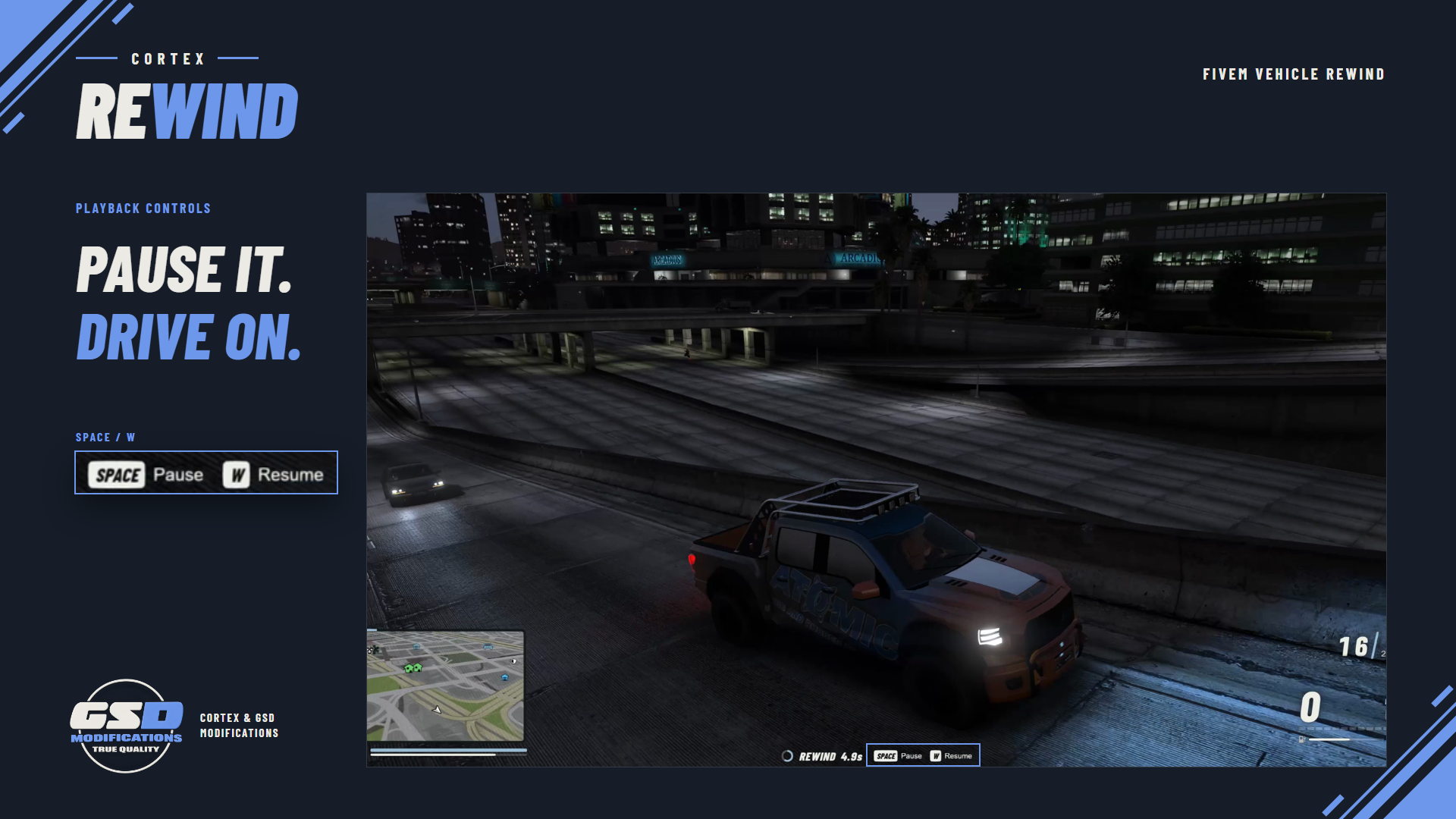
| Movement and orientation Playback follows the recorded position and rotation at the real capture timestamps, and the wheels turn backwards with the vehicle. | Pause and continue Space pauses playback and continues it. Each rewind has a 15 second pause budget by default; when it runs out, playback carries on. | |
| Playback speeds Players pick 0.5x, 1x, 1.5x or 2x in Cortex settings, or you set one speed for everyone. | Crash damage undone Rewind past a crash and engine, body and fuel tank health come back with windows, doors, tyres and dents. Dents are rebuilt close to the recording, not exactly. | |
| Repairs others can see Each bodywork restore goes through the server to players within 150 m in the same routing bucket, so nearby players see the repair too. | Server-checked access The server approves each rewind against the cortex.rewind ACE, the driver seat and the routing bucket. Add an optional cooldown between rewinds. | |
| No pile-ups on resume Resume inside another vehicle and the two stop colliding for 1.5 seconds by default, for nearby players too, so you drive out instead of sticking. | Quiet when idle With the default key binding, no per-frame loop runs until a rewind starts. The overlay shows the timer and keys and never takes the cursor. | |
/// SETUP / COMPATIBILITY
BEFORE YOU START
| REQUIRES | Cortex Lib 3.2.0 or newer (free) with its vehicleReplay module, OneSync, and FXServer with Lua 5.4. No framework, database or frontend build. |
| INSTALL | Start cortex-lib, then cortex-rewind, and keep the resource name. Grant the cortex.rewind ACE to the players who may rewind, or to everyone on a freeroam server. |
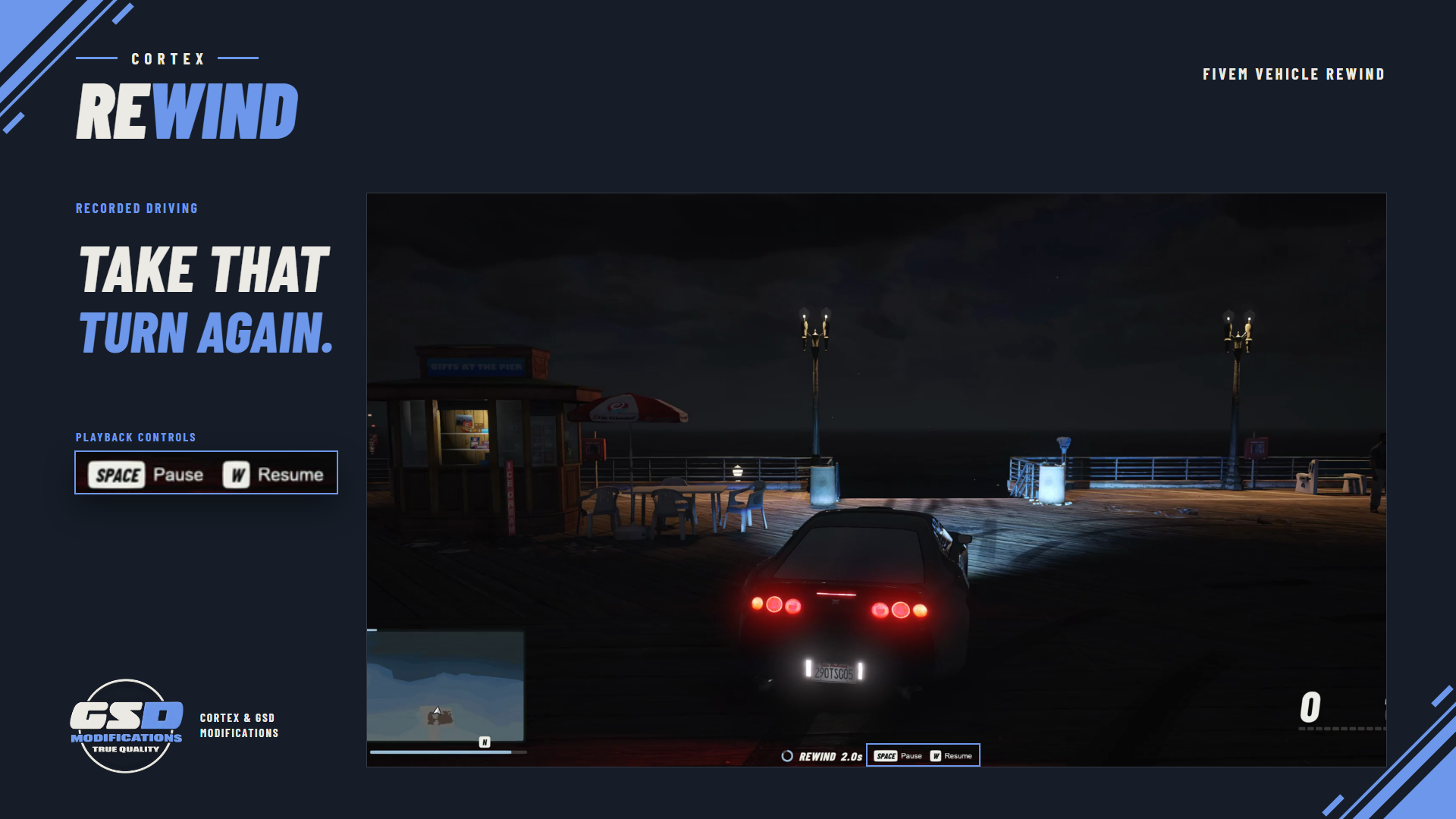
| CONTROLS | F5 starts, W resumes, Space pauses. Rebind the start key under Settings > Key Bindings > FiveM. /rewind_start, /rewind_resume, /rewind_pause and /rewind_clear work as fallbacks. |
| CONFIGURE | config.lua sets history length, controls, access, cooldown, speeds, pause budget, health and bodywork restore, effects, sound and the overlay. |
| OPTIONAL | On-foot mode records and rewinds the player instead of a vehicle (Restrictions.VehicleOnly = false). Vehicle-only is the default. |
| SCOPE | Only the driver records and rewinds; other occupants ride along. There is no race, economy or anti-cheat integration. |
| UPDATING | Merge the new config. Health and bodywork restore are now on by default; set RestoreVehicleHealth and RestoreVehicleDamage to false for the old behaviour. |
/// WHAT'S INCLUDED
IN THE BOX
| ■ | The resource, delivered to your Cfx.re account (portal.cfx.re > Granted Assets). |
| ■ | An open config.lua for every setting, and the overlay ready to run with no frontend build. |
| ■ | README.md and README.txt with install, configuration, upgrade steps from 1.x and troubleshooting. |
| ■ | Cortex Lib is a separate free download from the GSD store. |




One-time purchase, delivered through your Cfx.re account. Use on servers you own or administer.