
 Join our Discord
Meet your characters before you step into the city
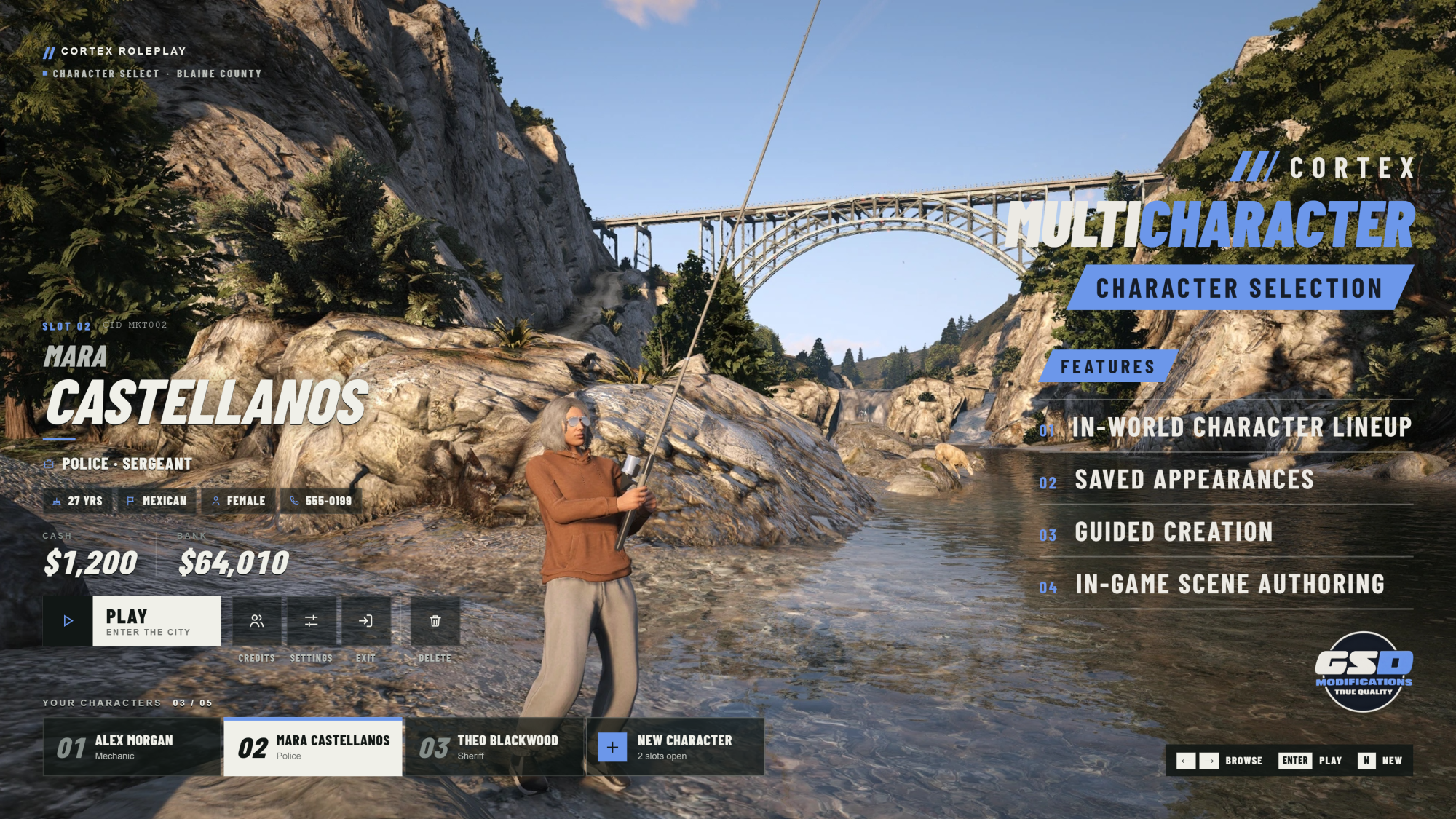
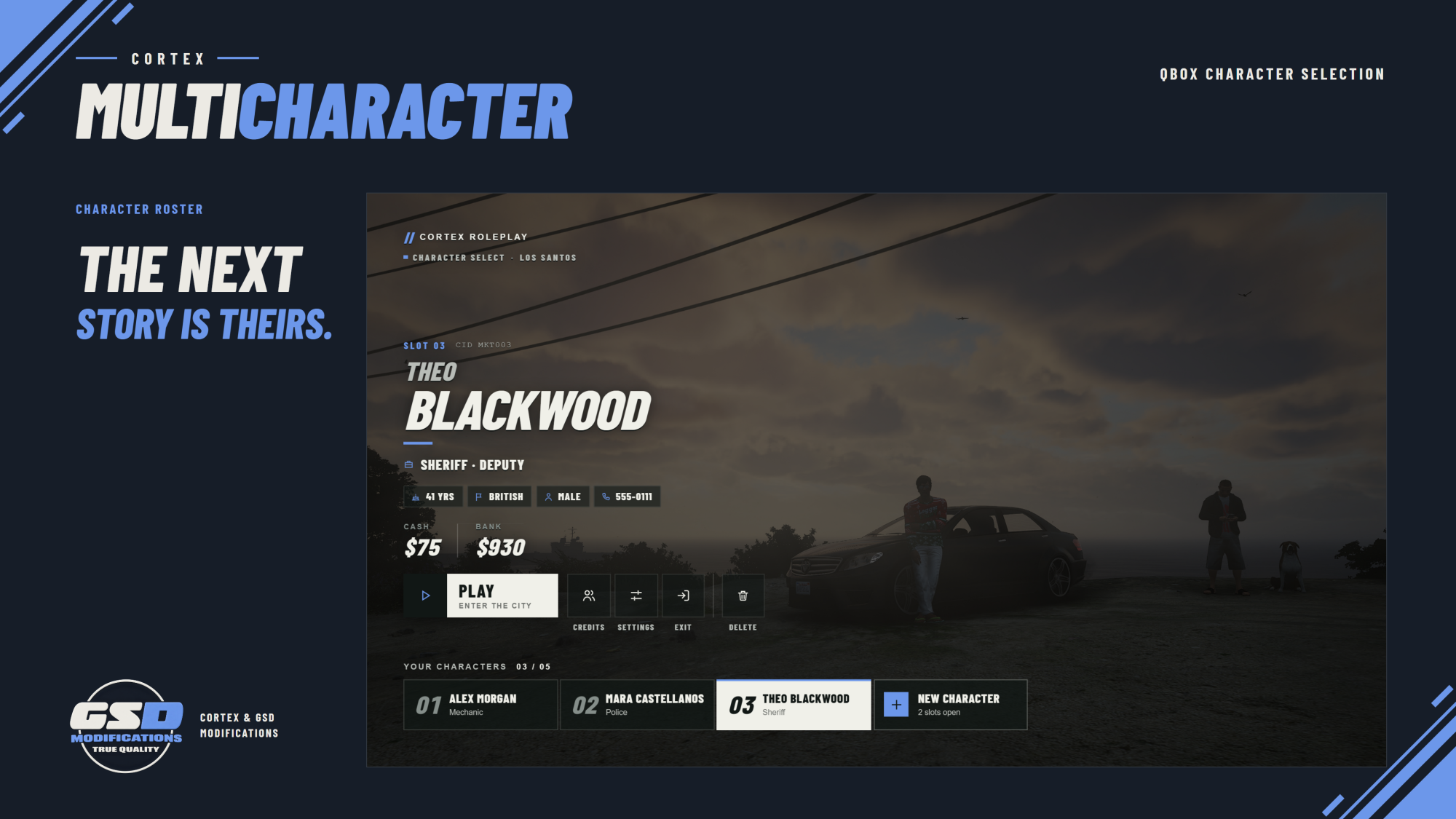
Cortex Multicharacter presents an account's characters together in an authored scene, wearing their saved appearances and using configured poses. Camera views and character positions are yours to set, so you decide how that first selection feels.
Build a lineup around a lounge, balcony, courtyard or any other location that suits your setting. Players review their characters and choose who to enter the server with.
Features
In-world character lineup
- Every character in the scene. The roster shows owned characters together in the world.
- Saved Illenium appearances, so each character looks the way the player left them.
- Individual positions, idle animations and camera framing for each character.
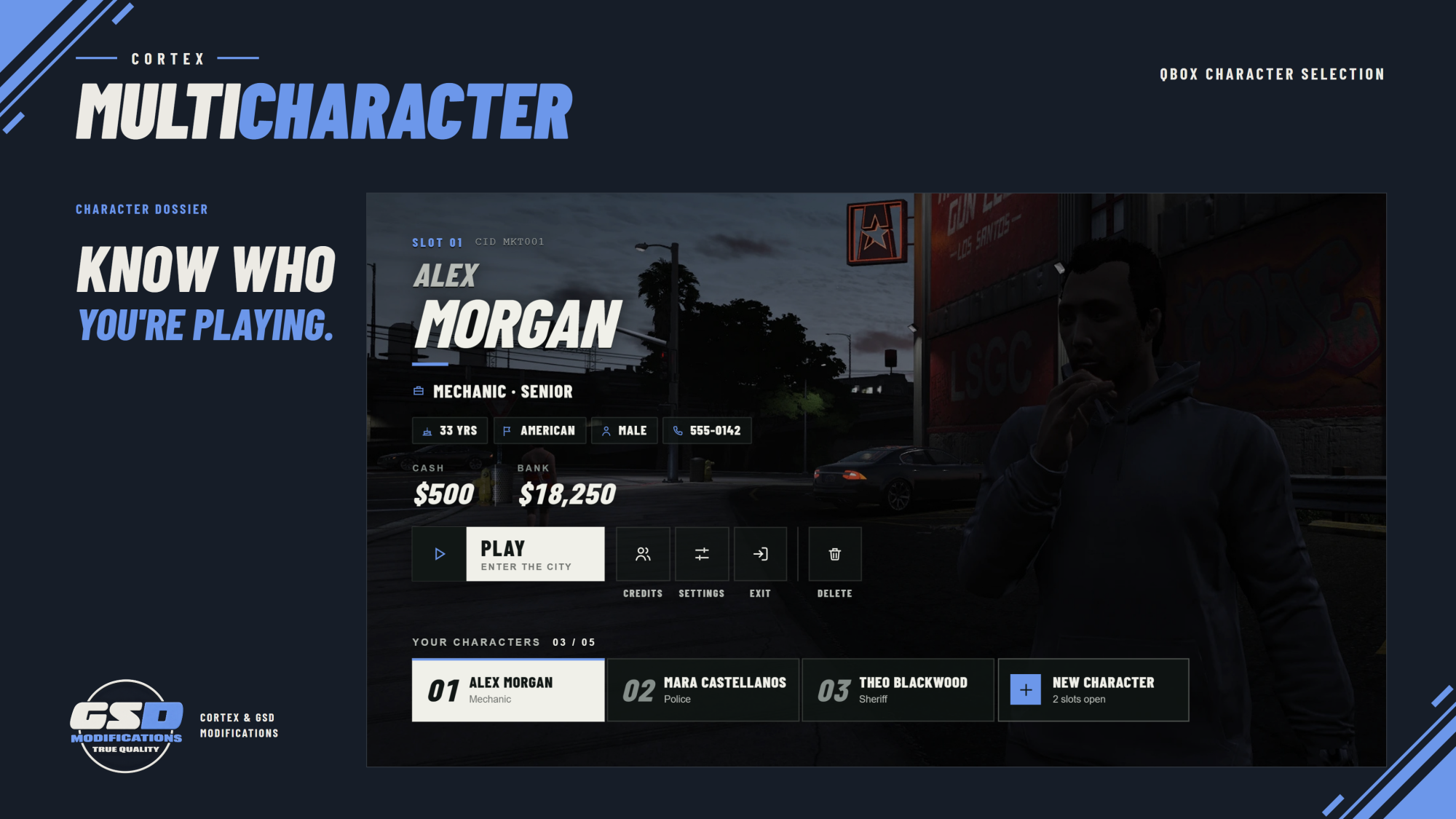
- Character dossier. Identity, employment, gang and account information from the framework, shown next to the selection.
Guided creation
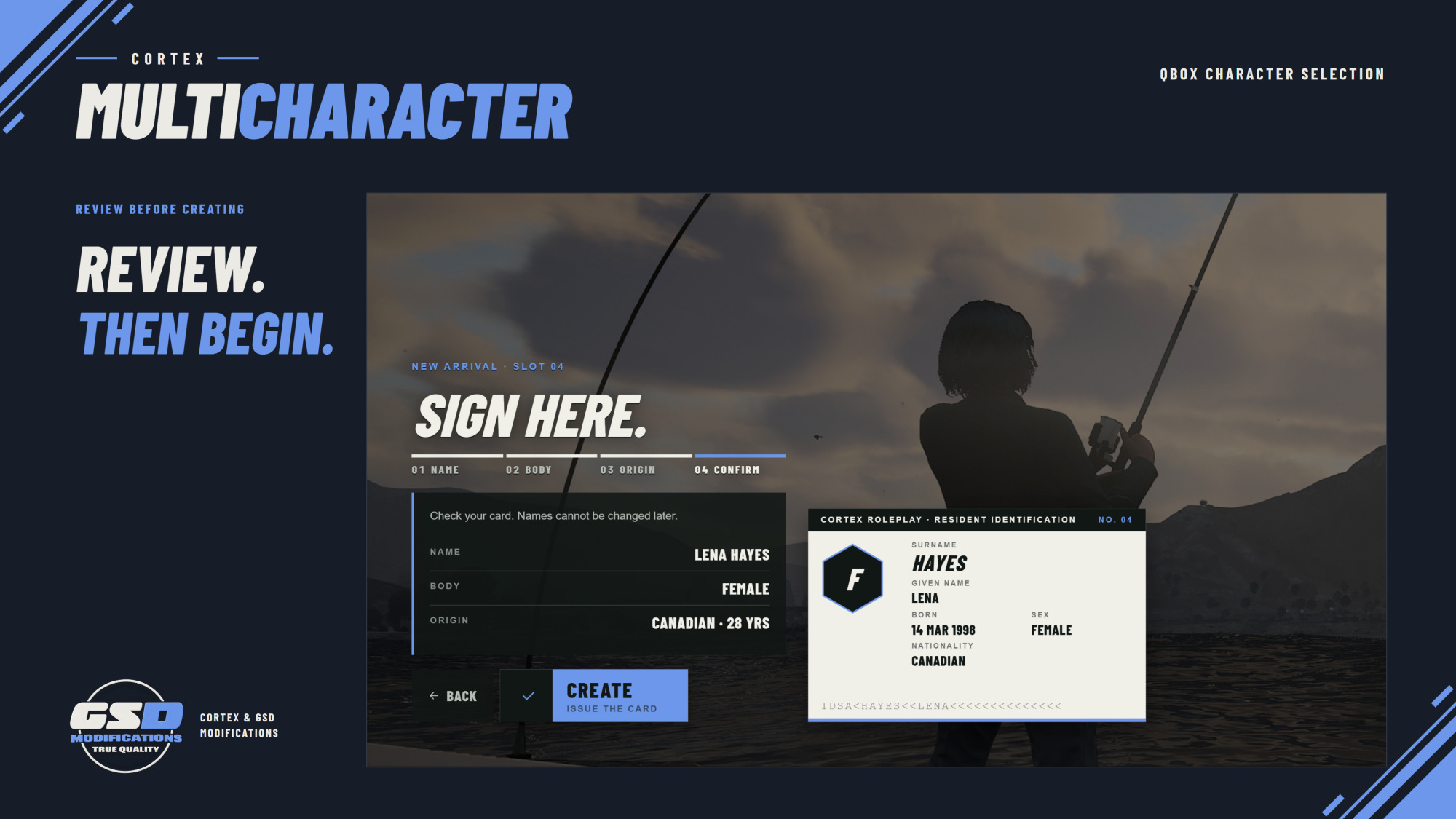
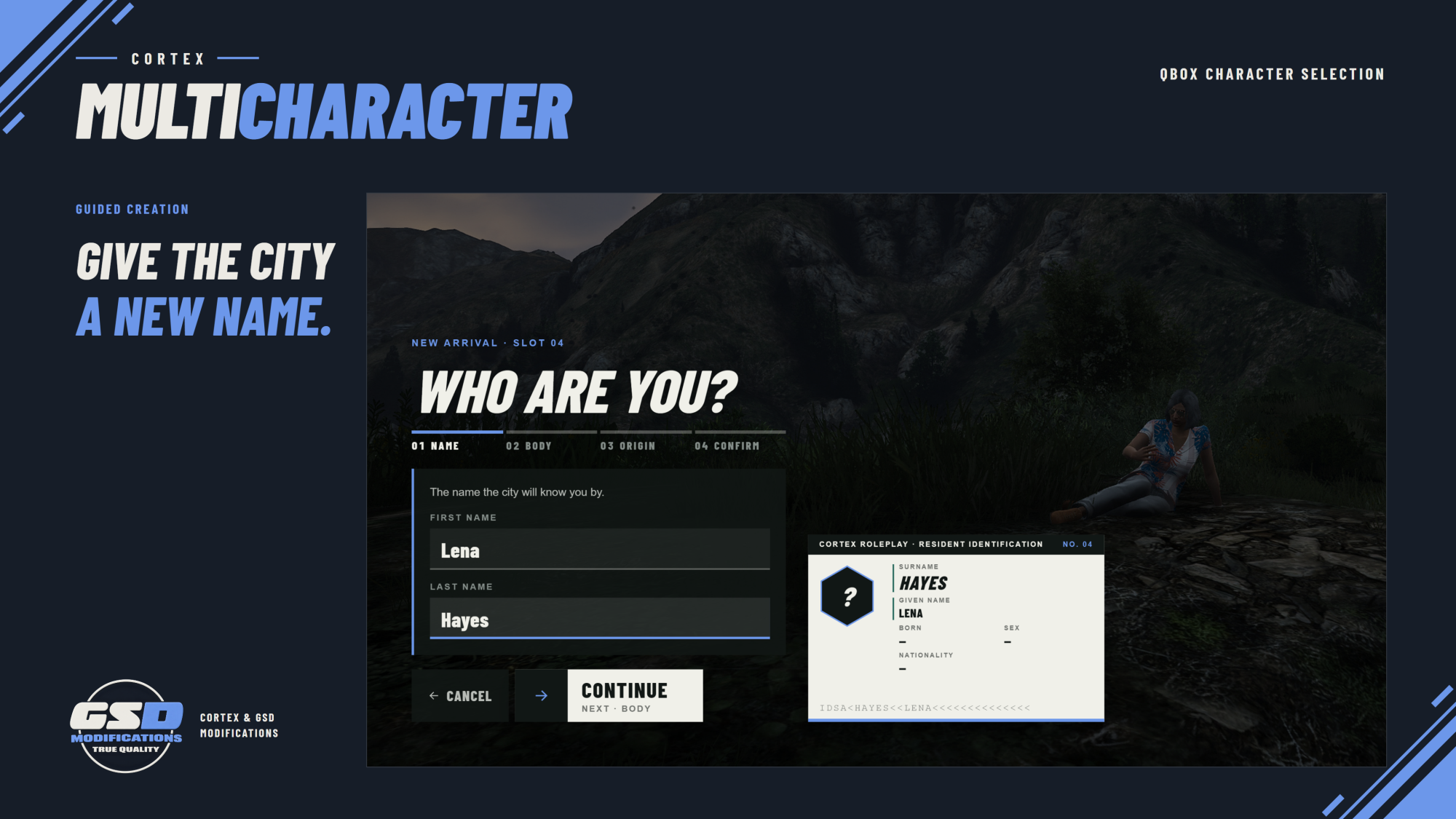
- Four steps: name, body, origin and confirmation.
- Live ID-card preview that fills in as the player answers.
- Review before creating. Players check their card before issuing it.
Account controls
- Configurable character slots.
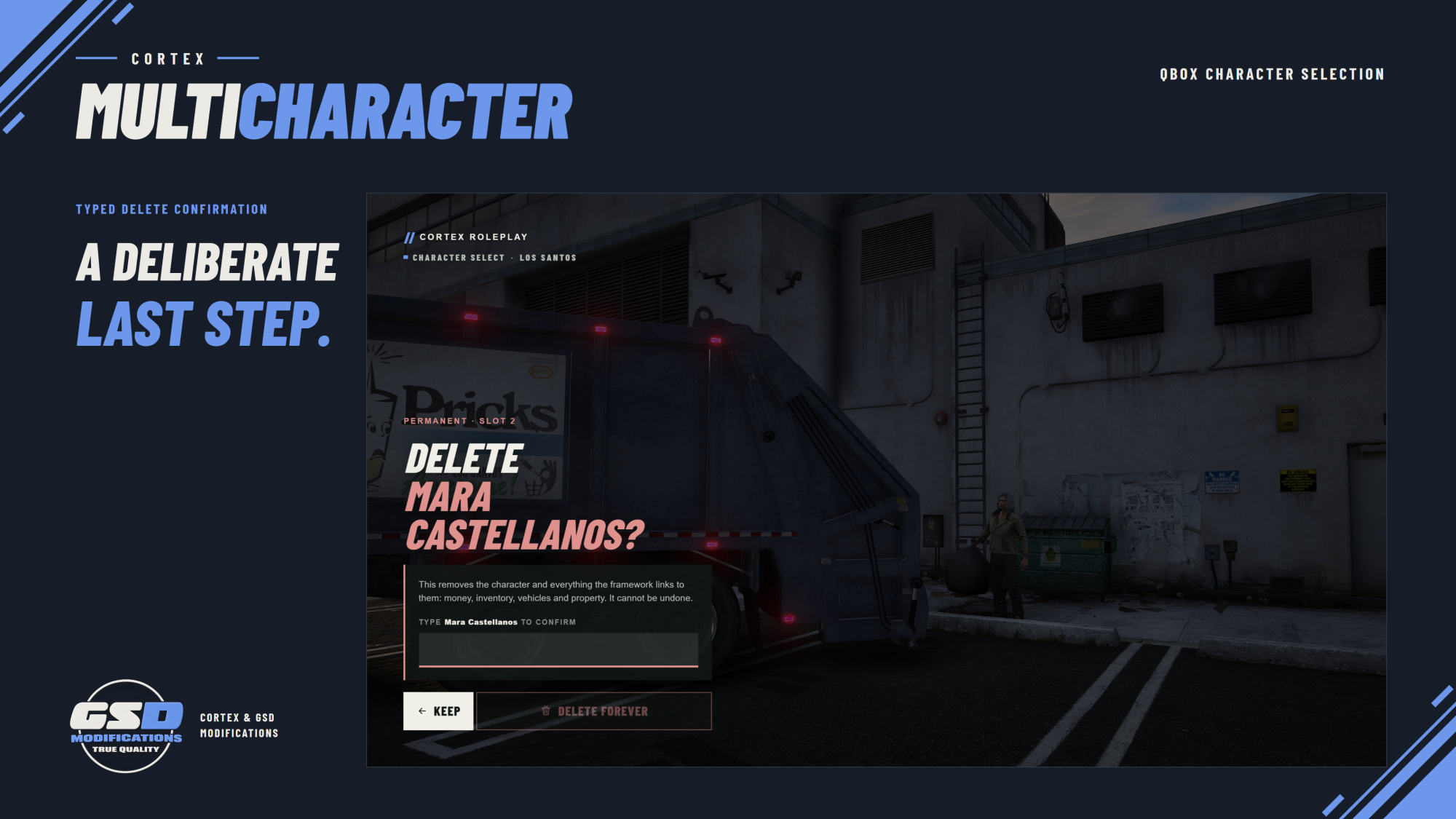
- Typed delete confirmation. Deleting a character means typing their name first.
- Staff relog controls and configurable server-menu links.
Scene authoring in game
- Author locations and character placements in game, including camera framing, with an in-game command to refine each spot.
- Editable scene, framework and integration configuration.
Qbox integration
- Native Qbox selection and spawn flow.
- Appearance hand-off and optional starting-apartment behaviour.
- Optional Arrival transition. With Cortex Loading: Arrival, the loading screen fades into the prepared selection scene.
Requirements
Qbox setup
- qbx_core, ox_inventory and qbx_spawn
- qbx_properties when starting apartments are enabled
Compatibility
- Qbox is the primary integration.
- A QBCore adapter exists, but live compatibility validation is still pending. Follow the Illenium adapter's QB-bridge requirement in the installation guide.
Resource folder: cortex-multicharacter